How to Change Language in cPanel

This article will show you how to change language in cPanel.
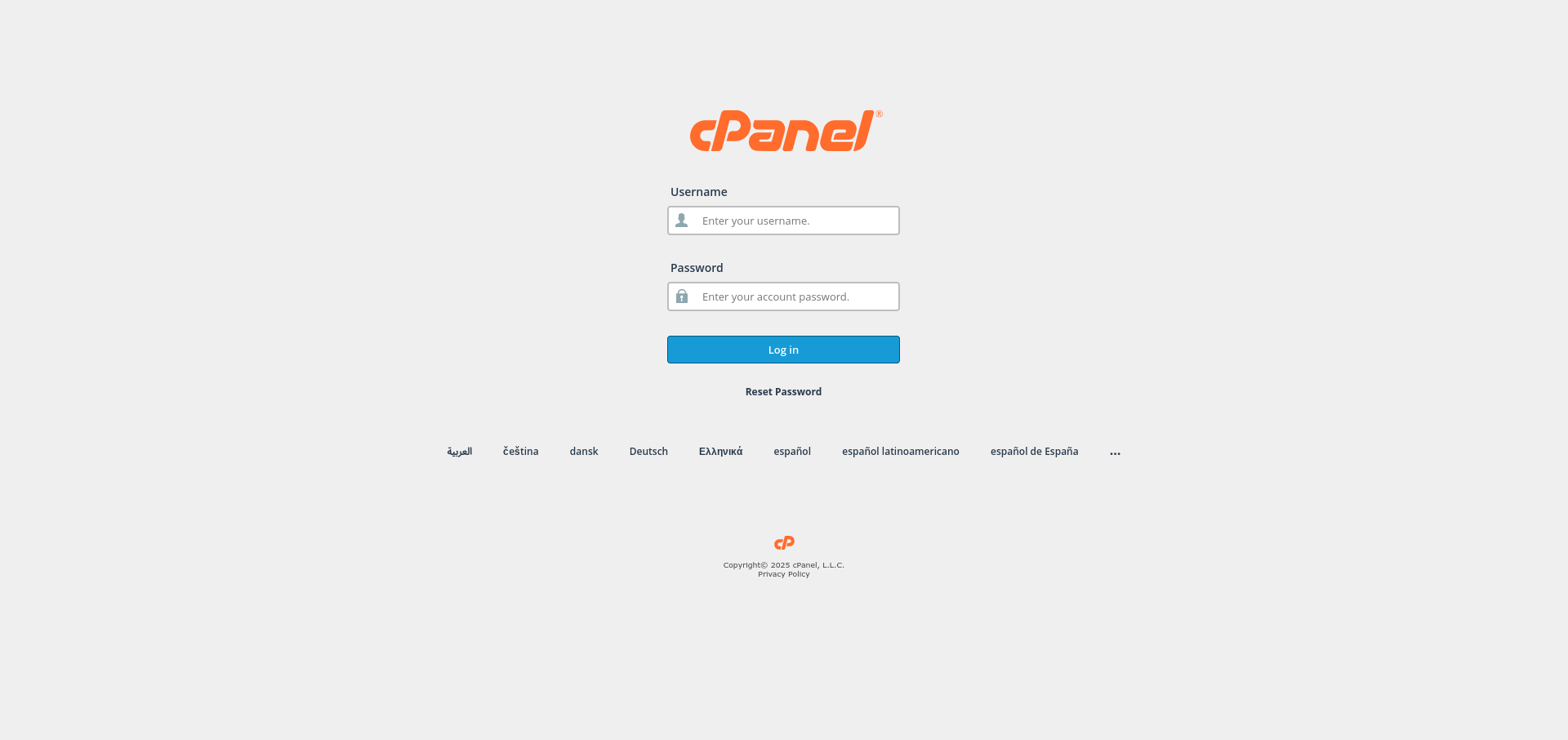
1. Log in to cPanel
Use your user details to log in to the cPanel control panel.
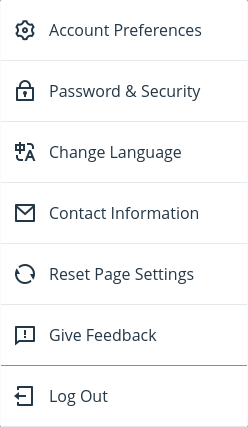
2. Navigate to Language Settings
Click on your profile icon from the top-right corner of cPanel and select the Change Language option.
3. Select Your Desired Language
In the Change Language page, click the drop-down menu and choose the language you prefer.
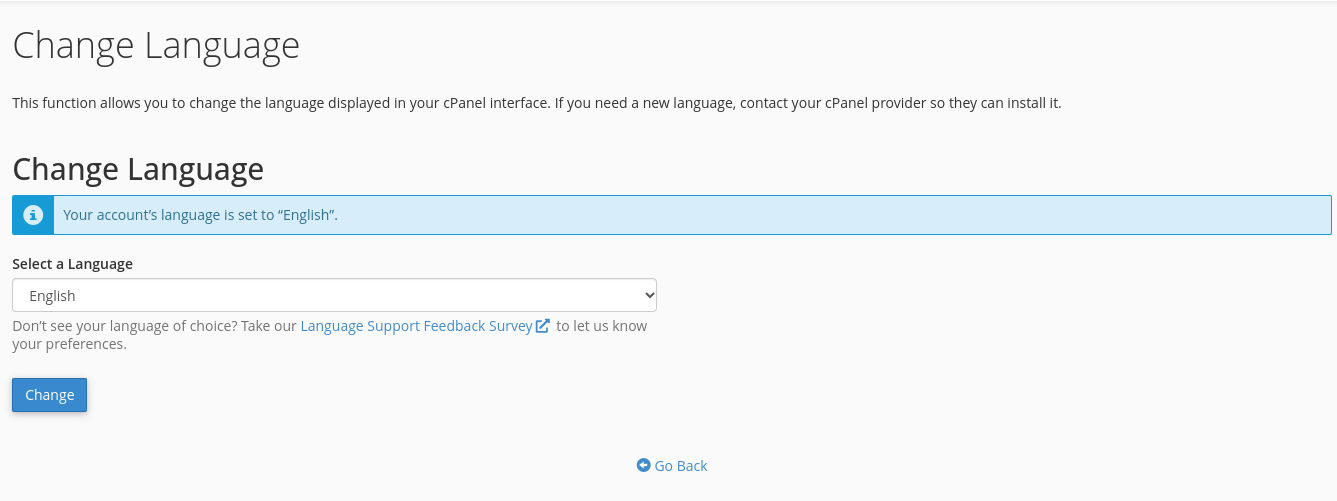
4. Confirm the Language Change
Click the Change button at the bottom left to confirm your selection.
