How to Remove a Database in cPanel

This article will show you how to remove a database in cPanel.
Before you start: deleting a database destroys every table and row in it, and takes the site that uses it offline immediately. Export a copy from phpMyAdmin first, even if you are certain it is unused.
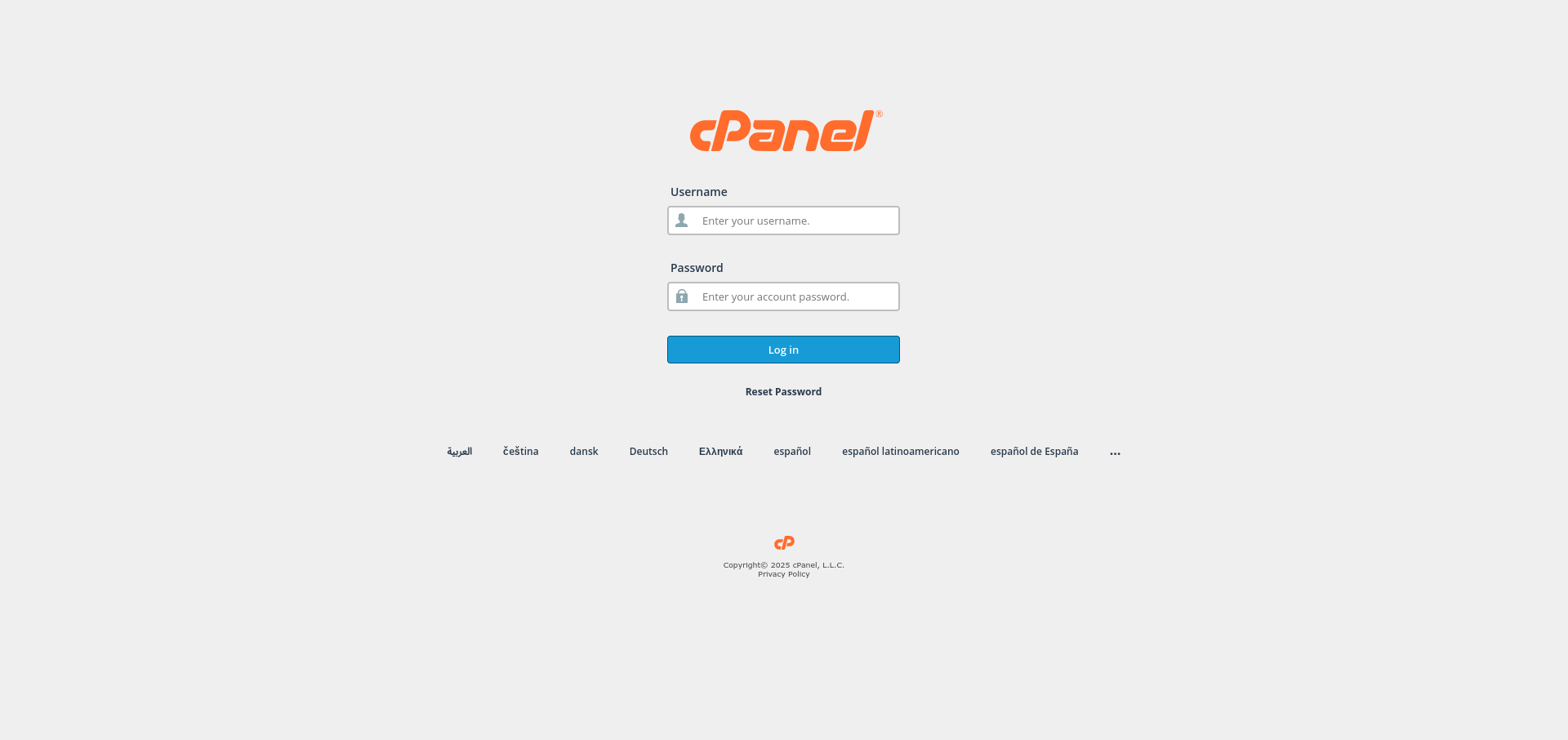
1. Log in to cPanel
Use your user details to log in to the cPanel control panel.
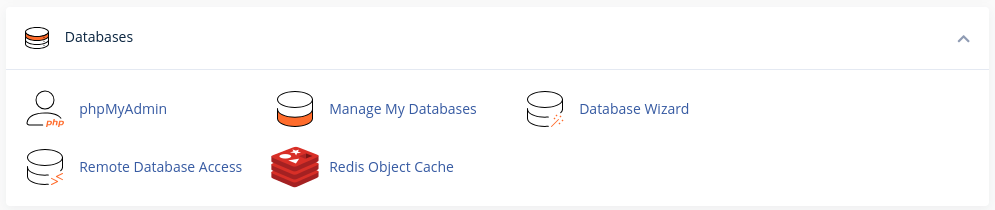
2. Navigate to the Databases Section
Scroll down and find the Databases section in cPanel.
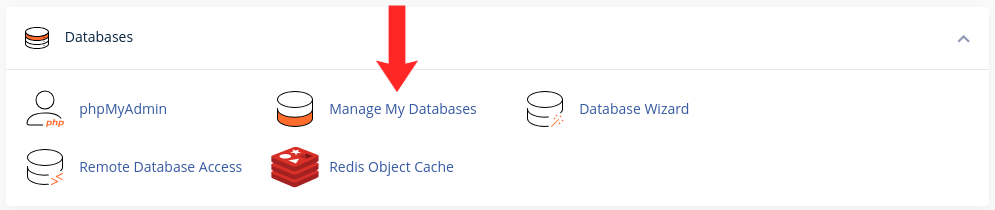
3. Access the Databases Page
Click on the Manage My Databases option under the Databases section.
4. Locate the Database to Remove
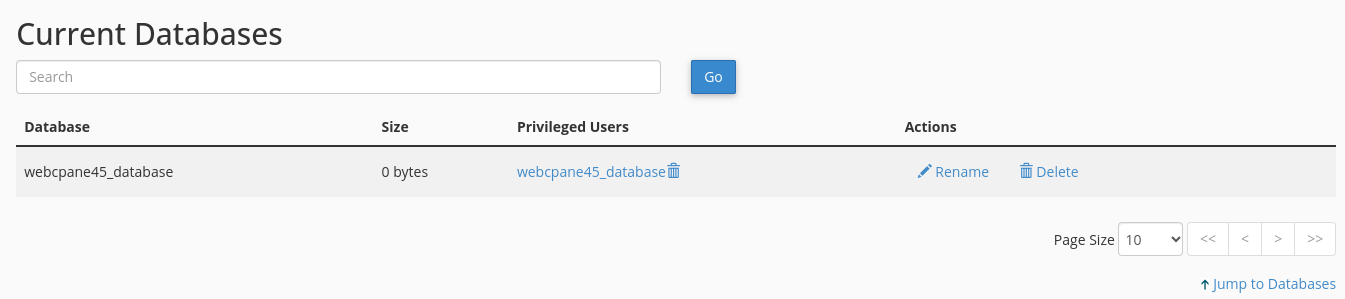
In the Current Databases section, find the database you wish to remove.
5. Delete the Database
Warning: this destroys the database and everything in it immediately. Any site using it will stop working within seconds.
Next to the database name, click the Delete button.

6. Confirm Deletion
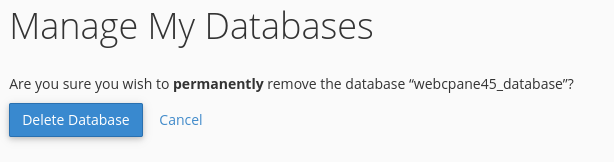
A confirmation prompt will appear. Click Delete Database to confirm that you want to permanently delete the database.