How to View Error Logs in DirectAdmin

This article will show you how to view error logs in DirectAdmin.
Before you start: this shows the server error log, which records problems such as permission failures and PHP fatal errors. Application logs, including the WordPress debug log, are separate and live in the site's own directory.
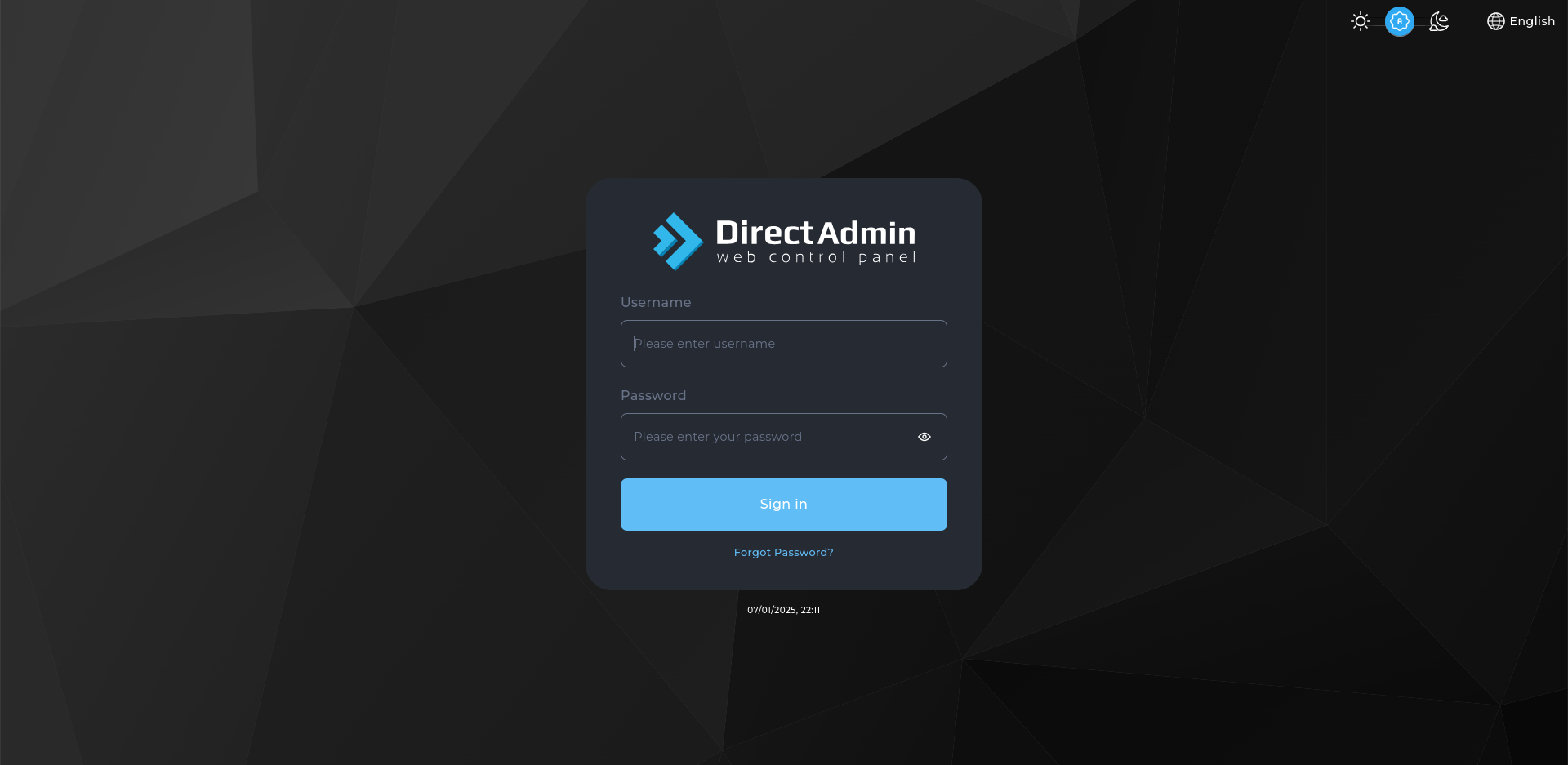
1. Log in to DirectAdmin
Use your user credentials to log in to the DirectAdmin control panel.
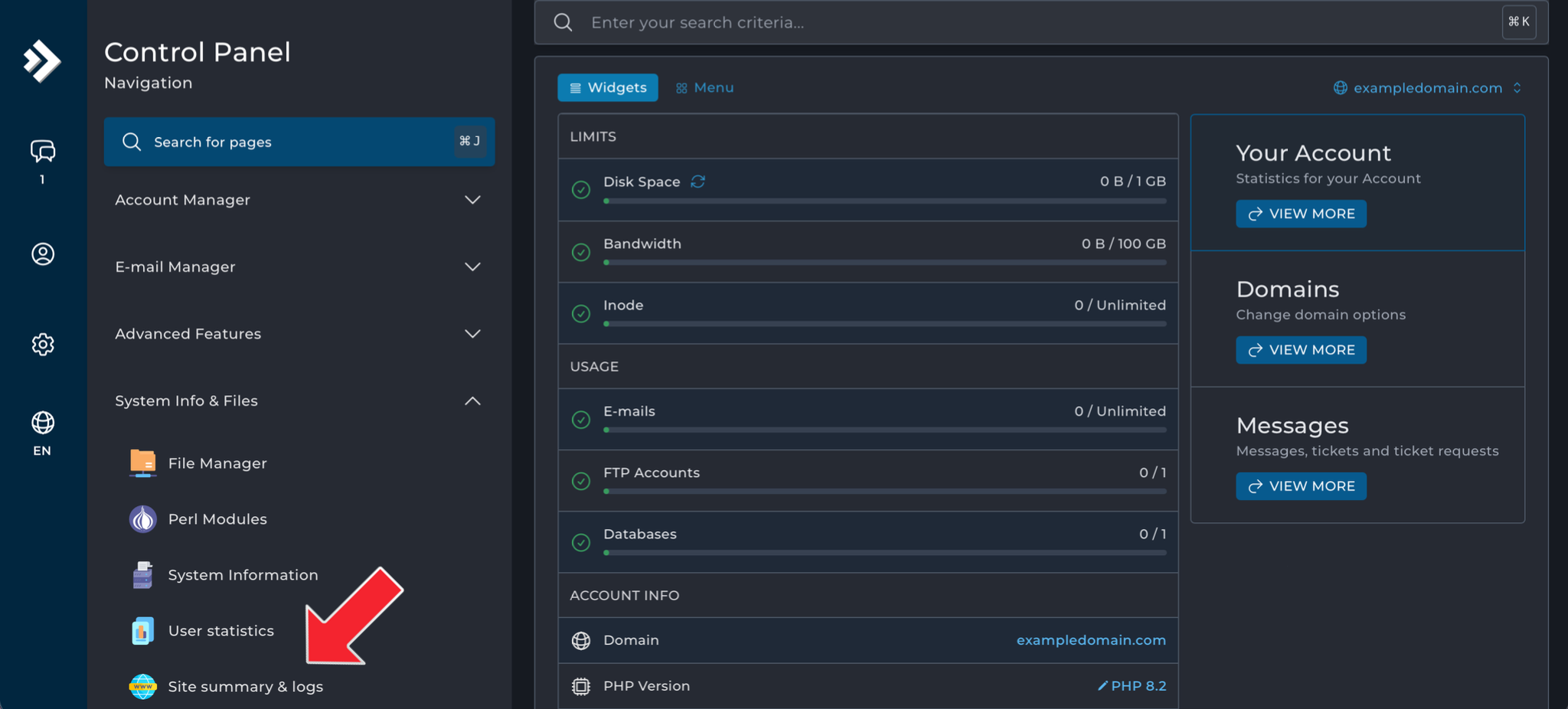
2. Navigate to Site Summary / Statistics / Logs
- Under System Info & Files click on Site summary & logs.
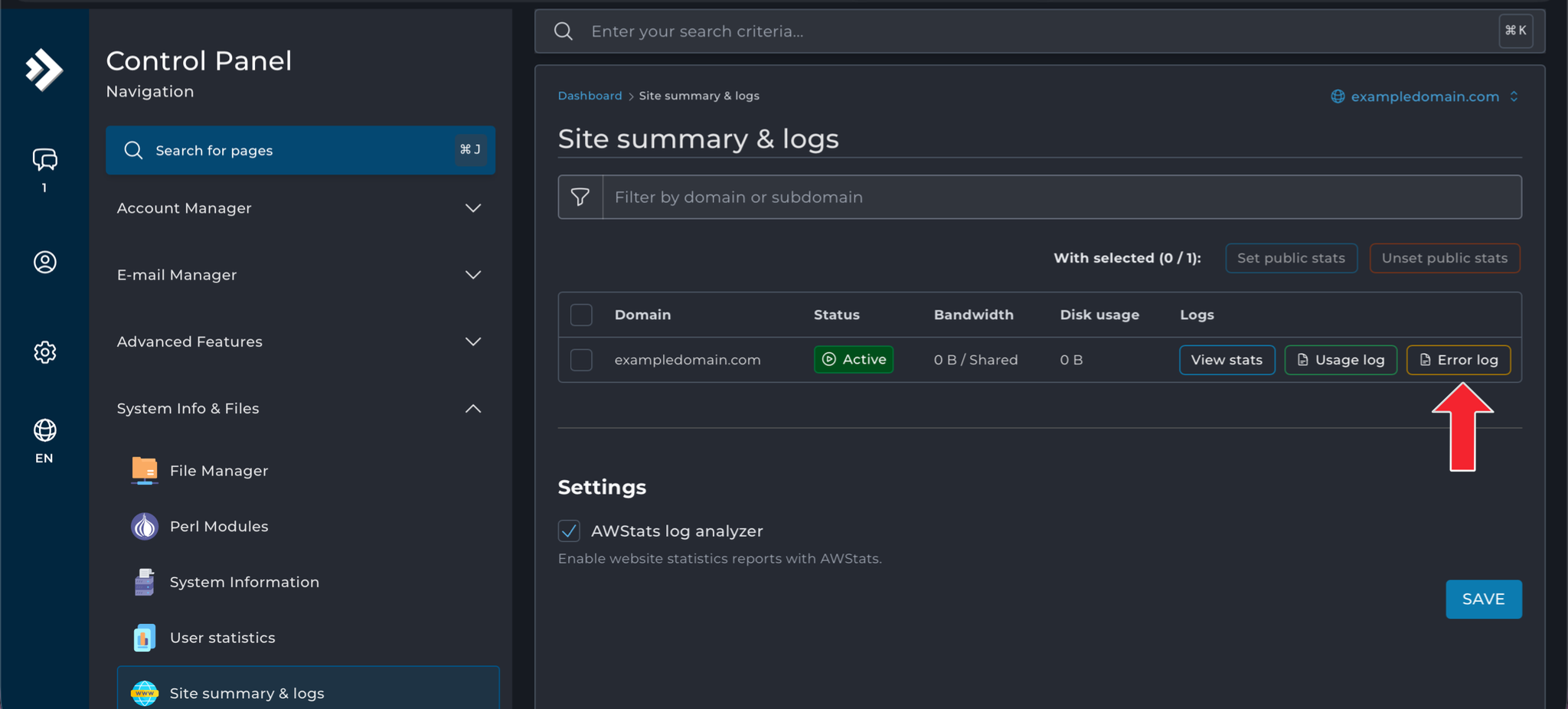
3. Access the Error Logs
- Under the Site Summary & Logs section, click on Error Log.
- This will display all the details in raw format.
4. Interpret What You See
Each entry gives a date, an error type and a file path. The path is the most useful part: it tells you which file caused the problem. Entries repeating every few seconds usually indicate a loop rather than many separate faults.
Next: How to Set Custom Error Pages Using .htaccess shows how to give visitors something better than the default error page.