How to Find a Payment Receipt in PayPal

This article will show you how to find a payment receipt in PayPal.
If you have paid for an invoice using PayPal, you can find the transaction receipt within your PayPal account.
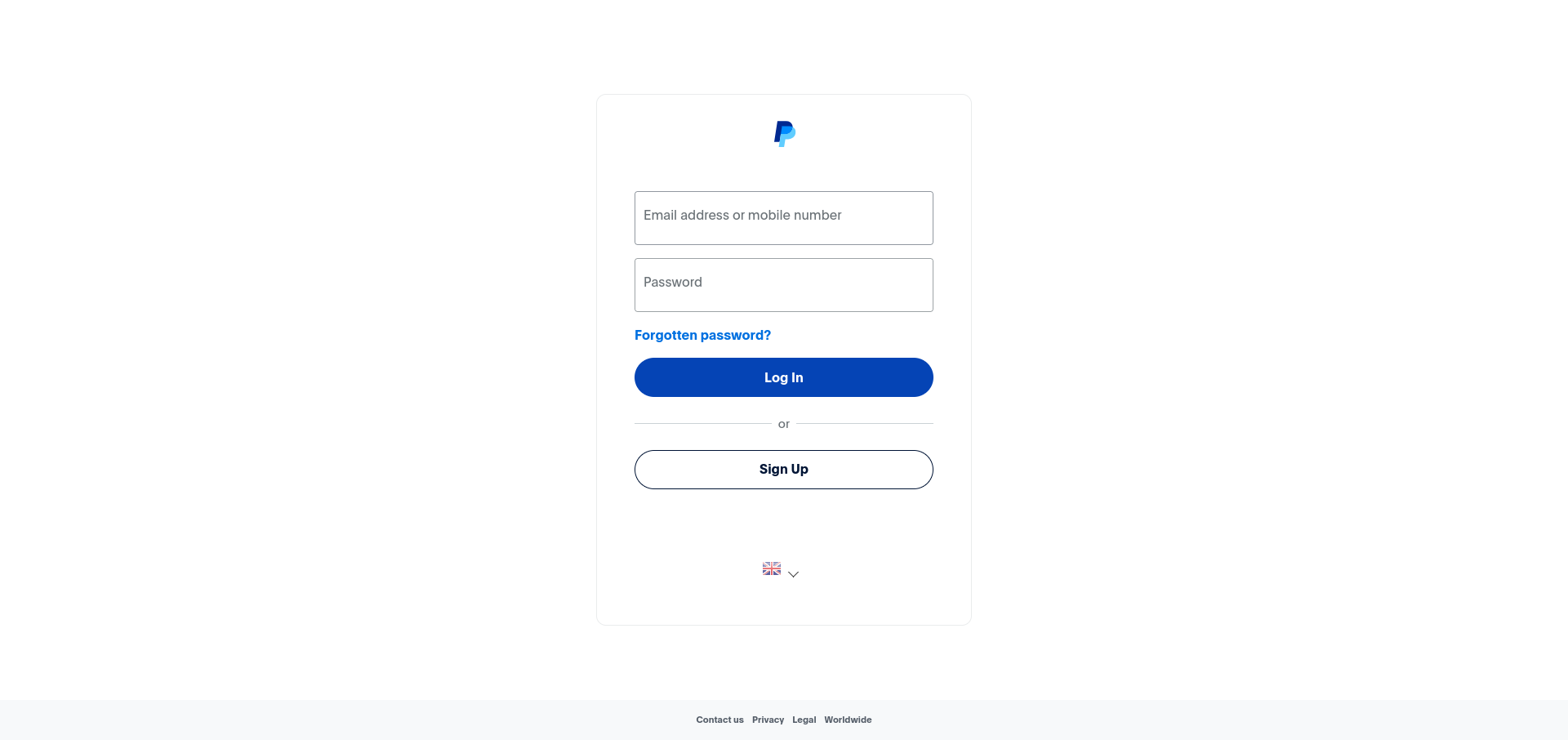
1. Log in to Your PayPal Account
Use your login credentials to access your PayPal account.
2. Navigate to the "Activity" Page
From the navigation bar, click on the "Activity" link.
3. Search for the Transaction
Enter the transaction ID or the email address associated with the payment into the search bar, or search by date to locate the transaction.
4. View the Transaction Receipt
Once you've found the transaction, click on it to open the full receipt with all the details.
Next: if the payment was wrong, How to Request a Refund in PayPal covers asking for it back.