How to Install an SSL Certificate in Enhance

This article will show you how to install an SSL certificate in Enhance.
Before you start: the domain must already resolve to this server before a certificate can be issued. If it still points at your old host, issuing will fail with a validation error.
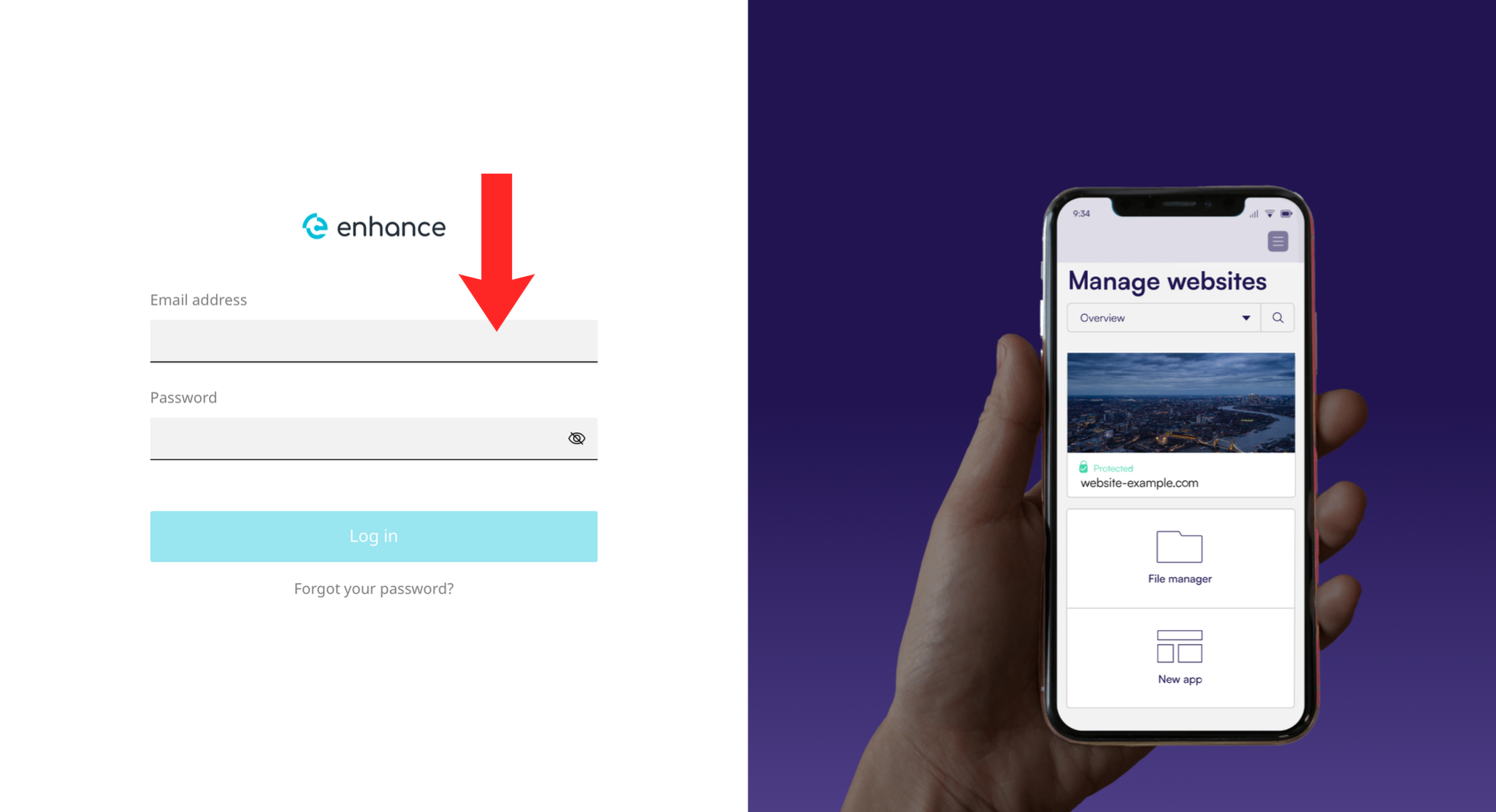
1. Log in to the Enhance Control Panel
Use your credentials to log in to your Enhance control panel.
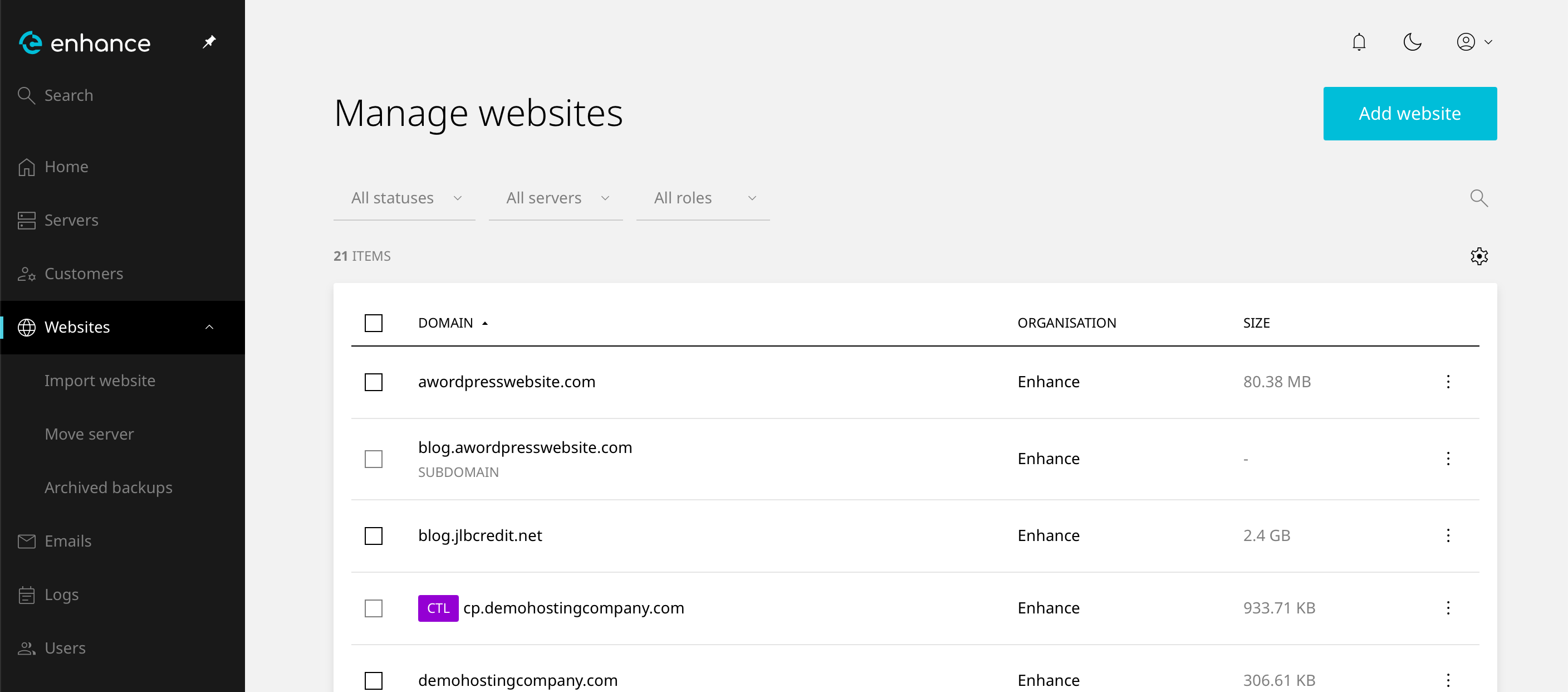
2. Navigate to Websites
Click on Websites in the left-hand navigation menu and select your website.
3. Open the Domains Tab
Click the Domains tab within your website settings.
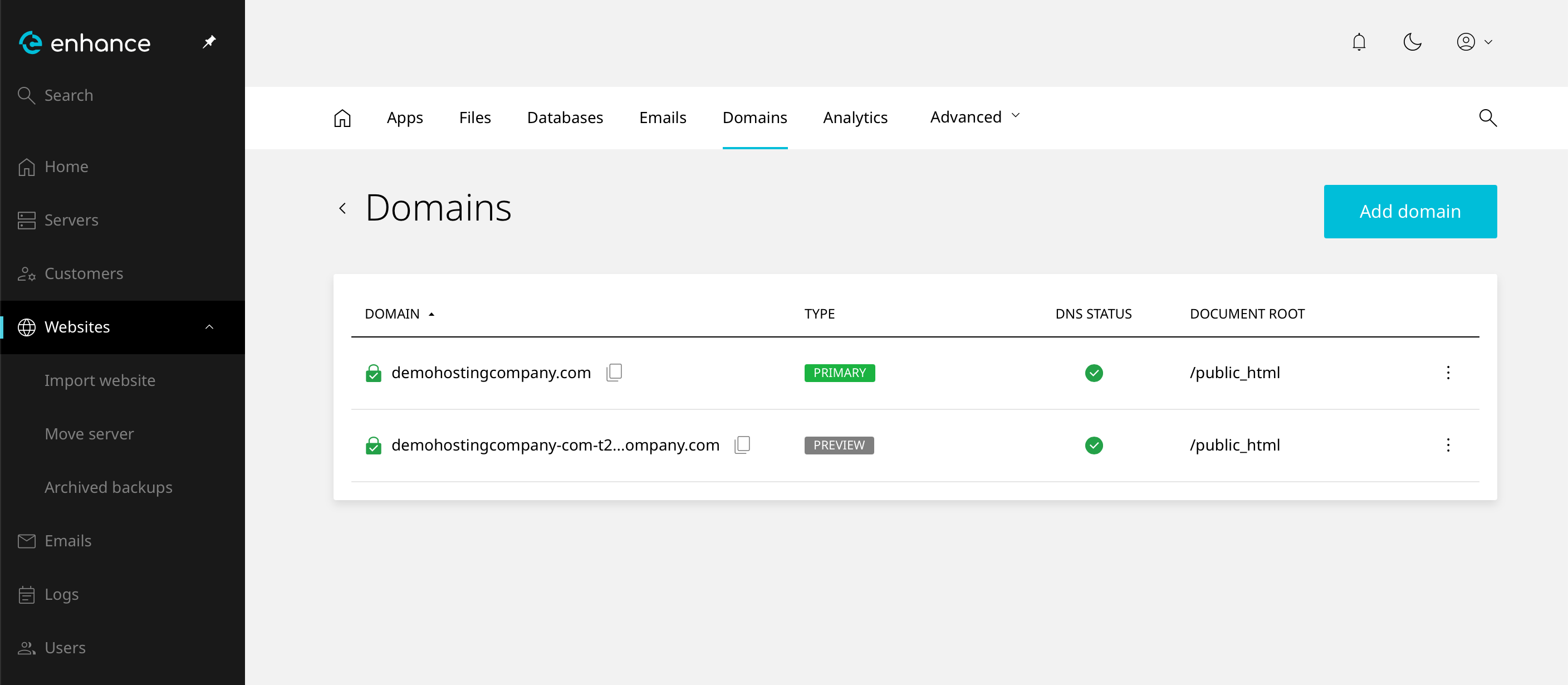
4. Select Your Domain
Click on the domain you want to install an SSL certificate for.
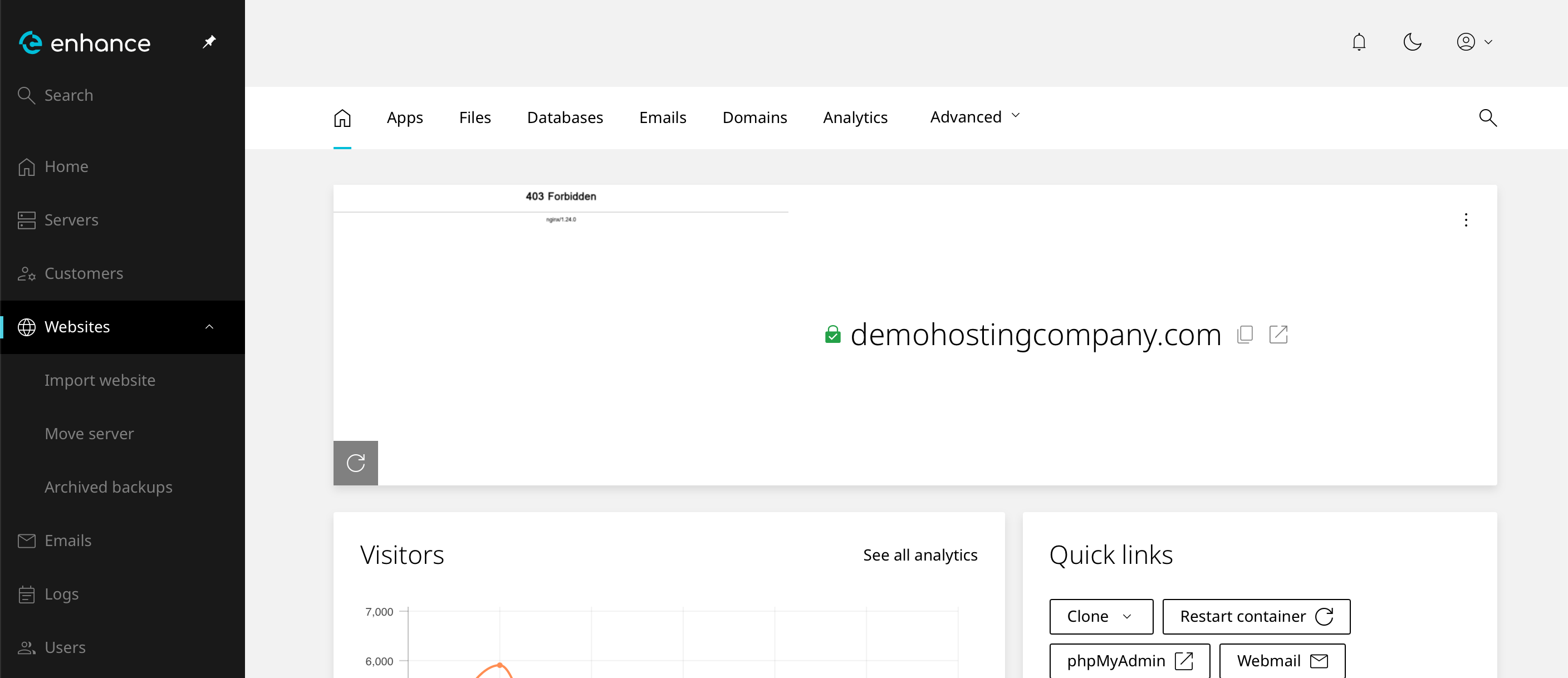
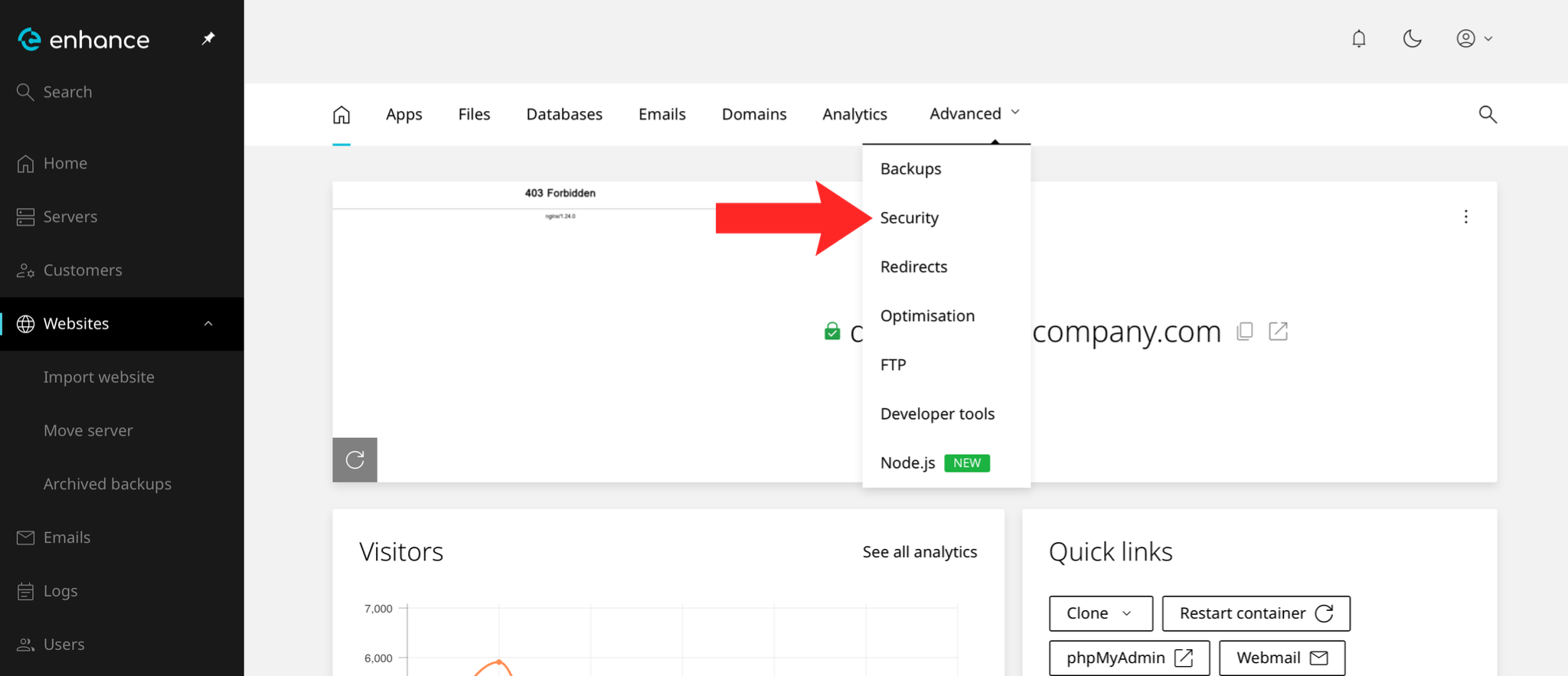
5. Navigate to Security
Navigate to the Security page from the Advanced dropdown menu.
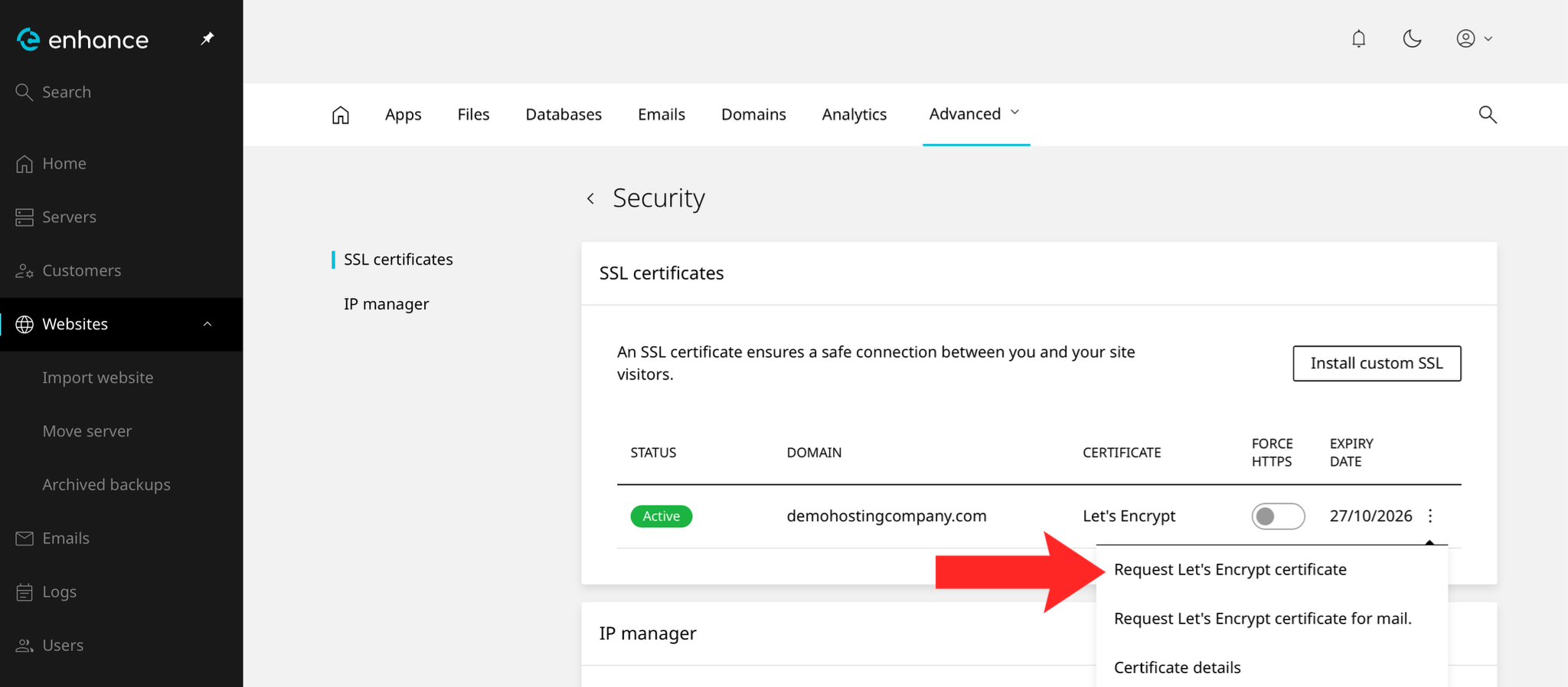
6. Install an SSL Certificate
Click on the three dots next to your domain name and then click Request Let's Encrypt Certificate.
7. Verify the Certificate
Visit the site over https:// and check the padlock appears. Note the expiry date if the certificate is not set to renew automatically.
Next: What Is SSL/TLS? explains what the certificate does and why it matters.