How to View Bandwidth Usage in Enhance

This article will show you how to view bandwidth usage in Enhance.
Before you start: bandwidth is counted per billing period and resets at the start of each one. A figure that looks alarming mid-month may be normal for your traffic.
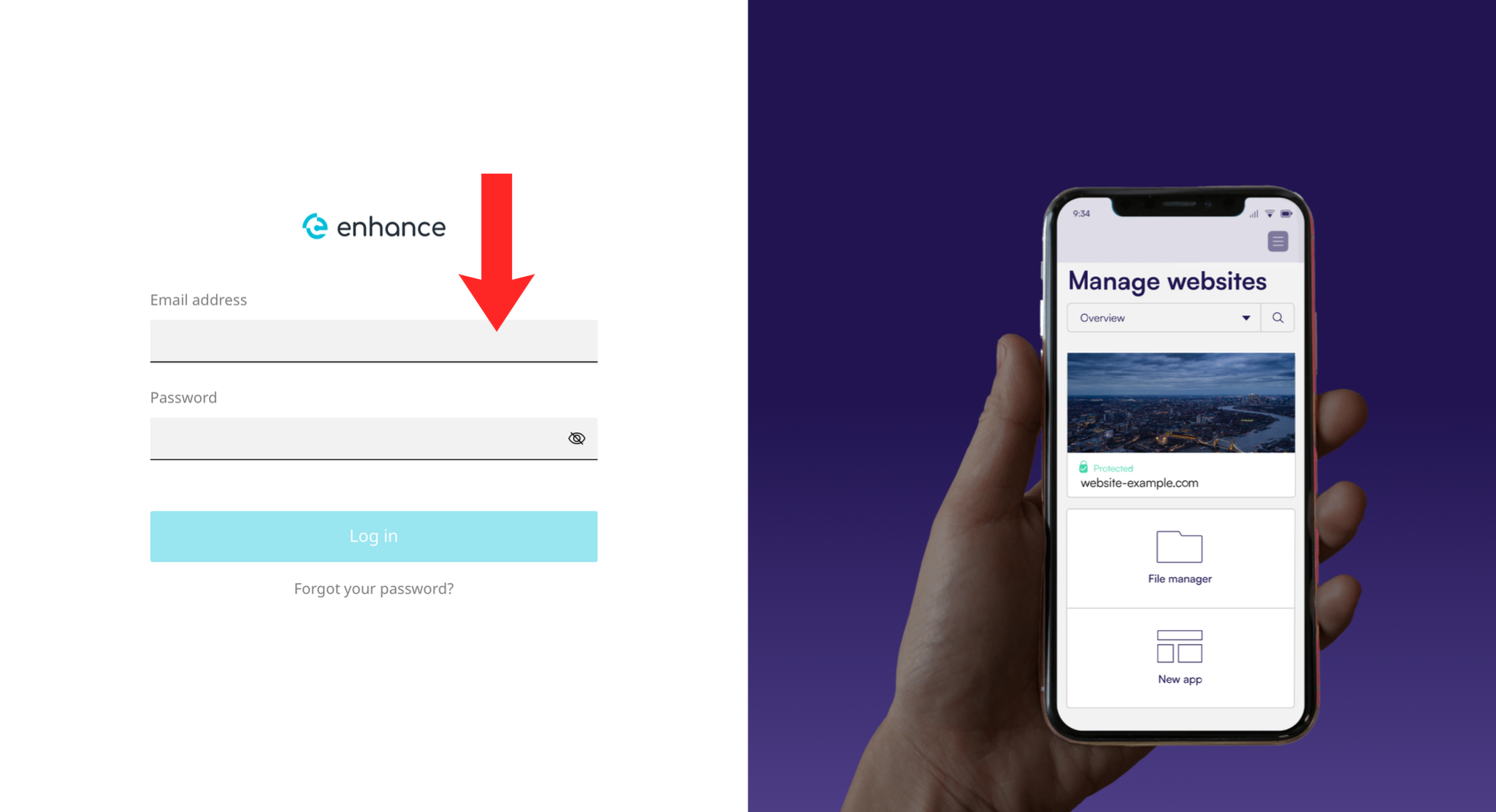
1. Log in to the Enhance Control Panel
Use your credentials to log in to your Enhance control panel.
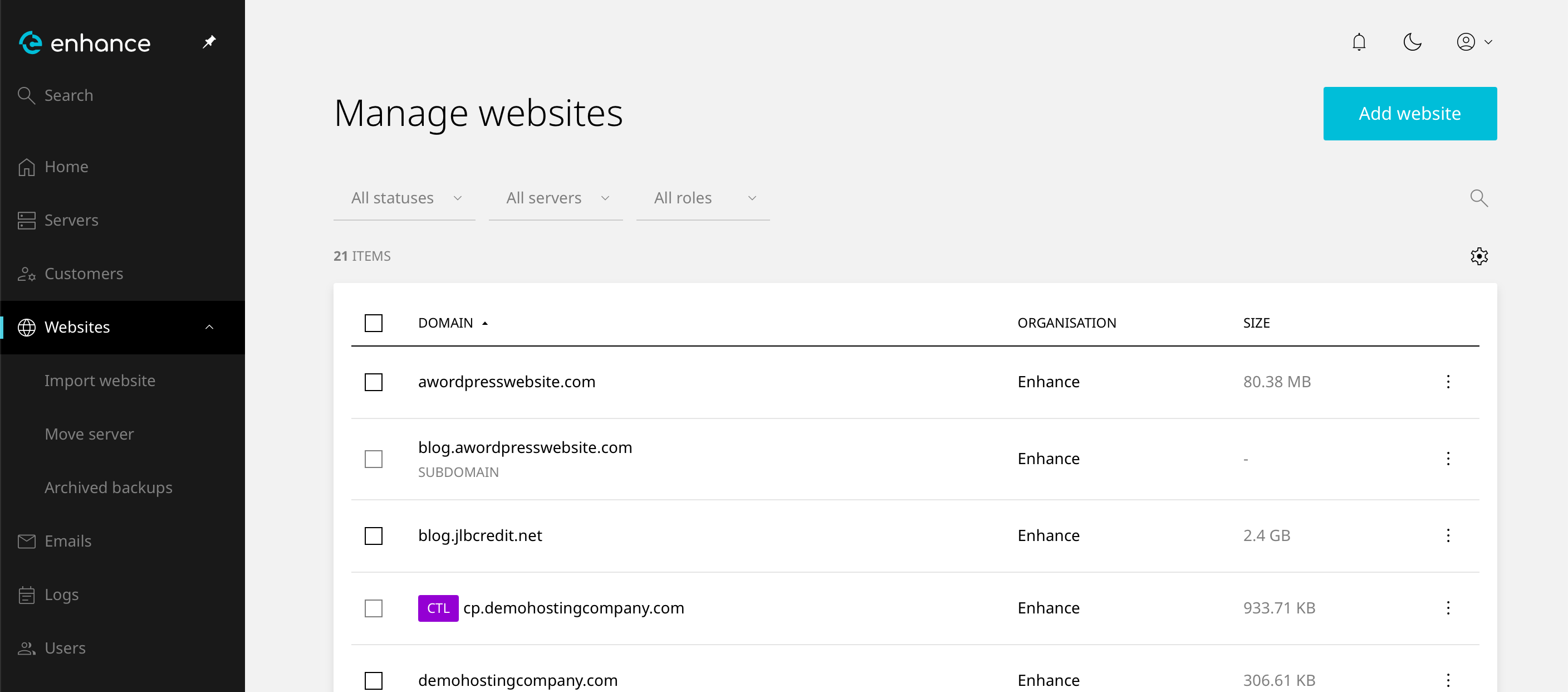
2. Navigate to Websites
Click on Websites in the left-hand navigation menu and select your website.
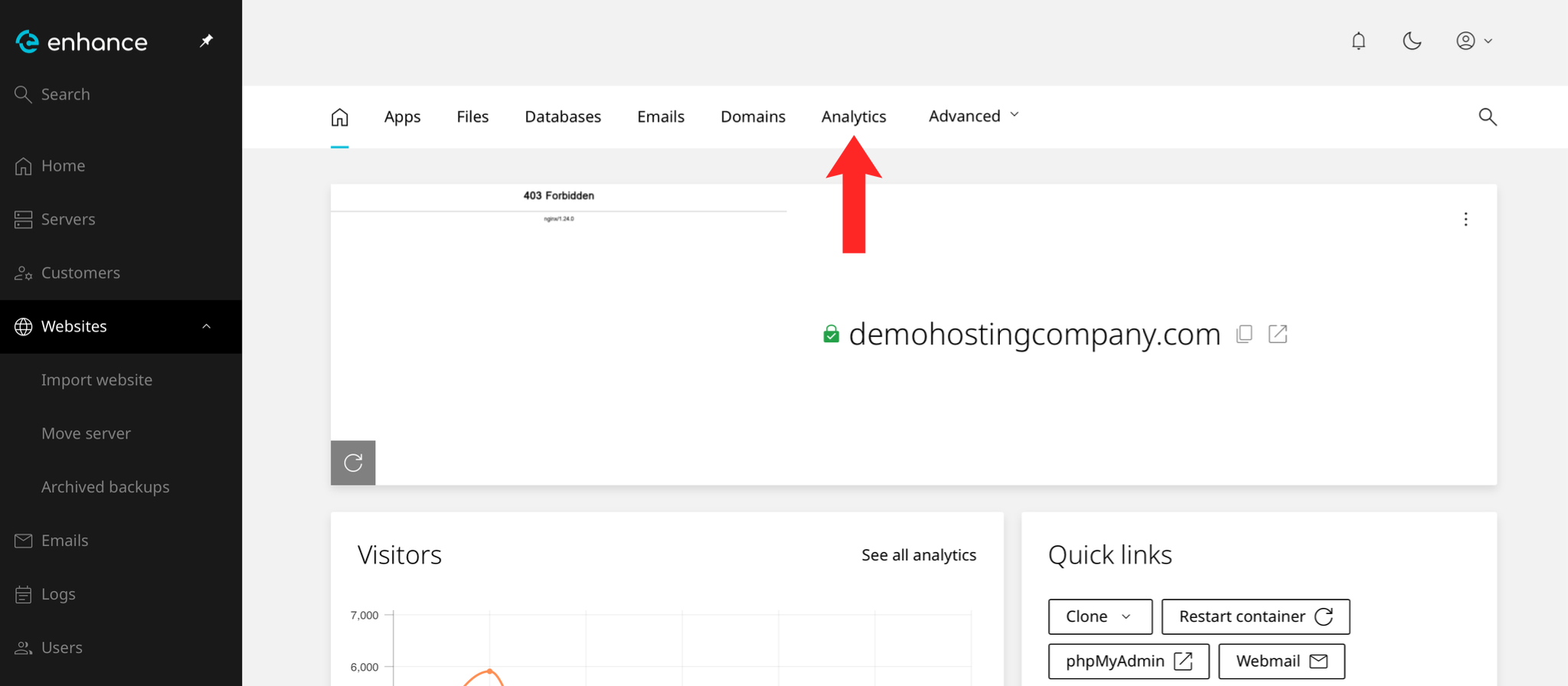
3. Open the Analytics Tab
Click the Analytics tab within your website settings.
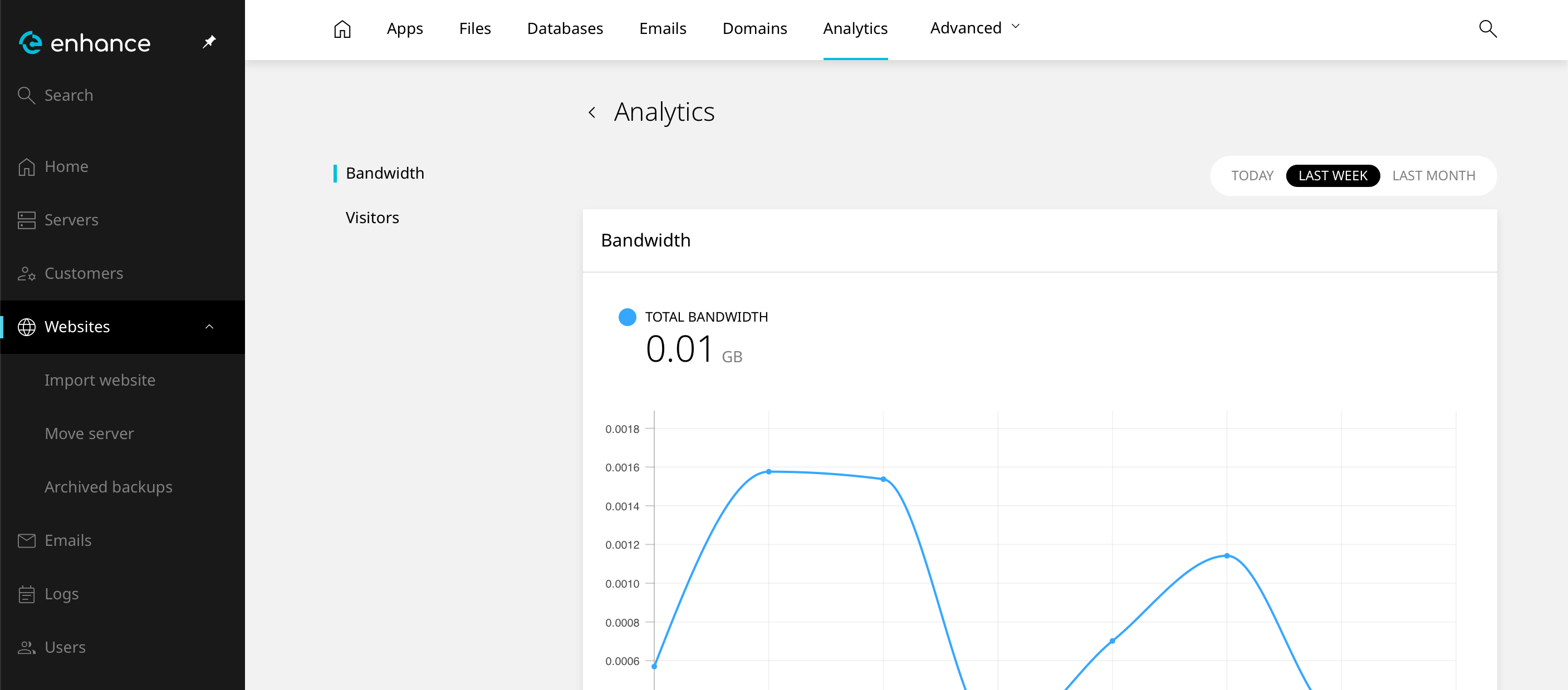
4. Review Your Usage
View your bandwidth and visitors displayed on the analytics page.
Next: How to View VPS Resource Usage in VirtFusion covers the same question on a VPS.