How to Update WordPress, Themes and Plugins

This article will show you how to update WordPress, themes and plugins.
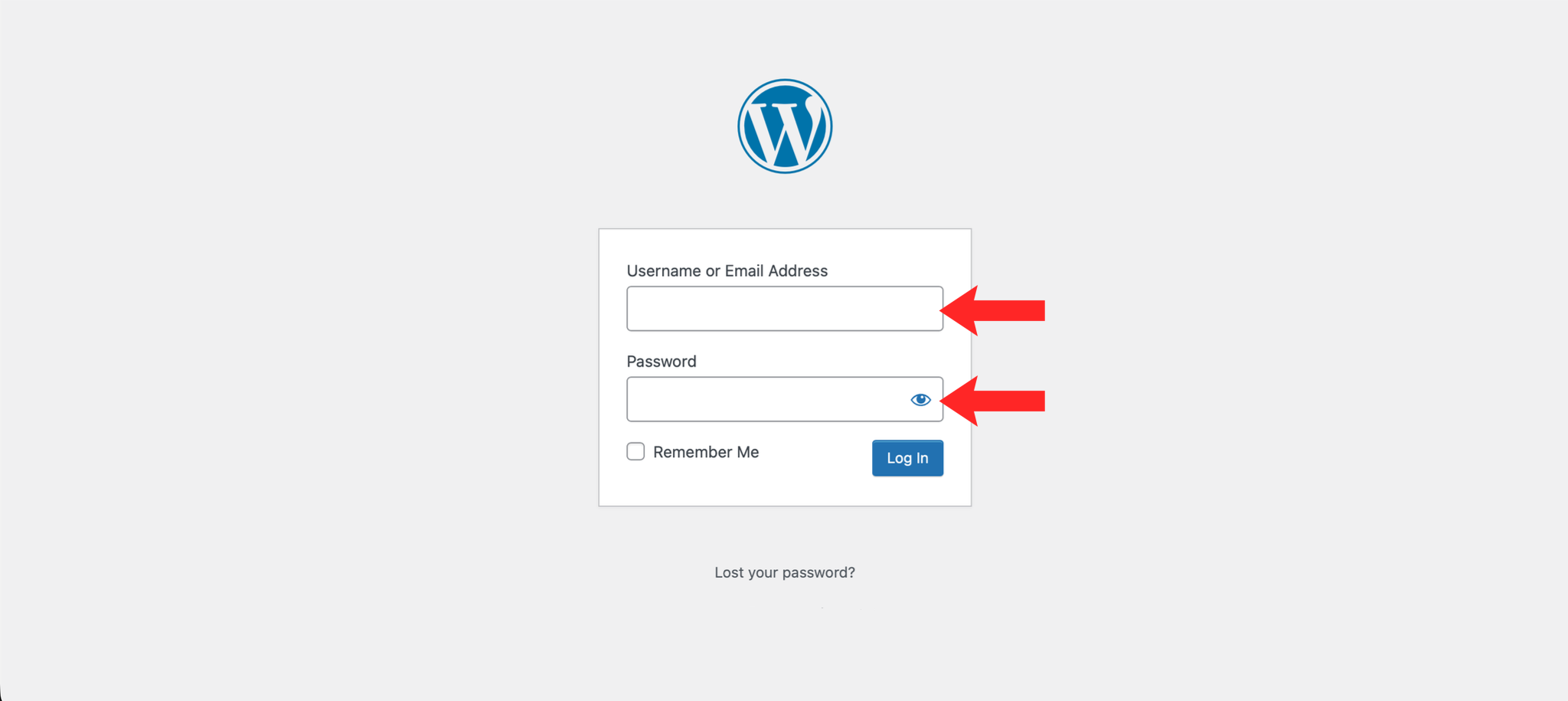
1. Log in to the WordPress Dashboard
Navigate to https://example.com/wp-admin and log in with your credentials.
2. Navigate to Updates
In the left-hand menu, hover over Dashboard and click Updates.
3. Update WordPress Core
If a new version of WordPress is available, click the Update to version X.X.X button.
4. Update Plugins
Select the plugins you want to update by checking the boxes next to them, then click Update Plugins.
5. Update Themes
Select the themes you want to update by checking the boxes next to them, then click Update Themes.
Next: Why You Should Take Regular Backups covers taking a backup before you update anything.