How to Enable Two-Factor Authentication in PayPal

This article will show you how to enable two-factor authentication in PayPal.
Two-factor authentication (2FA) adds an extra layer of security to your PayPal account by requiring a verification code in addition to your password when logging in.
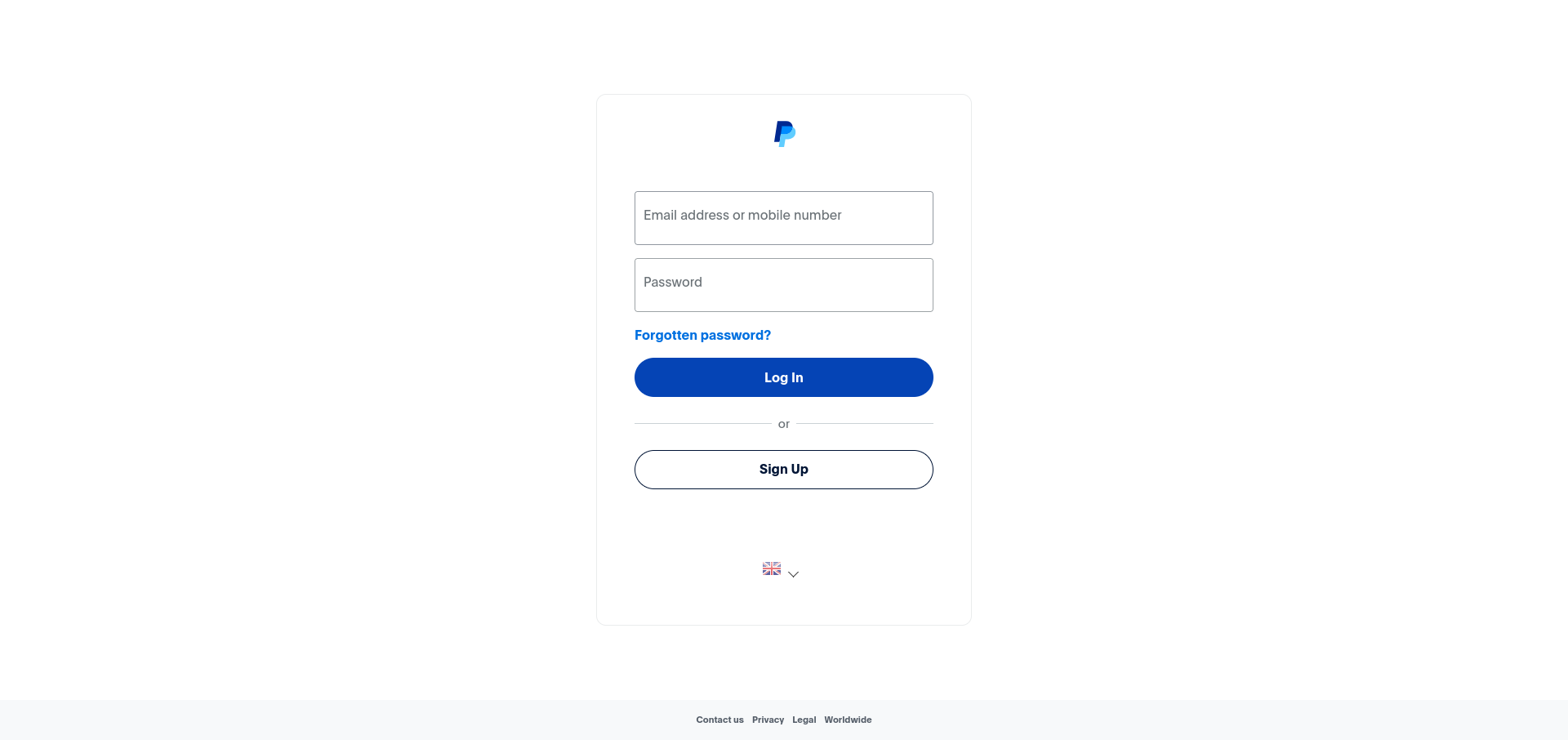
1. Log in to Your PayPal Account
Use your login credentials to access your PayPal account.
2. Navigate to Account Settings
Click on the Settings icon in the top right corner of the page.
3. Open Security Settings
Click on the Security tab within your account settings.
4. Set Up Two-Factor Authentication
Locate the Two-step verification section and click Set Up.
5. Choose a Verification Method
Select your preferred verification method - either a text message (SMS) sent to your phone number, or an authenticator app.
6. Confirm the Setup
Follow the on-screen instructions to verify your chosen method and complete the setup.
Next: What Is Two-Factor Authentication? explains what this protects you from.