How to Open a Support Ticket in Blesta

This article will show you how to open a support ticket in Blesta.
Before you start: include the domain or service the problem relates to, and what you have already tried. A ticket that says only "my site is down" takes several exchanges before anyone can help.
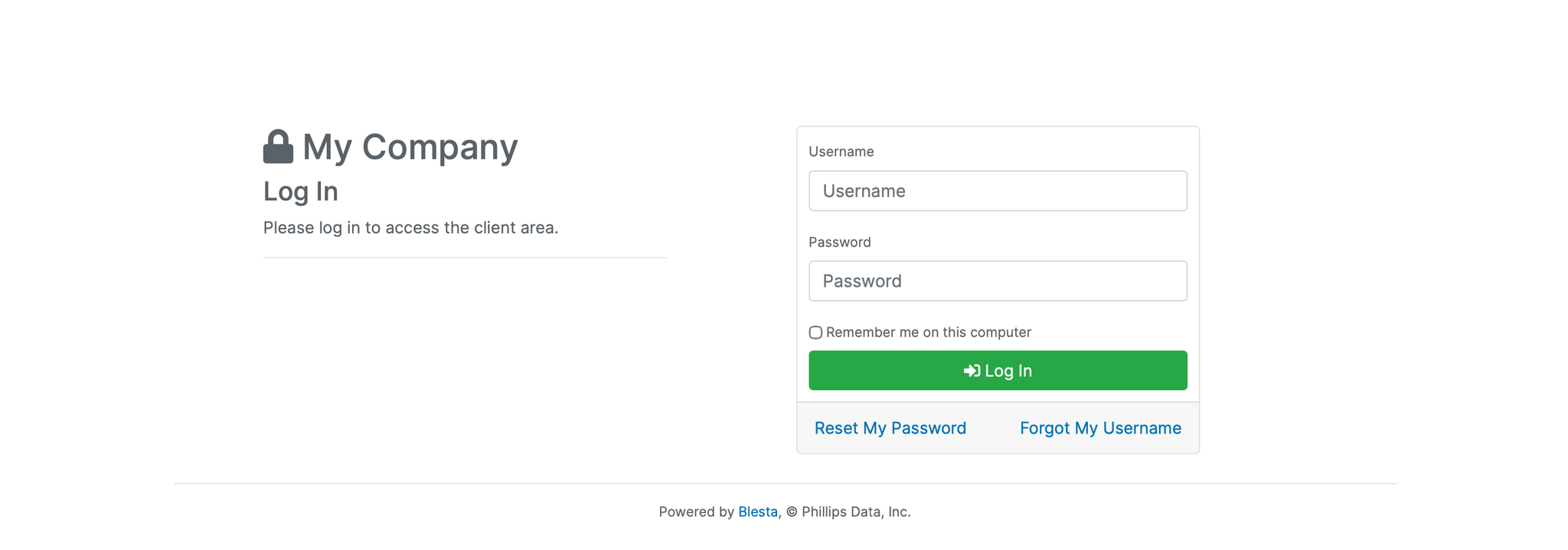
1. Log in to the Blesta Client Area
Use your credentials to log in to your Blesta client area.
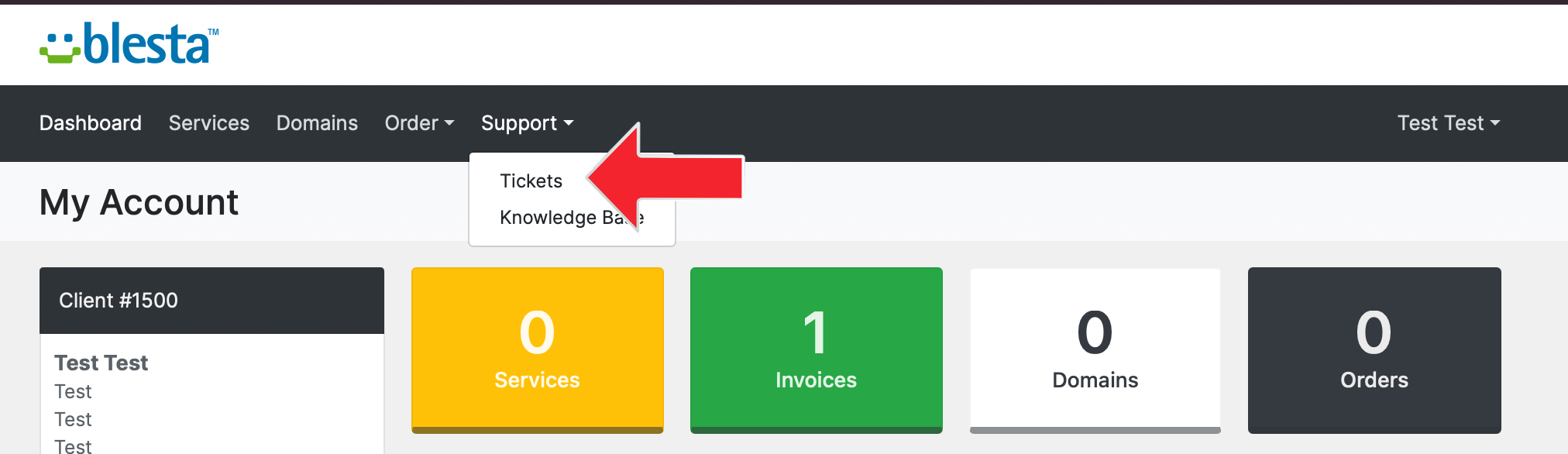
2. Navigate to Support
Click on Support in the navigation menu and select Tickets.
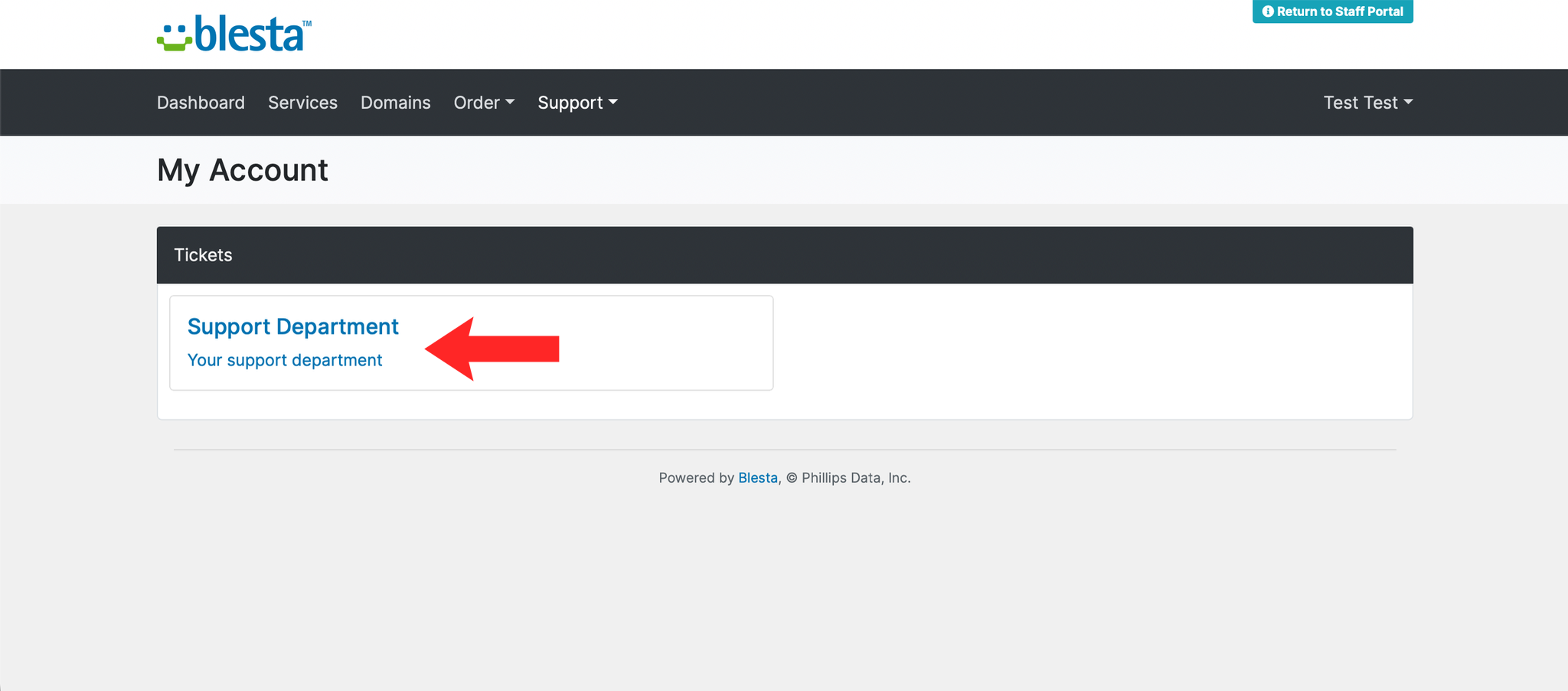
3. Select a Department
Select the most appropriate department for your query from the list provided.
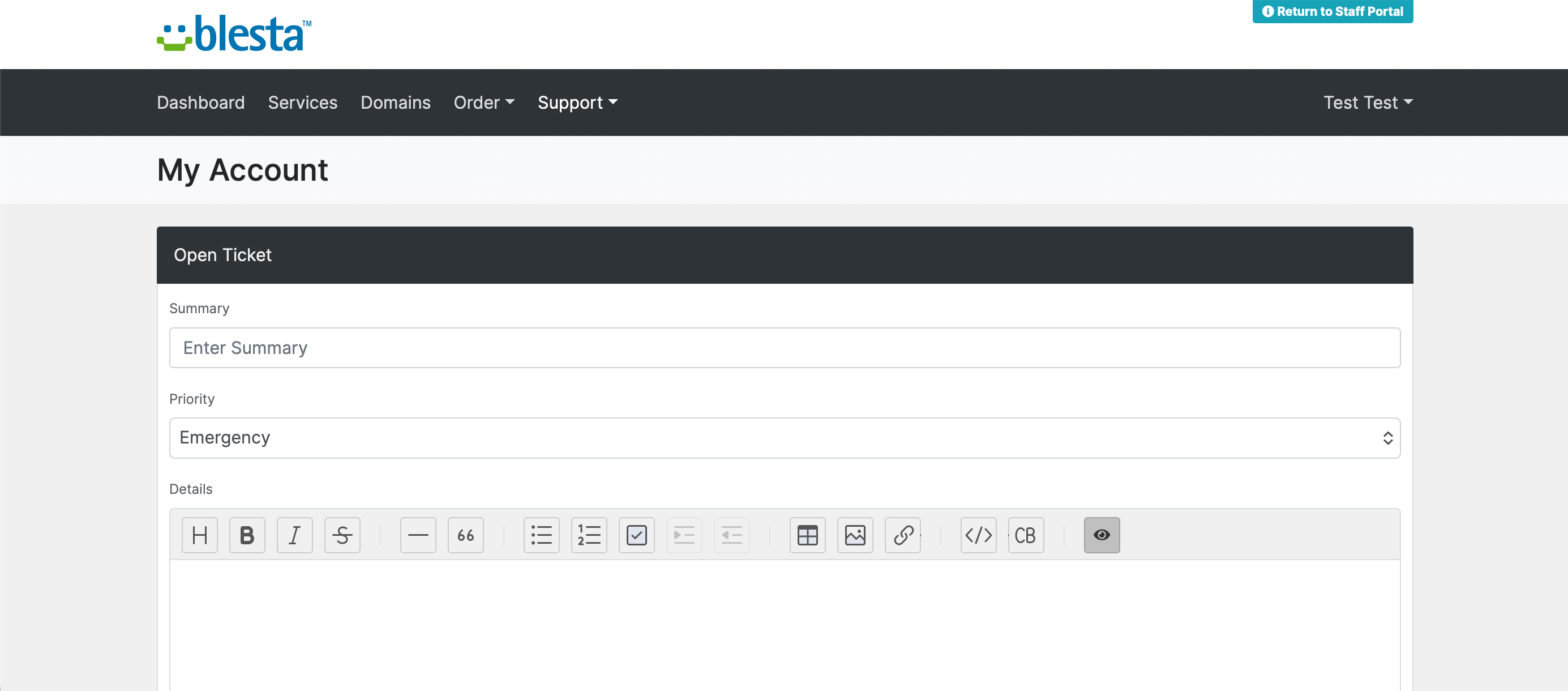
4. Enter Your Ticket Details
Enter a subject and a detailed description of your issue in the fields provided.
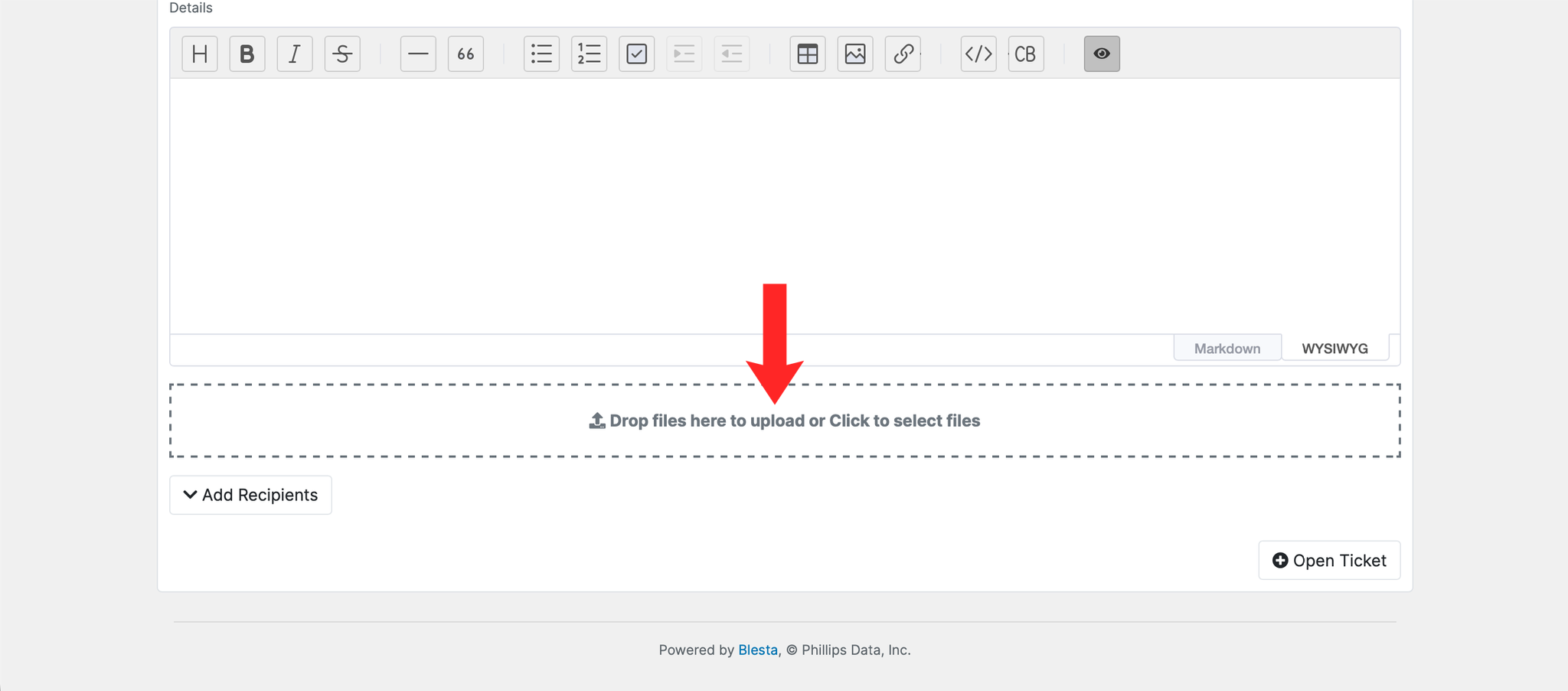
5. Attach Files if Needed
If you have any relevant screenshots or files, click Add Attachment to include them with your ticket.
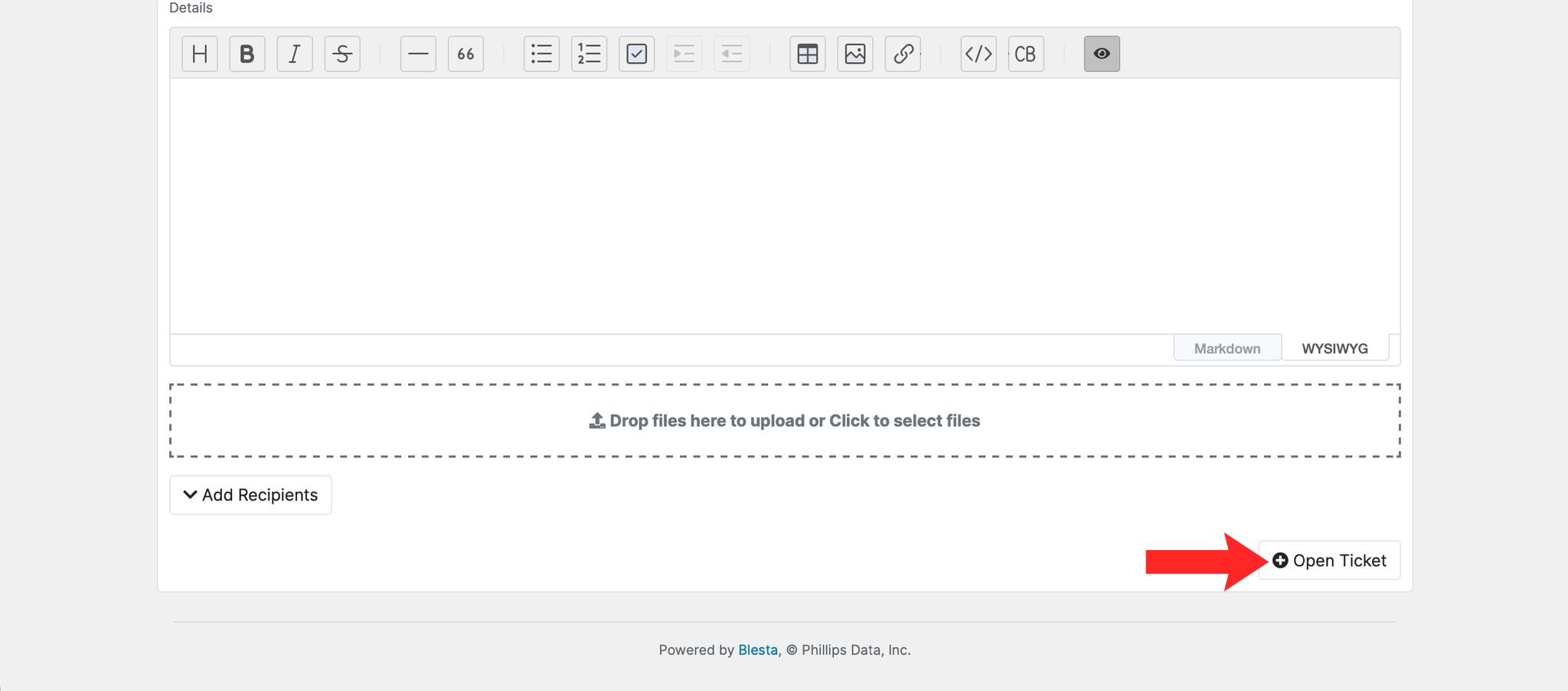
6. Submit the Ticket
Click the Open Ticket button to send your support ticket.
7. Track the Ticket
The ticket appears in your support list with a reference number. Replies arrive by email and are also visible in the client area, so reply to the ticket rather than starting a new one.