How to Change an Account's Package in WHM

This article will show you how to change an account's package in WHM.
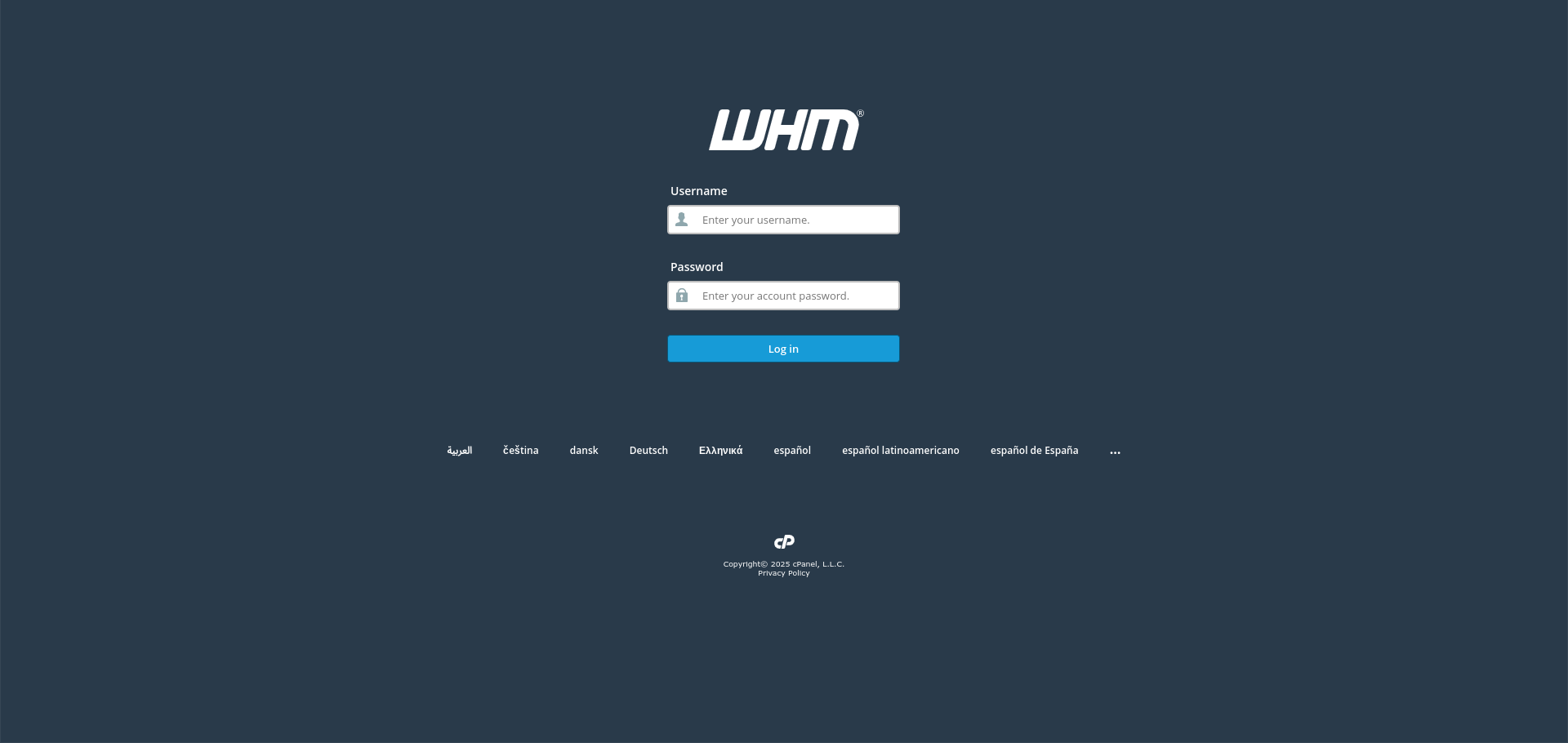
1. Log In to WHM
Use your root or reseller credentials.
2. Open Upgrade or Downgrade an Account
Find it under Account Functions.
3. Select the Account
Choose the account by username or domain.
4. Choose the New Package
Pick the package to move the account to. The limits it defines replace the current ones.
5. Check the New Limits Fit
A downgrade to a package with a smaller quota than the account currently uses will cause problems. Check disk and email usage first.
6. Apply the Change
WHM updates the limits immediately. The customer does not need to do anything.
Next: How to Create a Package in WHM covers defining the package first.