How to Remove an Email Account in Enhance

This article will show you how to remove an email account in Enhance.
Before you start: deleting a mailbox permanently removes every message in it. Nothing is archived. If the address may be needed later, set up a forwarder instead, which keeps mail flowing without storing it.
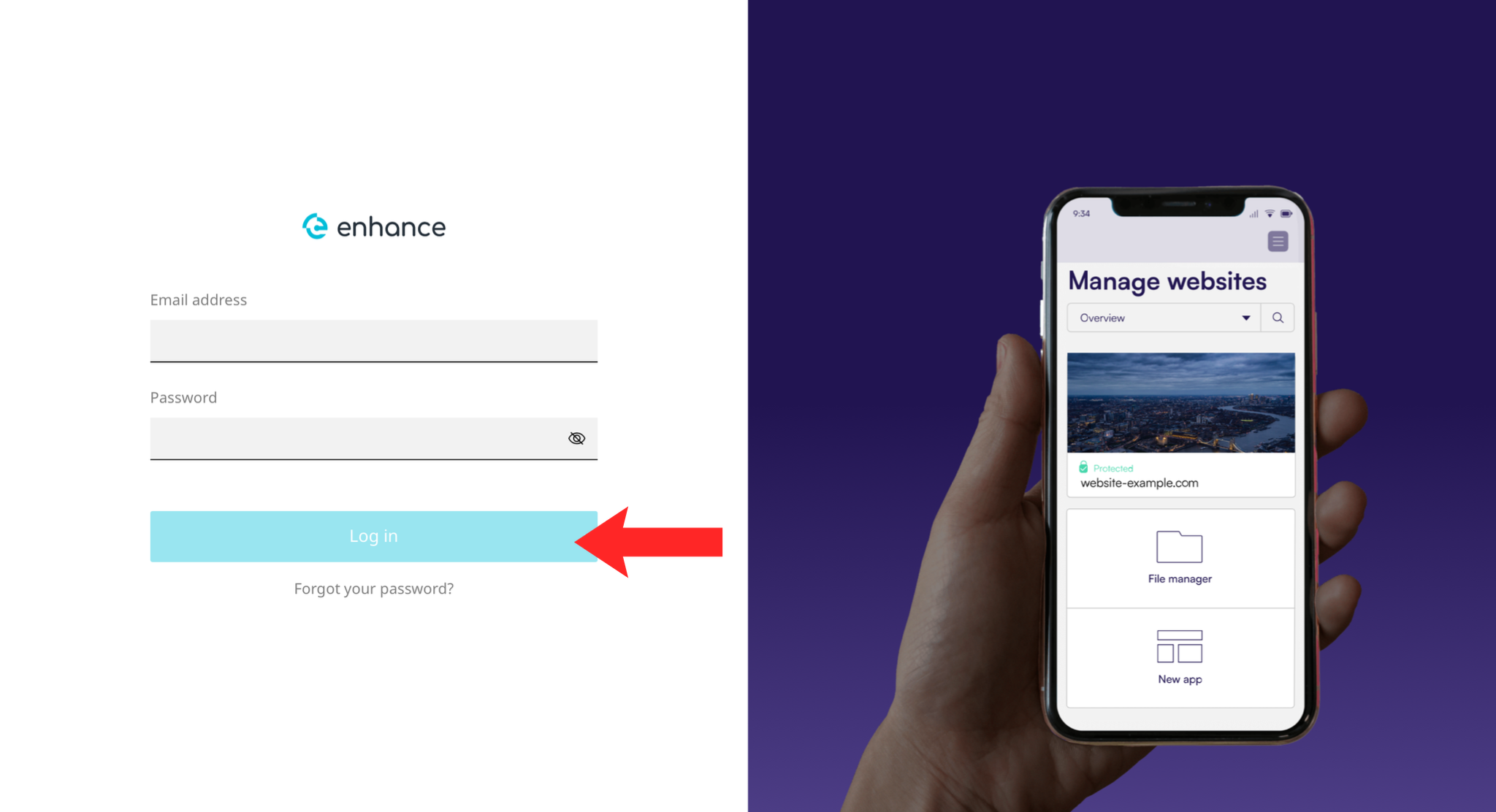
1. Log in to the Enhance Control Panel
Use your credentials to log in to your Enhance control panel.
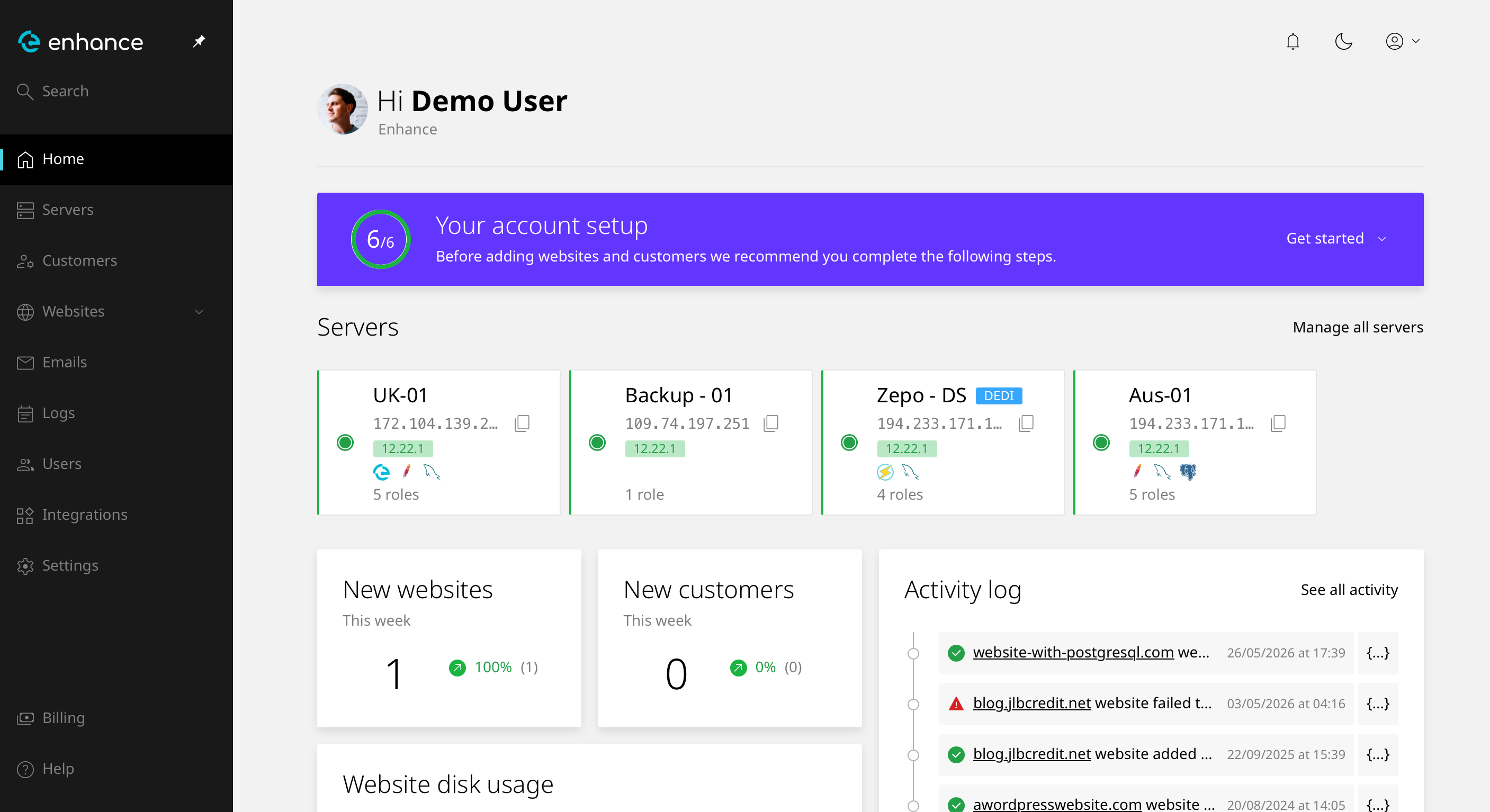
2. Navigate to Websites
Click Websites and select the site you want to work on.
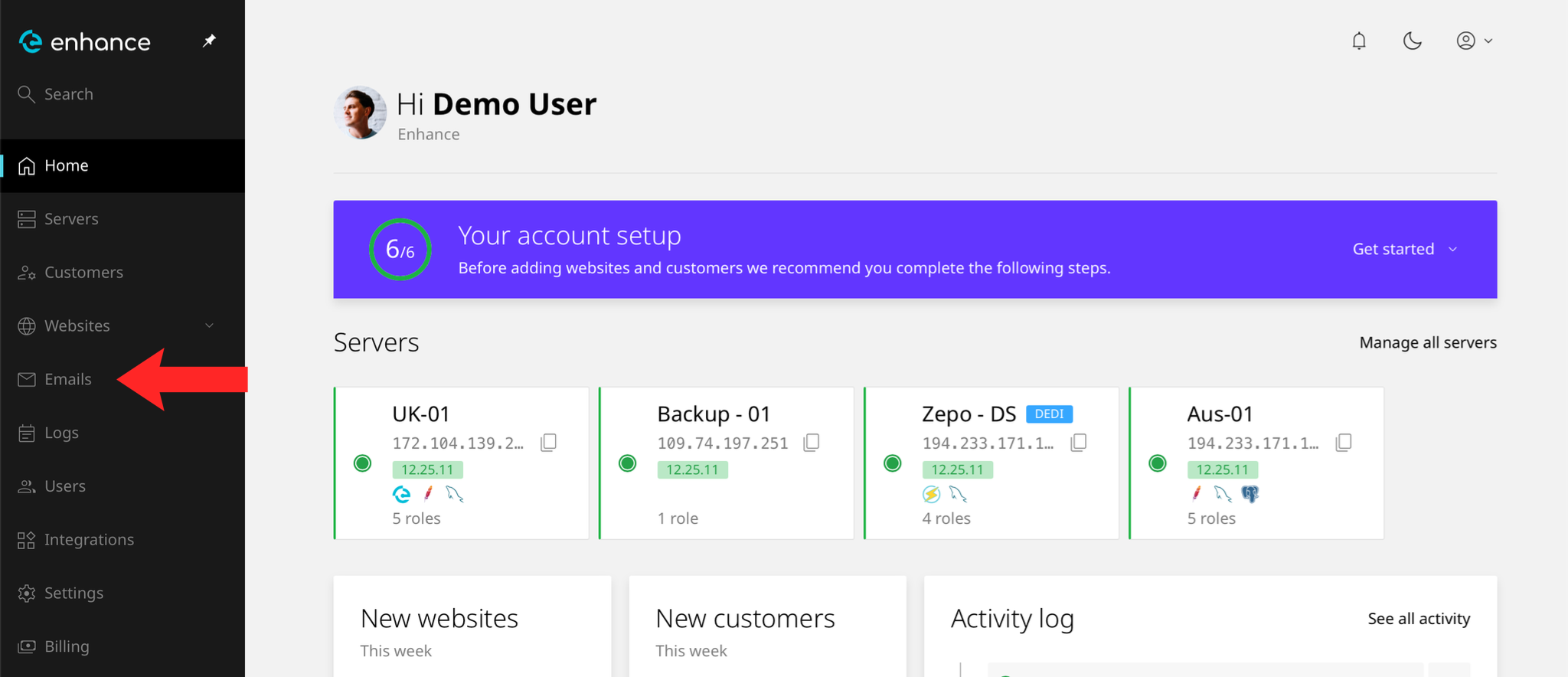
3. Open the Emails Tab
Open the Emails tab to see the mailboxes on this site.
4. Find the Mailbox
Locate the address you want to remove.
5. Delete the Mailbox
Choose the delete option for that mailbox.
Warning: every message in the mailbox goes with it, including anything not downloaded to a device. There is no undo and no recycle bin.
6. Confirm
Confirm the deletion. The address stops accepting mail immediately and senders receive a bounce.
Next: How to Set Up an Email Forwarder covers keeping the address working without a mailbox.