How to Switch PHP Versions in Enhance

This article will show you how to switch PHP versions in Enhance.
Before you start: check what your application supports. Moving outside its supported range can break the site.
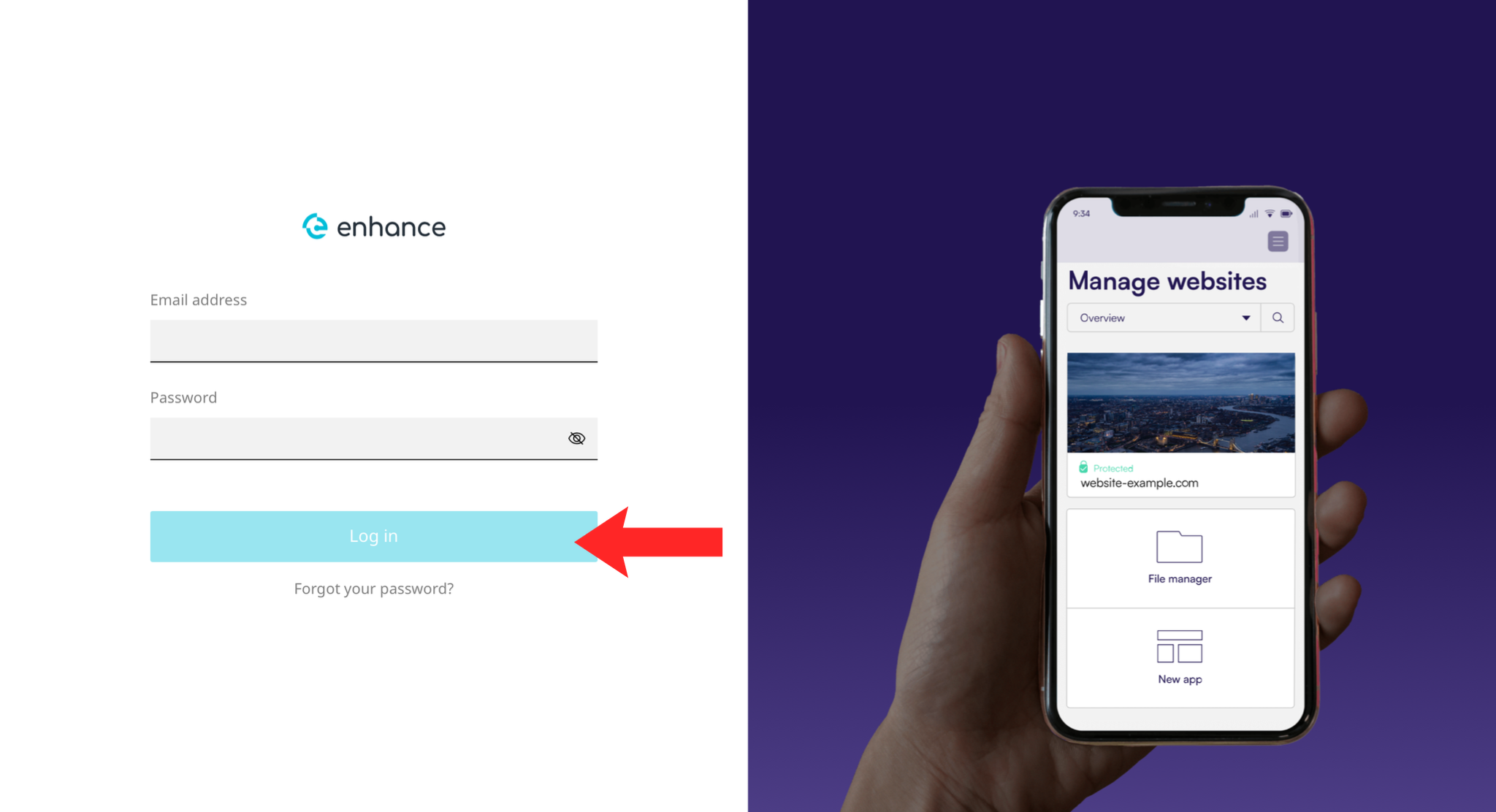
1. Log in to the Enhance Control Panel
Use your credentials to log in to your Enhance control panel.
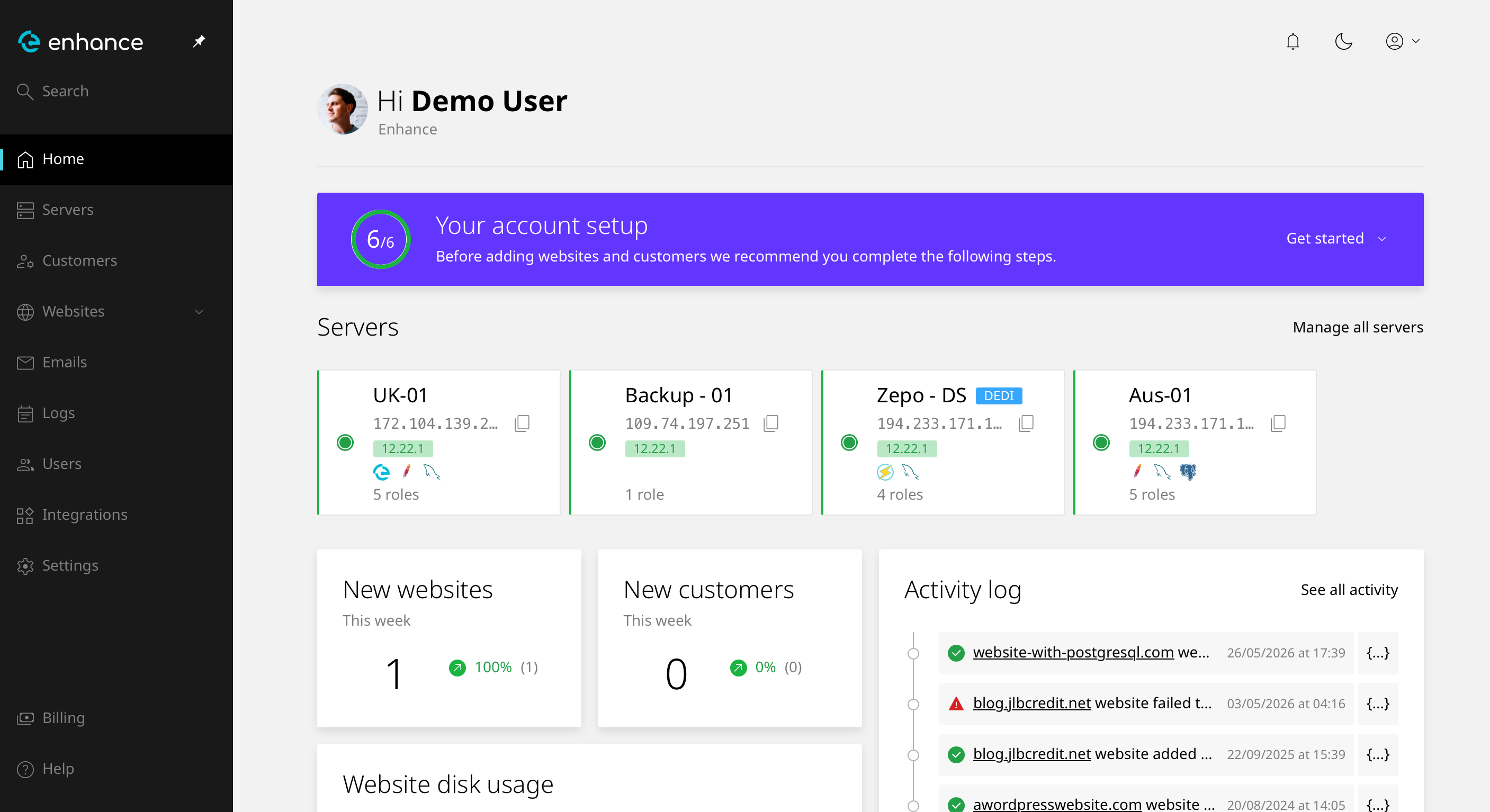
2. Navigate to Websites
Click Websites and select the site you want to work on.
3. Open the PHP Settings
Find the PHP or runtime settings for the website.
4. Choose the Version
Select from the versions your provider has installed. Different websites on the same account can usually run different versions.
5. Save the Change
Save. The change takes effect immediately.
6. Test the Site
Load the site and check the pages that do the most work, such as checkout or admin. If something breaks, switch back and take it up with the software vendor.
Next: if the site errors after the change, see How to Fix a 500 Internal Server Error.