How to Create a Permanent Redirect with .htaccess

This article will show you how to create a permanent redirect with .htaccess.
1. Log in to your Control Panel or FTP
- Access your website's control panel or use an FTP client to manage files.
2. Open the File Manager or Connect via FTP
- Navigate to the "File Manager" section in your control panel or establish an FTP connection.
3. Locate the public_html Directory
- Go to your website's main directory.
4. Edit or Create the .htaccess File
- Open the existing
.htaccessfile or create a new one if it doesn't exist.
5. Add the Redirect Code
- Insert the following code to permanently redirect your website:
# 301 Redirect is permanent. Replace example.com with your destination domain.
Redirect 301 / https://example.com/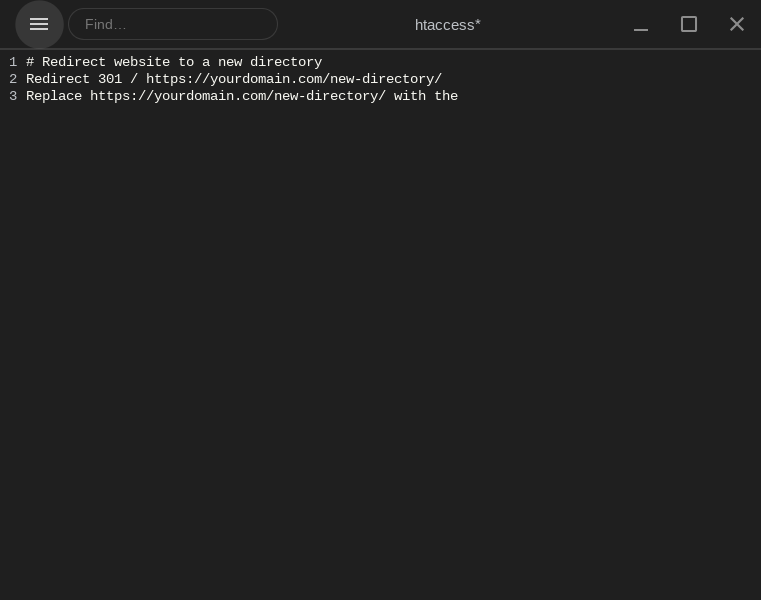
6. Save the File
- Save the
.htaccessfile and refresh your website to see the changes.
Your website will now redirect visitors to the specified domain.
Next: How to Redirect HTTP to HTTPS Using .htaccess applies the same idea to forcing a secure connection.