How to Edit PHP Settings Using .htaccess

This article will show you how to edit PHP settings using .htaccess.
You can edit certain PHP settings for your website by modifying the .htaccess file. This allows you to customise PHP configurations like upload limits, memory limits, and max execution times directly from the server configuration.
1. Log in to Your Control Panel or FTP
Access your website's control panel or use an FTP client to manage files.
2. Open the File Manager or Connect via FTP
Navigate to the "File Manager" section in your control panel or establish an FTP connection.
3. Locate the public_html Directory
Go to your website's main directory where the .htaccess file is located.
4. Edit or Create the .htaccess File
Open the existing .htaccess file. If the file doesn't exist, create a new file named .htaccess.
5. Add PHP Configuration Settings
Insert the following lines of code to change PHP settings. For example:
# Set PHP memory limit
php_value memory_limit 256M

# Set PHP maximum upload file size
php_value upload_max_filesize 50M

# Set PHP maximum post size
php_value post_max_size 50M

# Set PHP max execution time
php_value max_execution_time 300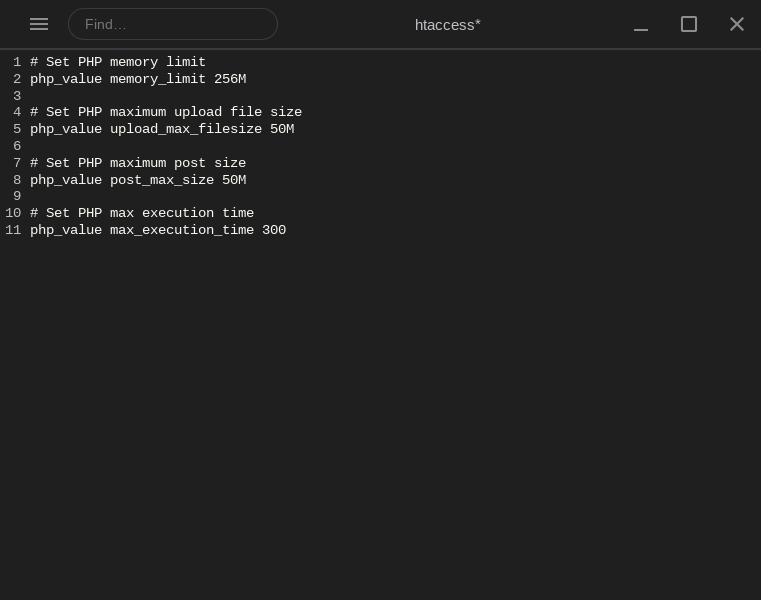
6. Save Changes
Once you've added the desired PHP configurations, save the .htaccess file and upload it to the server.
Common PHP Settings You Can Modify
memory_limit: Increases or decreases the amount of memory PHP can use.upload_max_filesize: Sets the maximum file size that can be uploaded via PHP.post_max_size: Defines the maximum size of POST data that PHP will accept.max_execution_time: Sets the maximum execution time for PHP scripts (in seconds).max_input_vars: Limits the number of input variables allowed per request (useful for large forms).
Always make a backup of the .htaccess file before making changes to avoid issues.
Next: How to View Error Logs in cPanel shows where to look when a PHP change breaks something.