How to Limit Access to Files or Directories Using .htaccess

This article will show you how to limit access to files or directories using .htaccess.
You can use .htaccess to restrict access to specific files or directories on your website. This is useful for protecting sensitive files or limiting access to certain resources. Follow this step-by-step guide to learn how.
1. Log in to Your Control Panel or FTP
- Access your website's control panel or use an FTP client to manage files.
2. Navigate to the Directory
- Go to the directory where you want to limit access. If you want to restrict access to a specific file, navigate to the directory that contains the file.
3. Edit or Create the .htaccess File
- Open the existing
.htaccessfile, or create a new one if it doesn't already exist.
4. Add Access Control Rules
- Add the following code to limit access:
Limit Access to Specific IP Address
To allow only a specific IP address to access a file or directory, use the following code:
<Files "filename.ext">
    Order Deny,Allow
    Deny from all
    Allow from 192.168.1.1
</Files>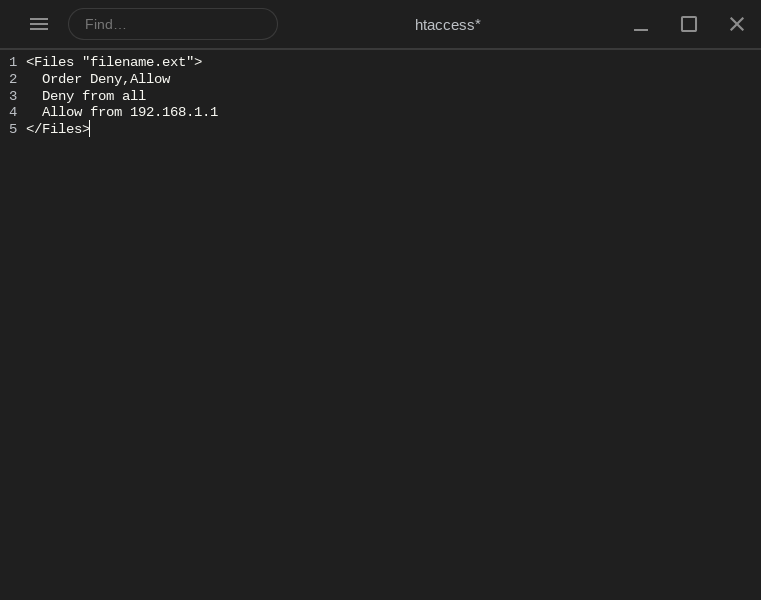
- Replace
filename.extwith the name of the file, and192.168.1.1with the IP address that should be allowed.
Limit Access to an Entire Directory
If you want to restrict access to an entire directory, use this code:
<Directory "/path/to/directory">
    Order Deny,Allow
    Deny from all
    Allow from 192.168.1.1
</Directory>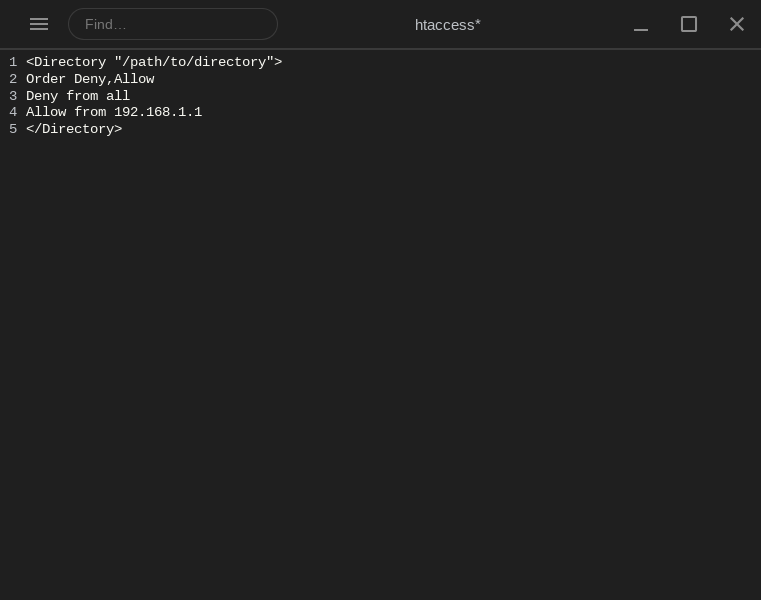
- Replace
/path/to/directorywith the path of the directory and192.168.1.1with the allowed IP.
Password Protect a Directory
If you want to restrict access using a password, you can use .htpasswd for authentication:
<Directory "/path/to/directory">
    AuthType Basic
    AuthName "Restricted Access"
    AuthUserFile /path/to/.htpasswd
    Require valid-user
</Directory>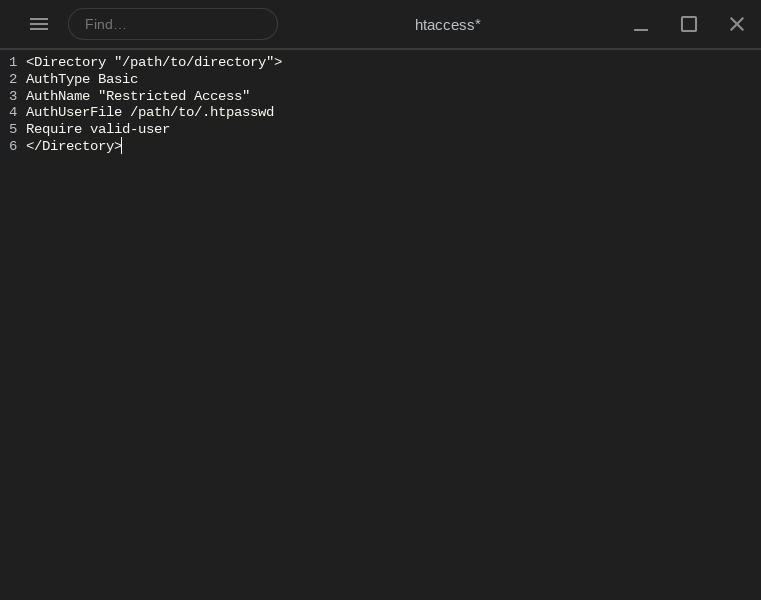
- You need to create a
.htpasswdfile to store the user credentials. Ensure the file is stored in a secure location outside the web root.
5. Save the Changes
- Save the
.htaccessfile and upload it back to the server if using FTP.
Important Notes
- Make sure the
.htaccessfile has the correct permissions (typically 644). - Be cautious when editing
.htaccessto avoid locking yourself out or causing errors. - If you're using
.htpasswdfor authentication, make sure the.htpasswdfile is properly secured and not publicly accessible.
By following these steps, you can effectively limit access to specific files or directories, enhancing the security of your website.
Next: How to Set Up Password Protection Using .htaccess covers protecting a directory with a password instead.