How to Create a PayPal Account

This article will show you how to create a PayPal account.
PayPal is a widely used and accepted payment processor for online payments. Here's how you can create your own PayPal account.
1. Visit the PayPal Website
Go to the official PayPal website: https://paypal.com
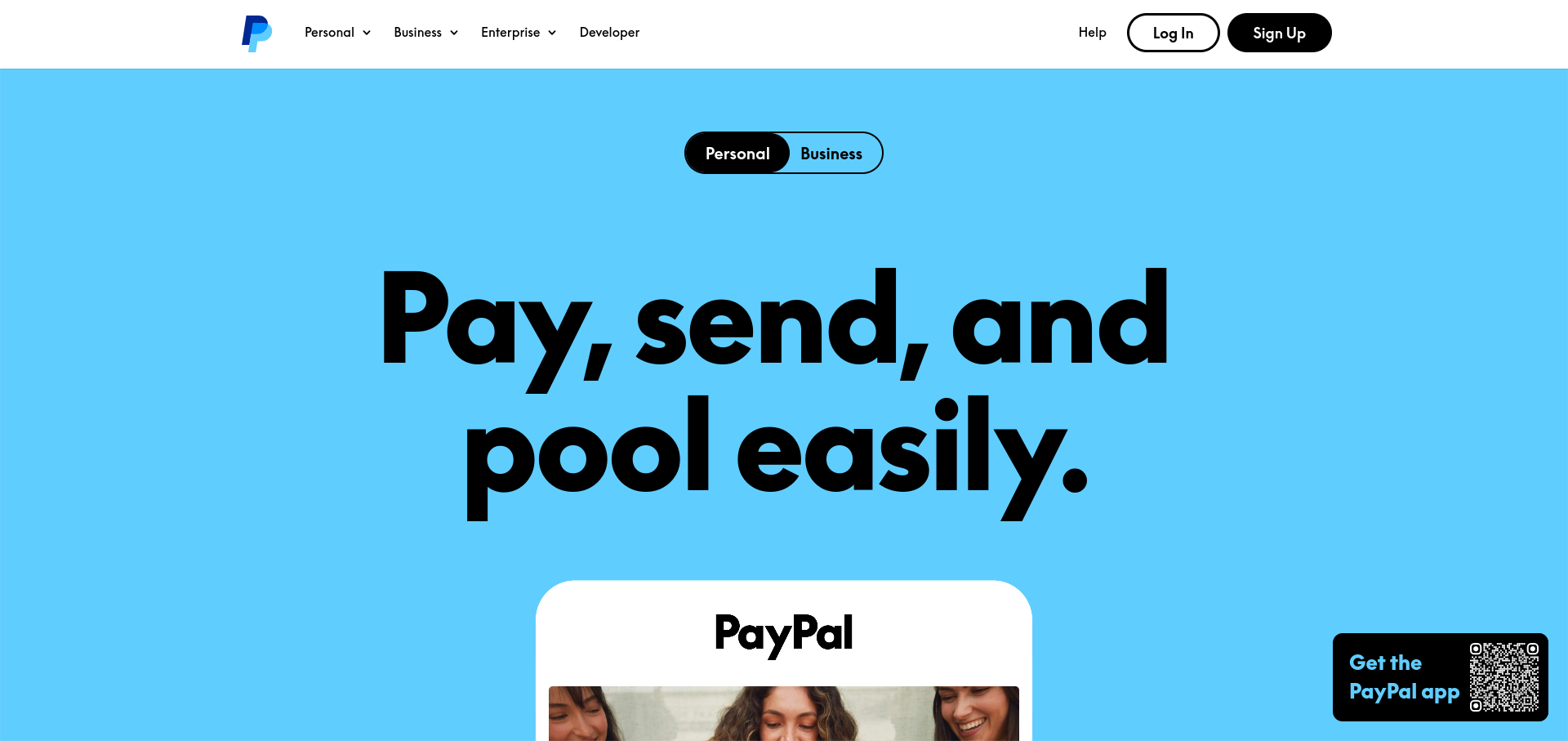
2. Click the "Sign Up" Button
Find and click the "Sign Up" button to start creating your account.

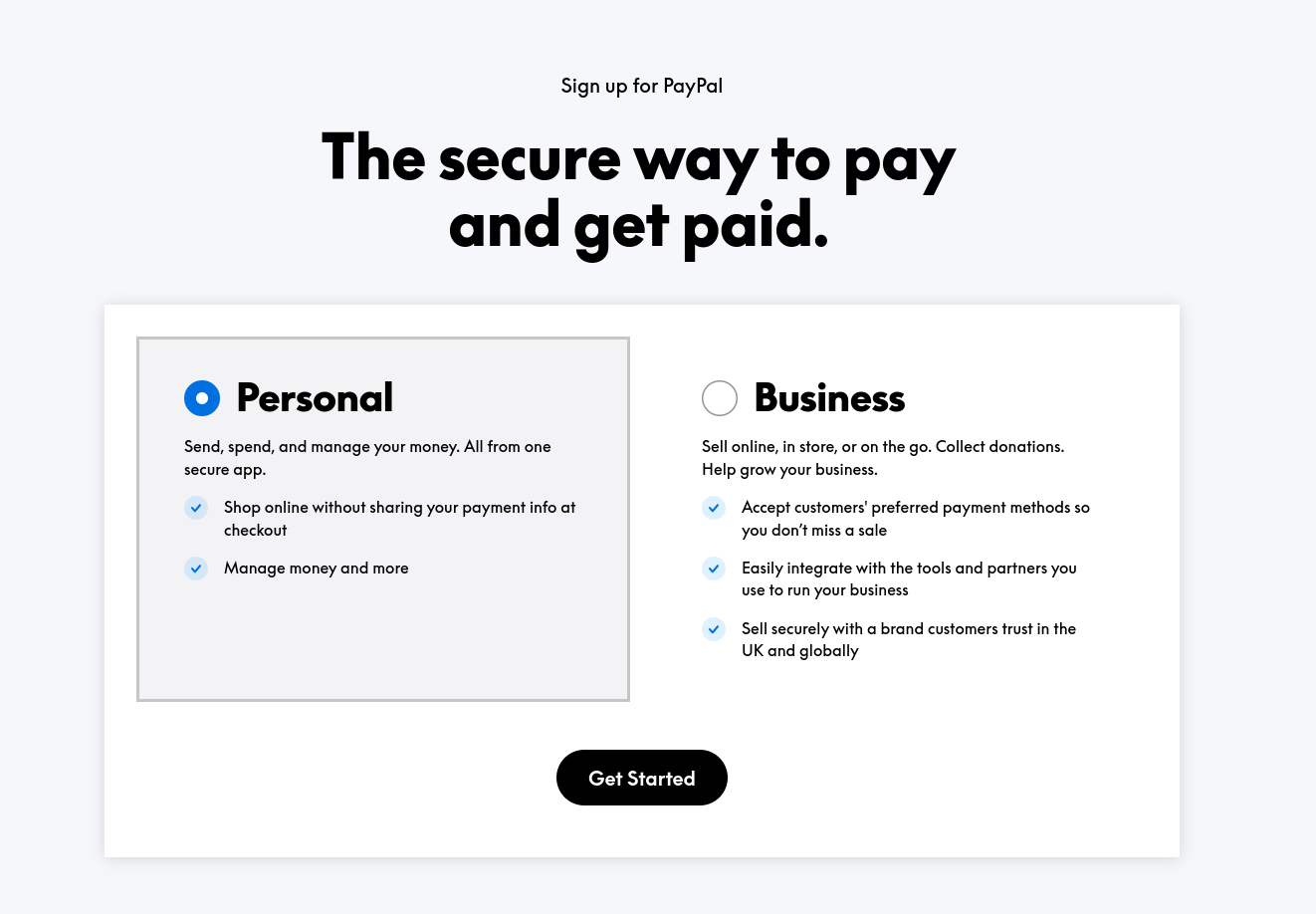
3. Choose an Account Type
Select between a Personal Account or a Business Account, depending on your use case.
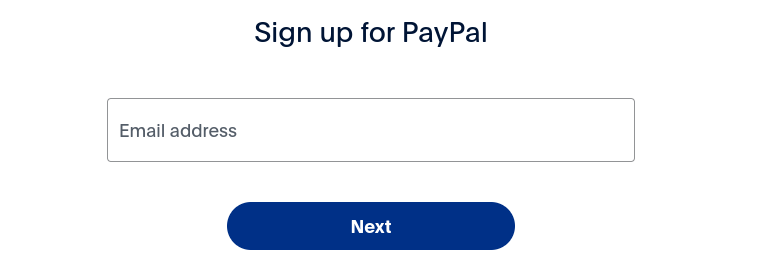
4. Enter Your Email Address
After selecting your account type, enter your Email Address and then click Next.
5. Enter Your Phone Number
Enter your Phone Number and then click Next.
6. Enter Authentication Code
Confirm your account by entering the authentication code sent to your registered phone number.
7. Create a Secure Password
Choose a strong password for your PayPal account. Your password should:
- Be at least 8 characters long
- Include uppercase and lowercase letters
- Contain numbers and special characters
After entering your password, click Next.
8. Fill in Your Personal Information
- Provide your full name, date of birth, address, and nationality.
- Make sure the information matches your government-issued ID, as PayPal may ask for verification later.
- Click Next to proceed.
9. Agree to PayPal's Terms and Conditions
- Review PayPal's User Agreement and Privacy Policy.
- Check the box to accept the terms, then click Agree and Create Account.
10. Link a Payment Method (Optional)
To start using PayPal, you can link a debit/credit card or bank account:
- Link a Card: Enter your card number, expiration date, and CVV.
- Link a Bank Account: Enter your account number and routing number.
You can skip this step and add a payment method later if needed.
11. Confirm Your Email Address
- Check your email inbox for a confirmation email from PayPal.
- Click the verification link in the email to confirm your account.
Next: add a way to pay with How to Add a Credit Card to PayPal or How to Link a Bank Account to PayPal.