How to Link a Bank Account to PayPal

This article will show you how to link a bank account to PayPal.
To make payments or withdraw funds, you can link a bank account to your PayPal account.
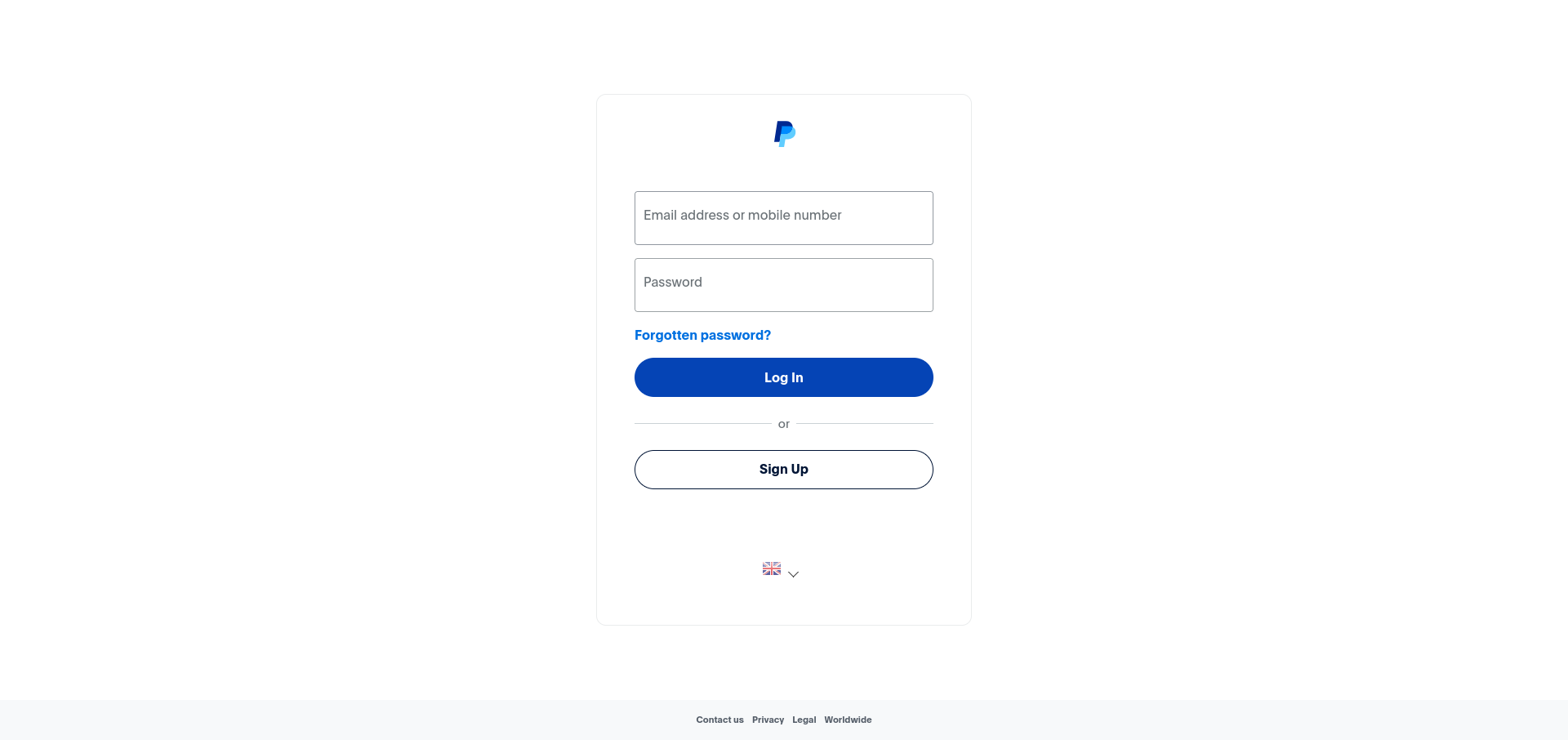
1. Log in to Your PayPal Account
Use your login credentials to access your PayPal account.
2. Navigate to Wallet
From the navigation bar, click on Wallet.
3. Click Link a Bank Account
Click the Link a bank account button.

4. Enter Your Bank Details
Enter your bank account number and sort code in the fields provided.
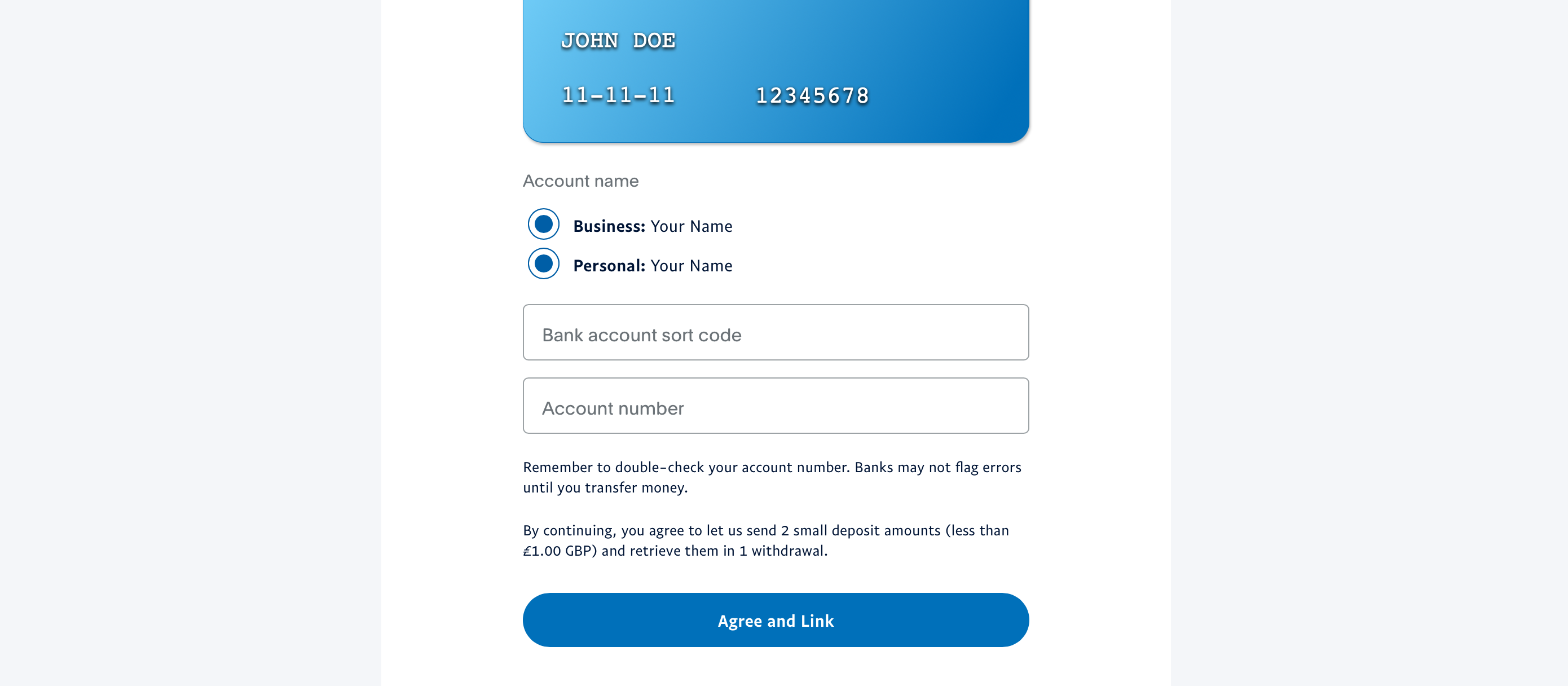
5. Confirm the Link
Click Agree and Link to save your bank account to your PayPal wallet.
Next: How to Withdraw Funds from PayPal to Your Bank Account covers moving money across once the account is linked.