How to Withdraw Funds from PayPal to Your Bank Account

This article will show you how to withdraw funds from PayPal to your bank account.
If you have funds in your PayPal balance, you can withdraw them directly to your linked bank account.
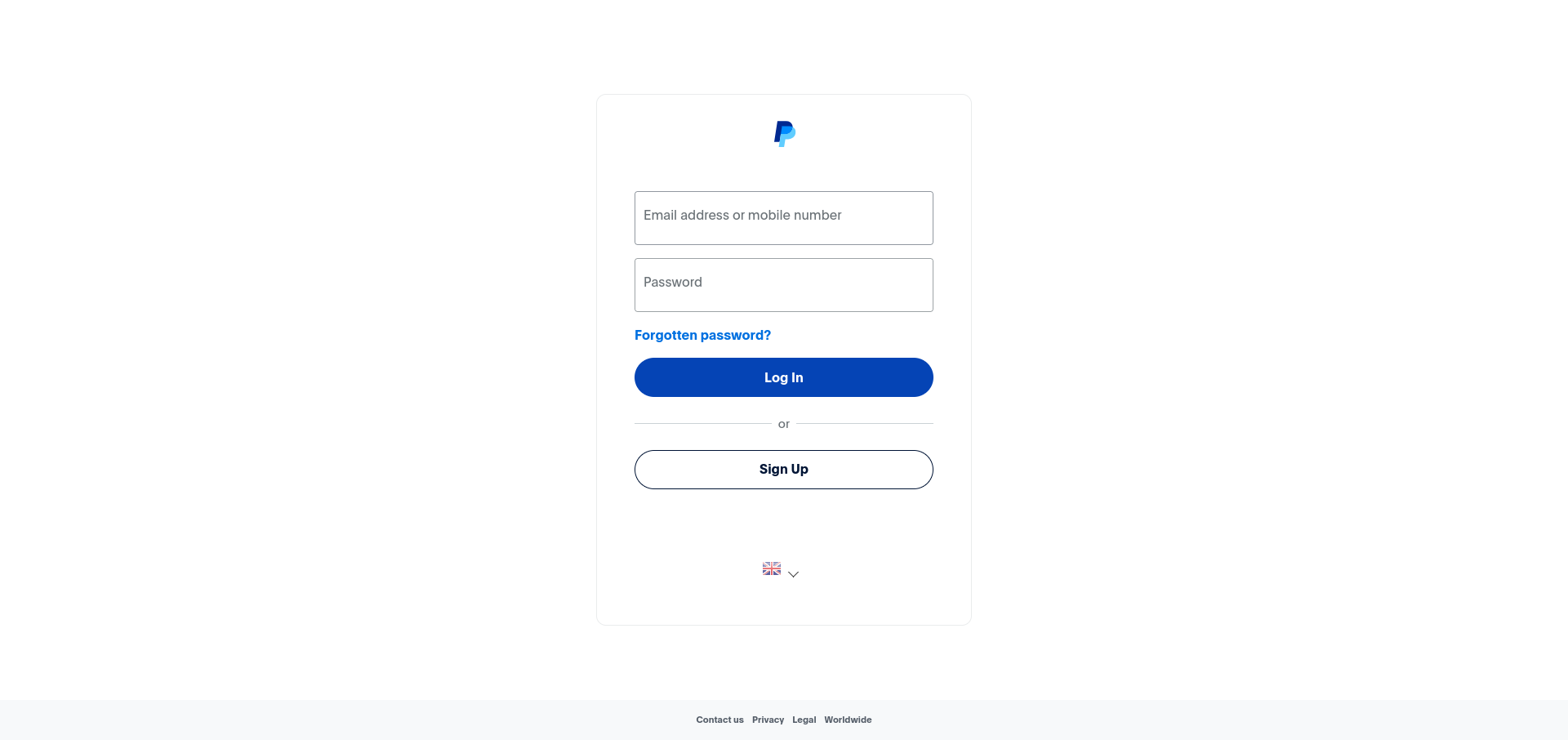
1. Log in to Your PayPal Account
Use your login credentials to access your PayPal account.
2. Navigate to Wallet
From the navigation bar, click on Wallet.
3. Click Transfer Funds
Click the Transfer Funds button within your PayPal balance section.
4. Select Transfer to Your Bank
Click Transfer to your bank account.
5. Enter the Amount
Enter the amount you wish to withdraw and select the bank account you want to transfer the funds to.
6. Confirm the Transfer
Review the details and click Transfer to complete the withdrawal. Transfers typically take 1-3 business days to arrive in your bank account.
Next: How to Link a Bank Account to PayPal covers linking the account the money goes to.