How to Cancel a PayPal Subscription

This article will show you how to cancel a PayPal subscription.
PayPal offers the ability to pay recurring invoices automatically using a "Subscription" payment, authorizing PayPal to withdraw funds when an invoice is due. You are responsible for managing this subscription and cancelling it if your service is no longer active.
Follow the steps below to cancel a PayPal subscription.
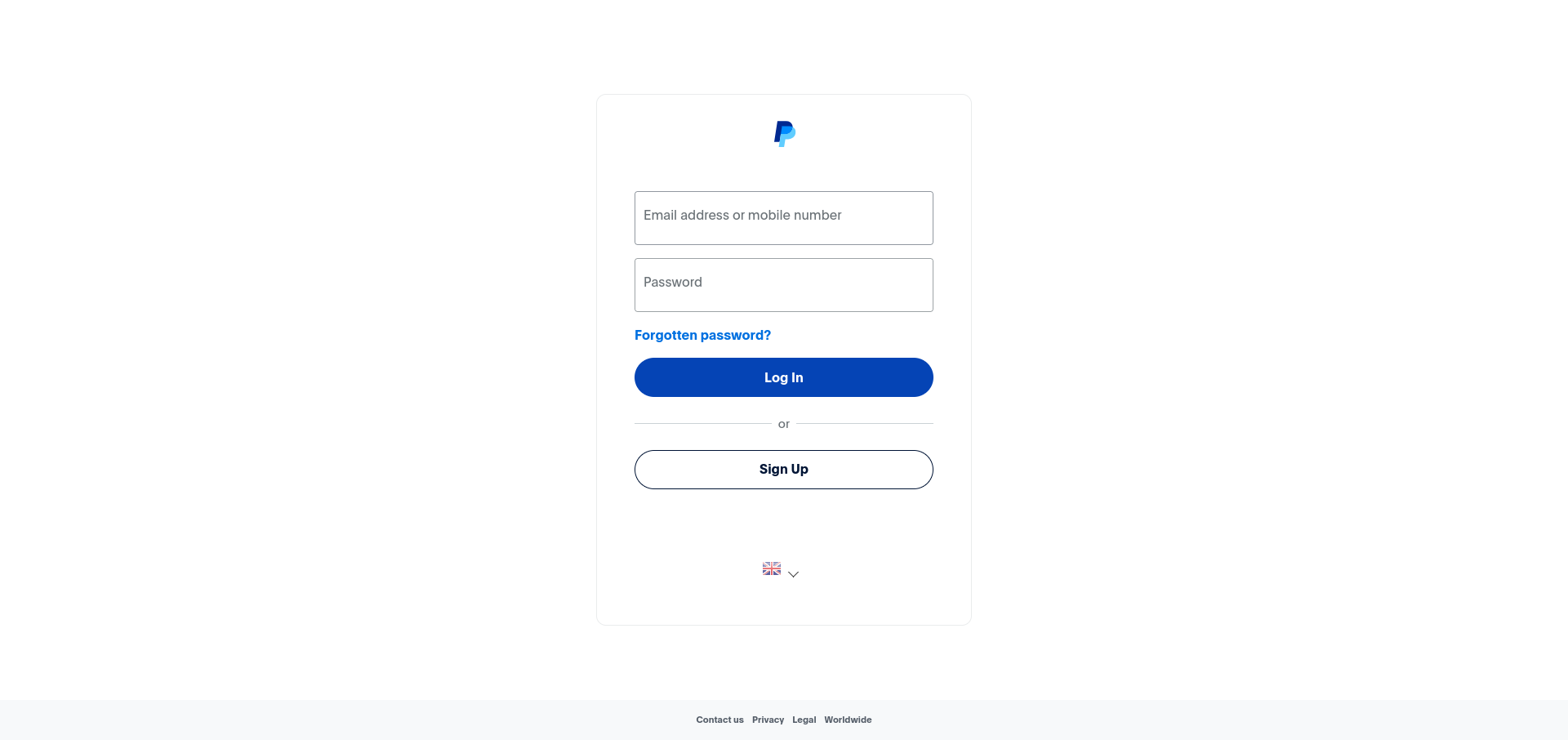
1. Log in to Your PayPal Account
Use your login credentials to access your PayPal account.
2. Navigate to the "Payments" Page
Go to the Settings menu, then click on the Payments tab.
3. Click on "Manage Automated Payments"
Find and select the option to Manage automated payments.
4. Select the Merchant You Wish to Cancel
Find the merchant associated with the subscription you want to cancel.
5. Click the "Cancel" Button and Confirm
Click the Cancel button and confirm your decision to stop the recurring payments.
Next: How to Find a Payment Receipt in PayPal covers finding the receipts for payments already taken.