How to Log In to Enhance

This article will show you how to log in to Enhance.
1. Open the Control Panel URL
Navigate to your Enhance control panel URL in your browser. This is in your welcome email, in the format https://panel.yourdomain.com.
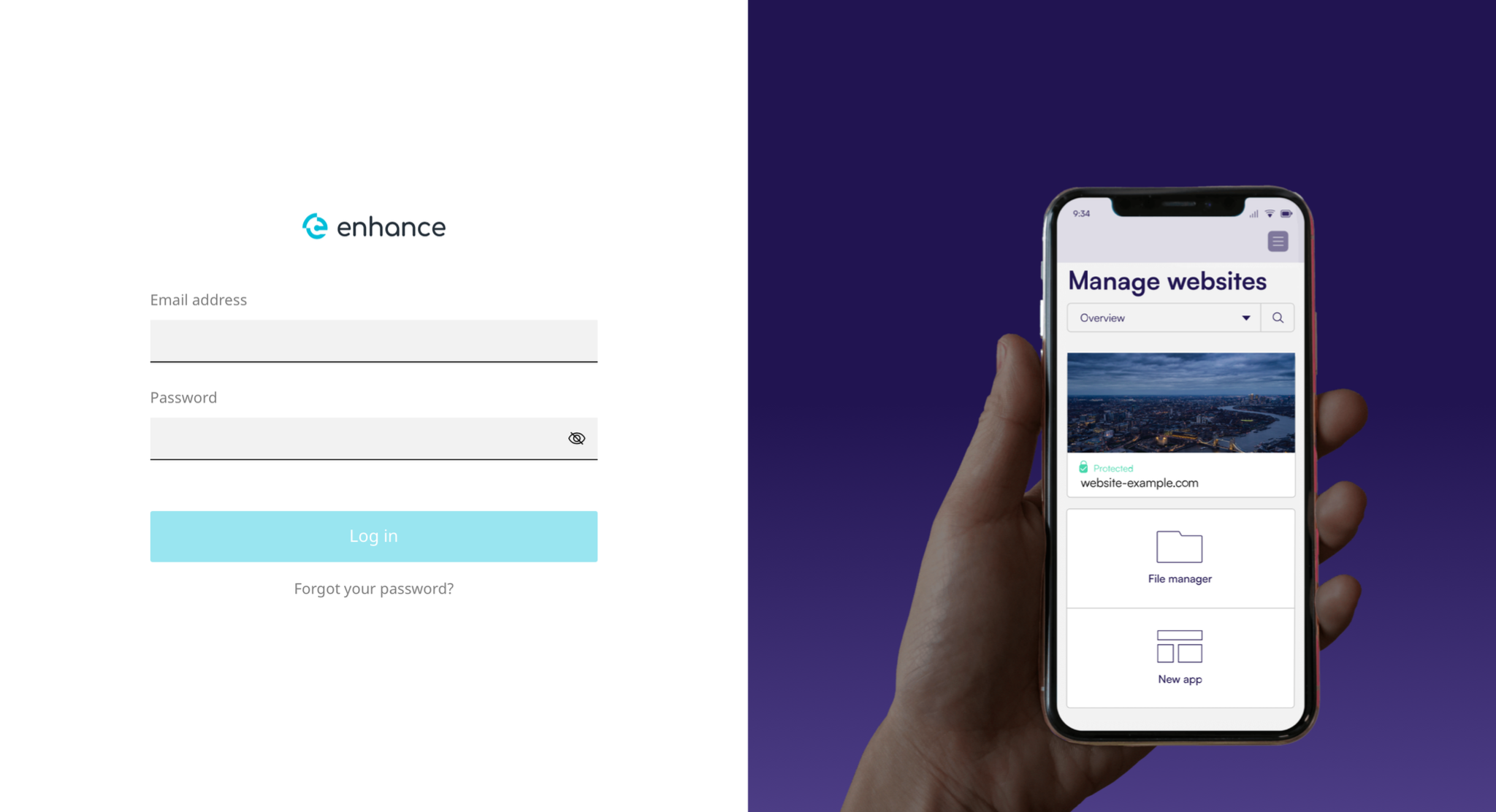
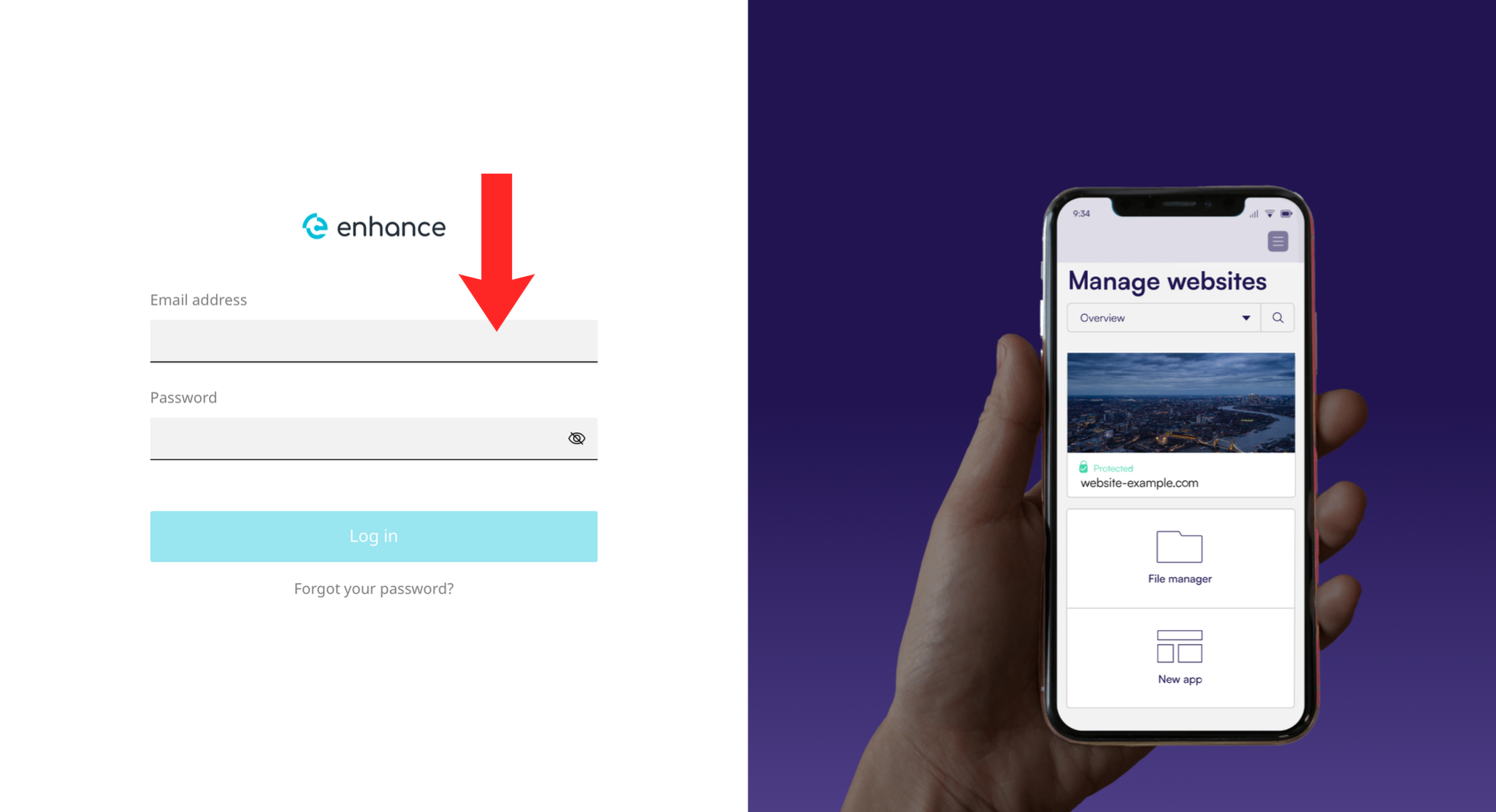
2. Enter Your Credentials
Enter your login email address and password in the fields provided.
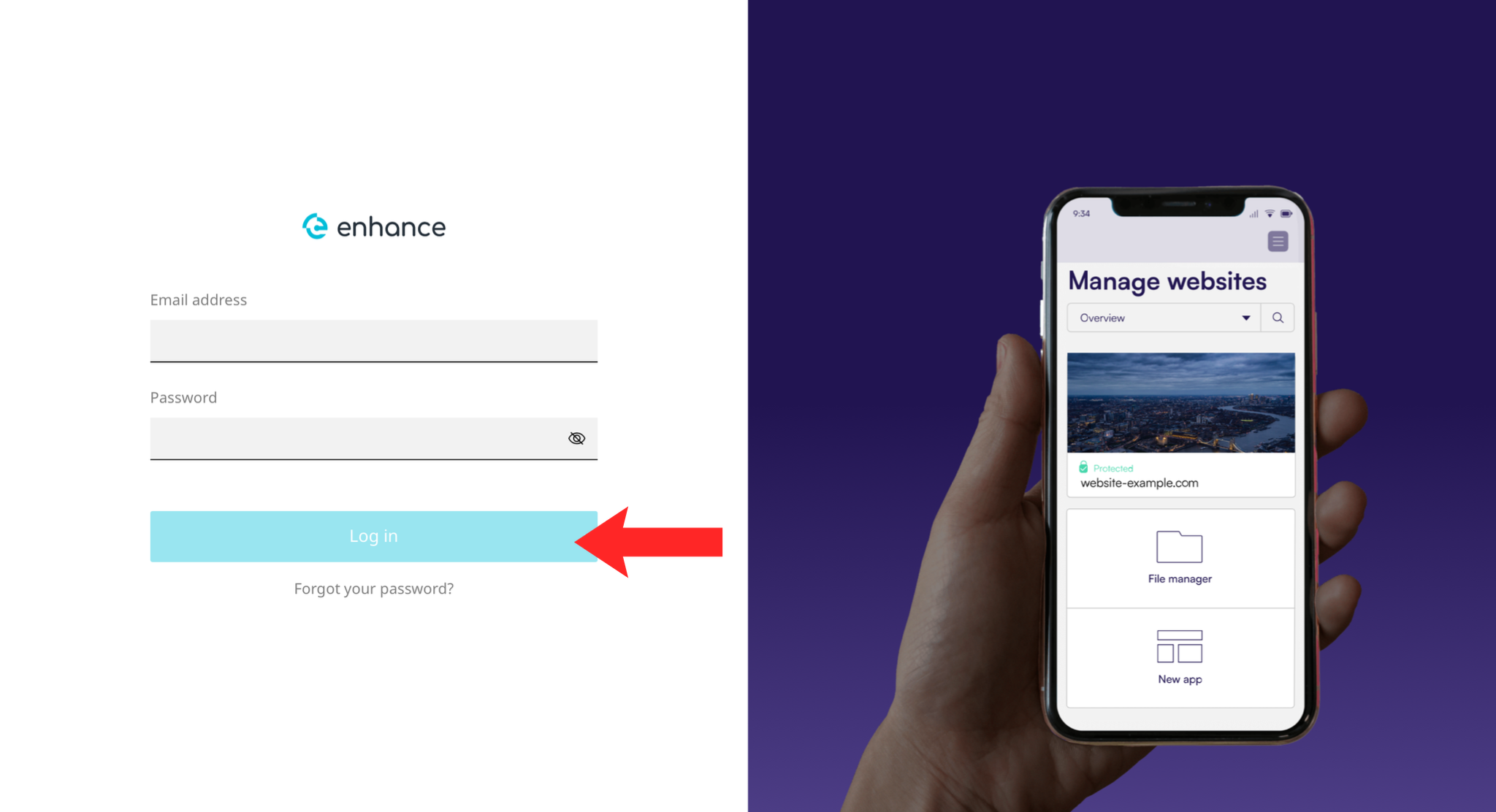
3. Click Log In
Click the Log In button to access your control panel dashboard.
Next: How to Add a Domain in Enhance is usually the first thing to do on a new account.