How to Add a Domain in Enhance

This article will show you how to add a domain in Enhance.
Before you start: the domain must already be registered and its name servers pointed at this server, or it will be added to Enhance but will not resolve. Adding a website here does not register the domain.
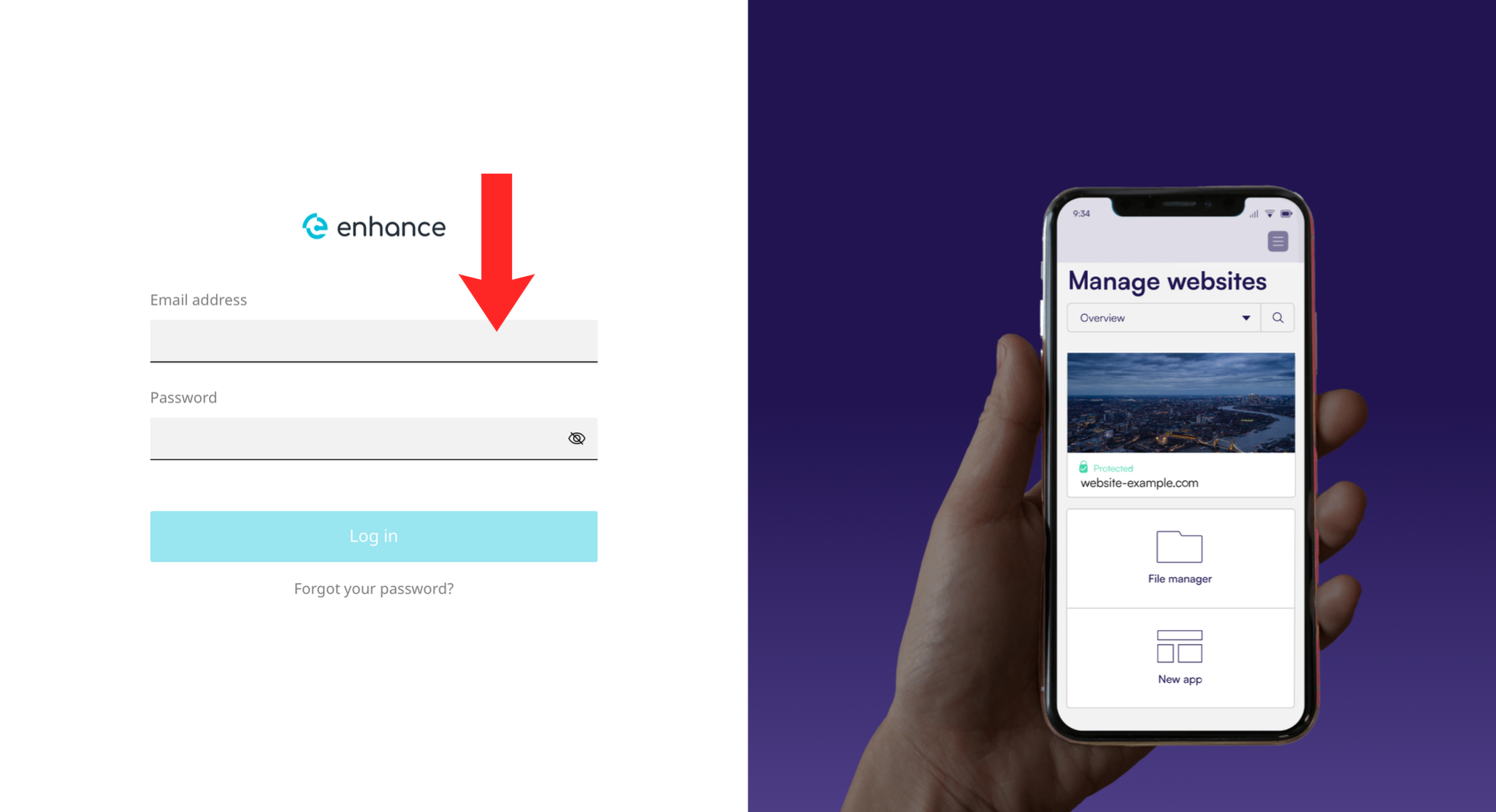
1. Log in to the Enhance Control Panel
Use your credentials to log in to your Enhance control panel.
2. Navigate to Websites
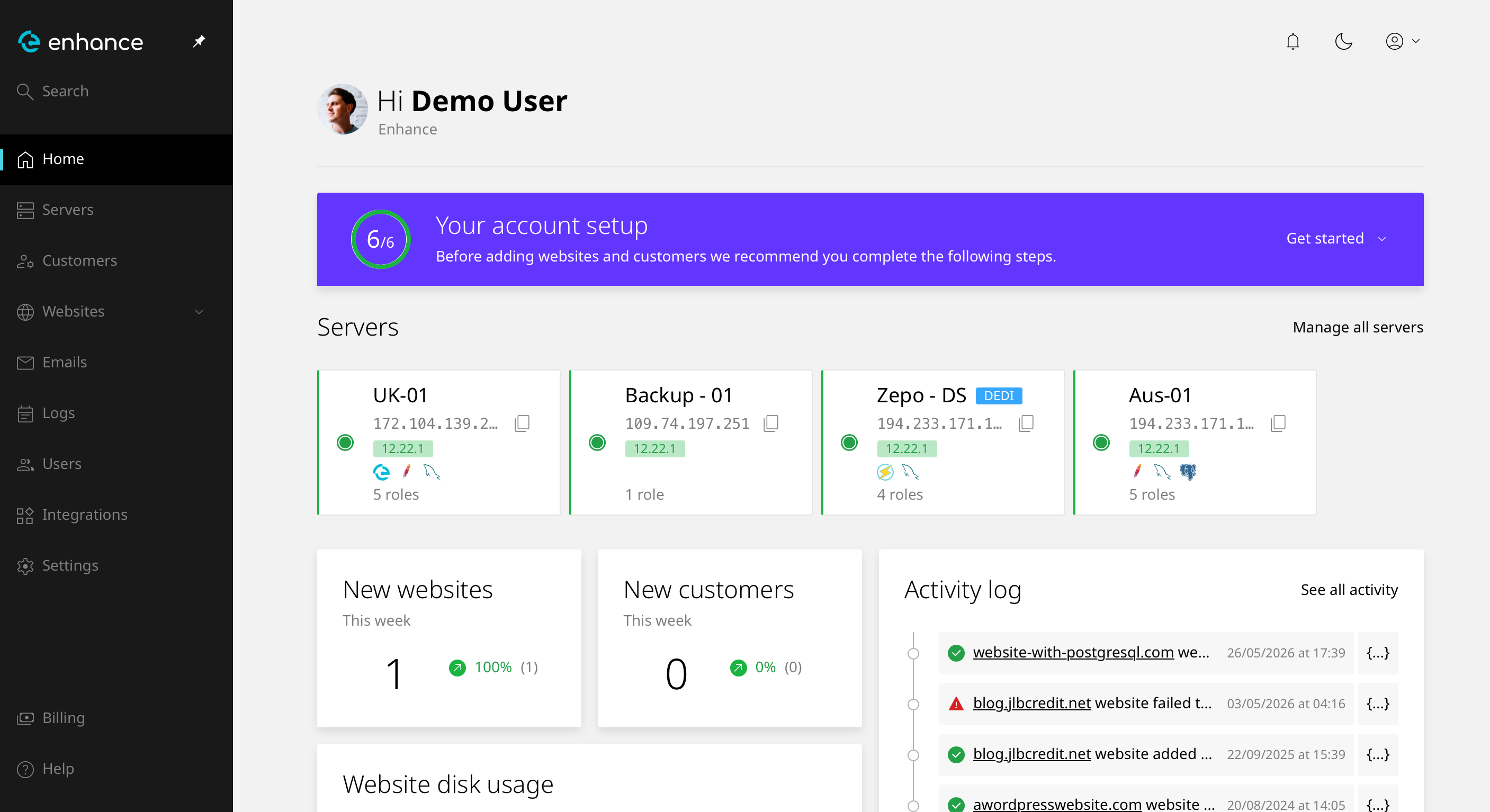
From the dashboard, click on Websites in the left-hand navigation menu.
3. Add a New Website
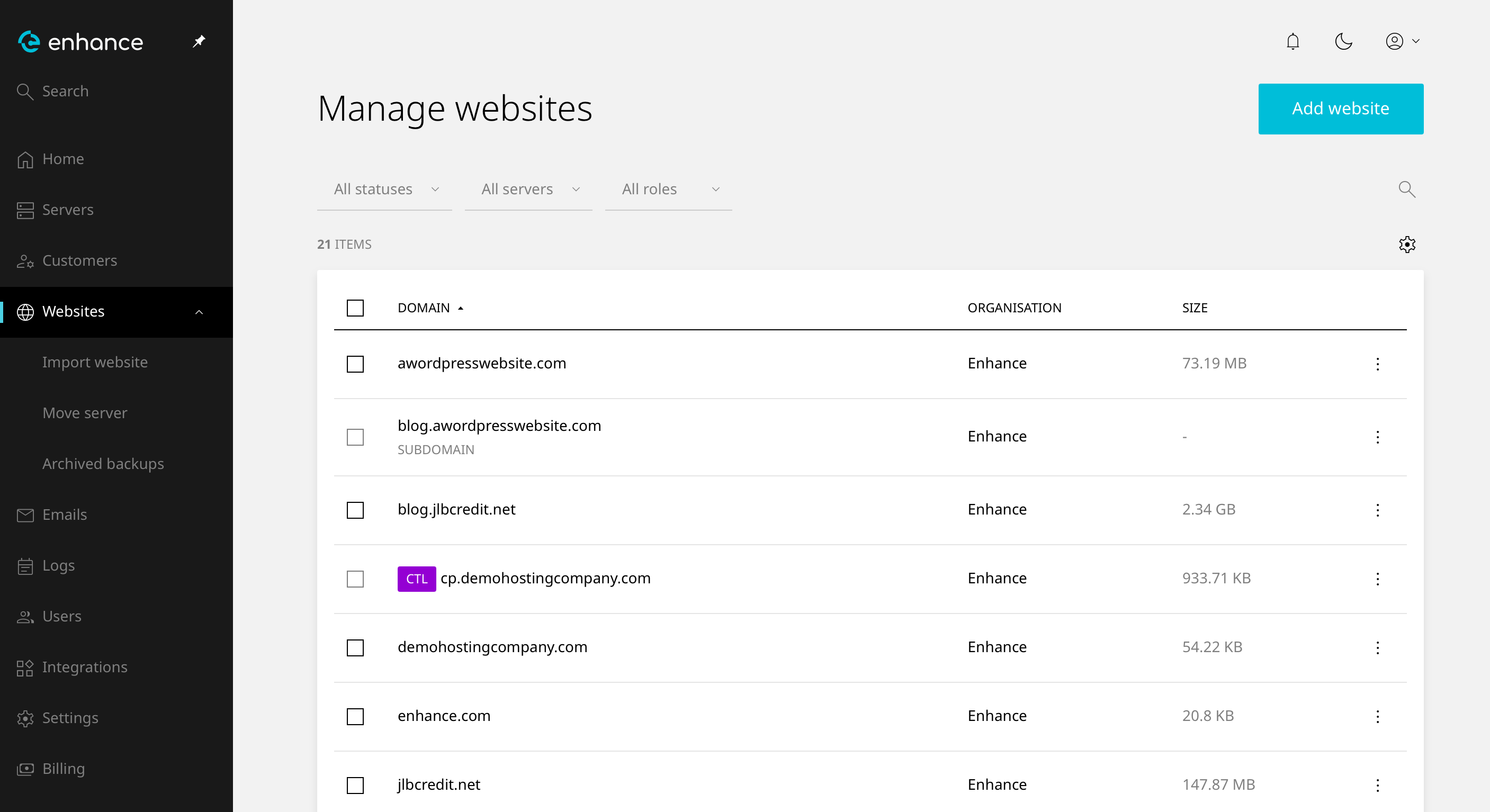
Click the Add Website button and enter your domain name in the field provided.
4. Save Your Website
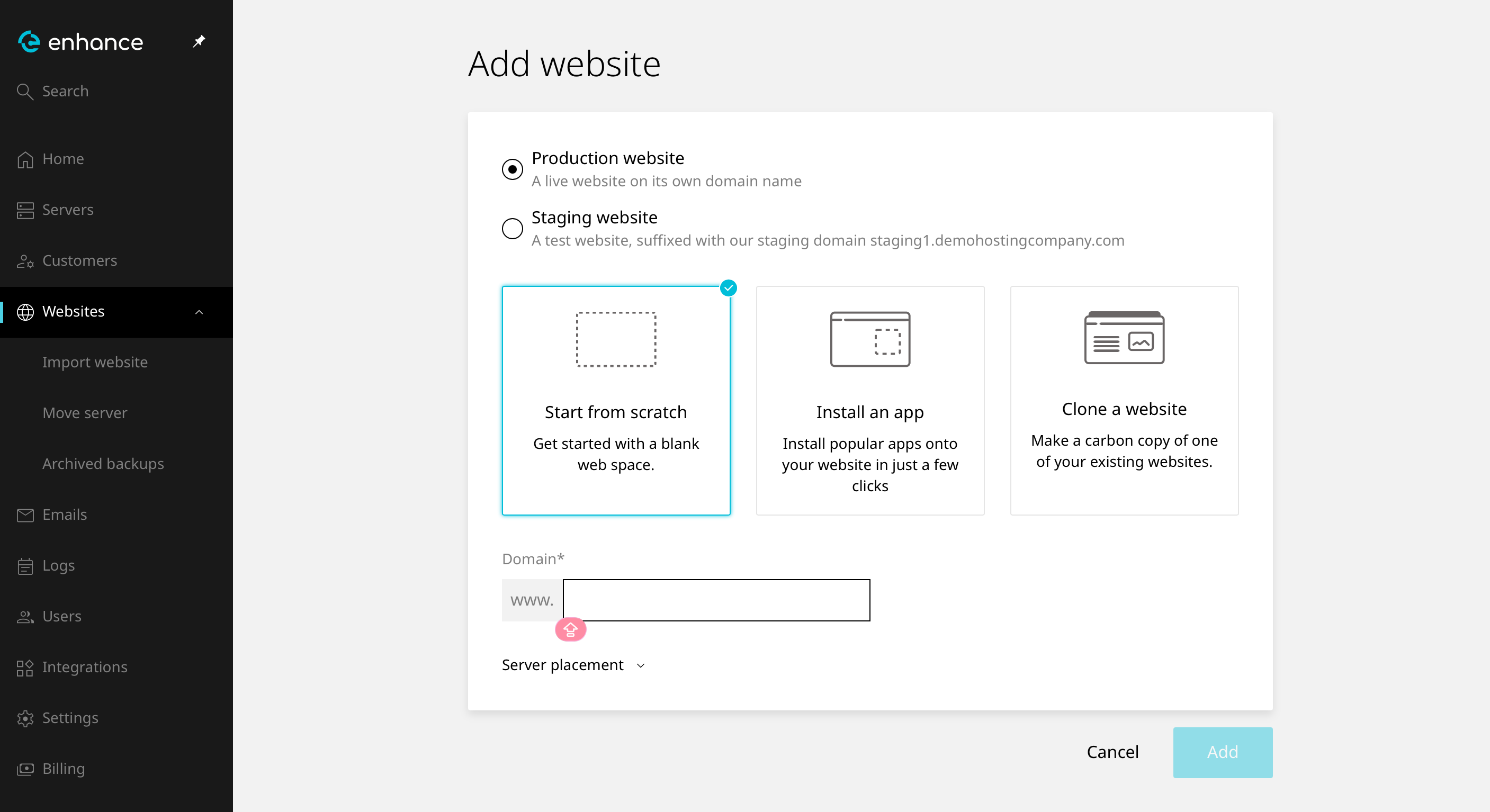
Click Add to add your website to your account.
5. Verify the Website
The domain should now appear in your websites list. Visiting it in a browser shows either your site or a default page. If it does not resolve, the name servers are the usual cause rather than Enhance.
Next: set up mail with How to Create an Email Account in Enhance, or manage the domain's records with How to Manage DNS Records in Enhance.