How to Create a Database in Enhance

This article will show you how to create a database in Enhance.
Before you start: most applications need the database name, a user and that user's password together. Note all three as you go, because the password cannot be retrieved afterwards.
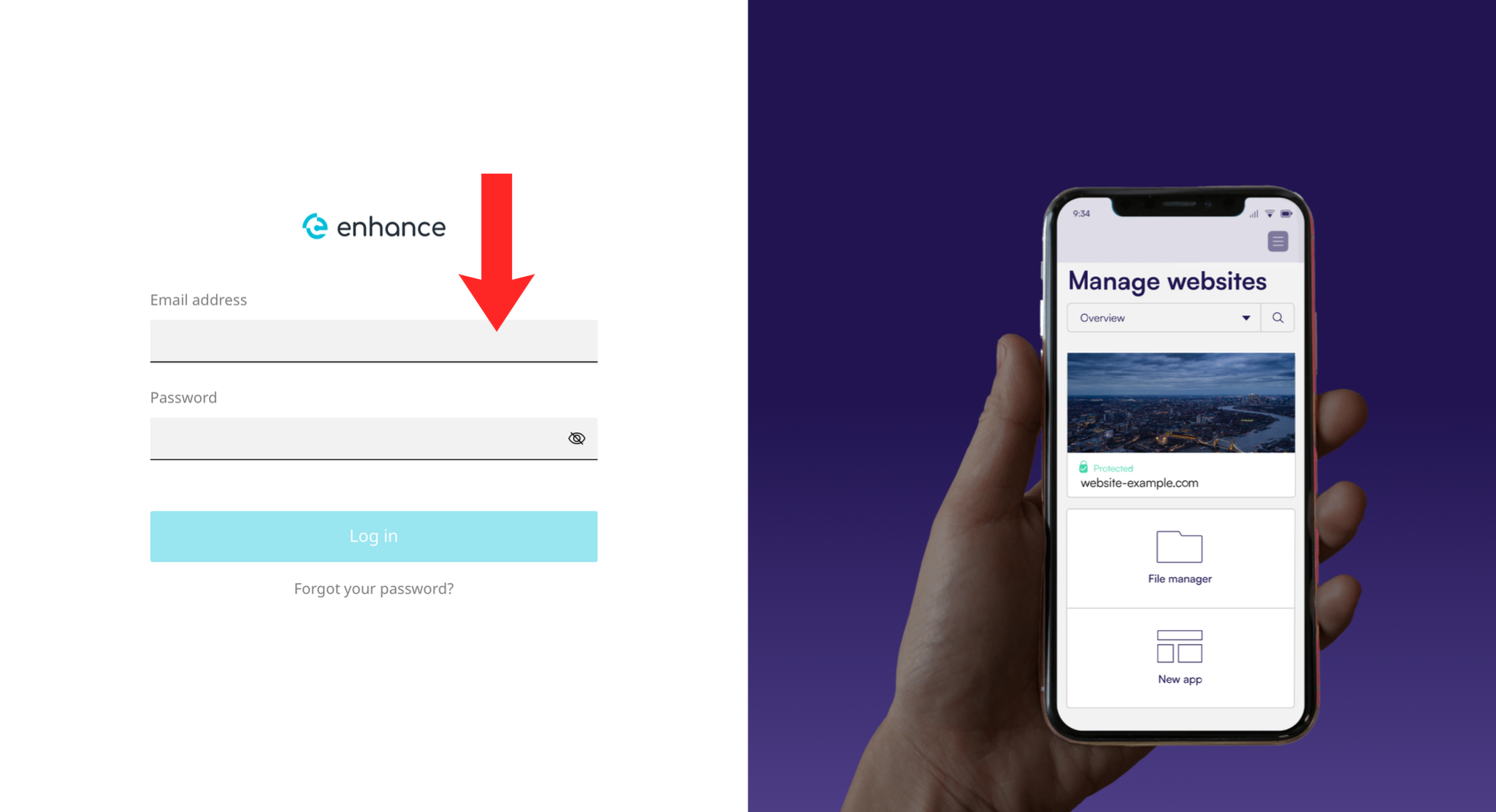
1. Log in to the Enhance Control Panel
Use your credentials to log in to your Enhance control panel.
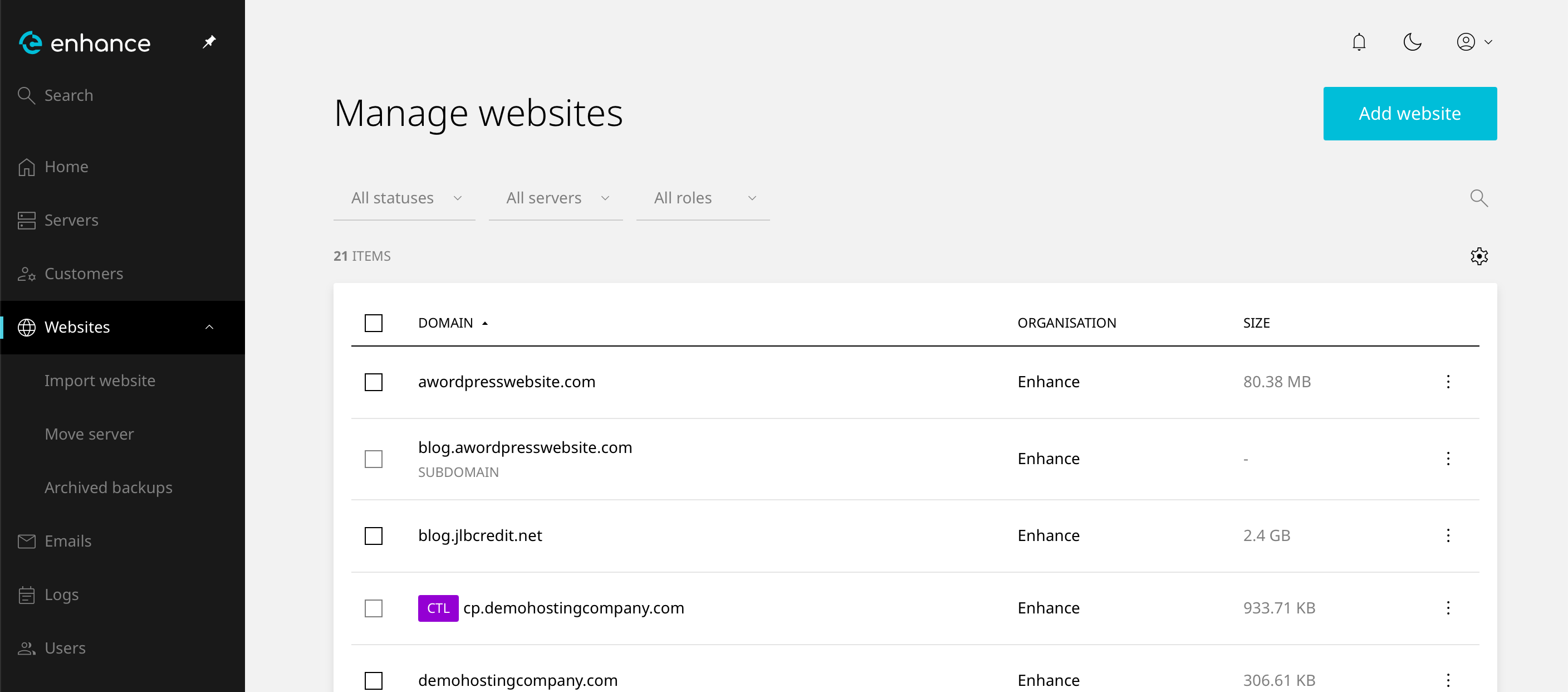
2. Navigate to Websites
Click on Websites in the left-hand navigation menu and select your website.
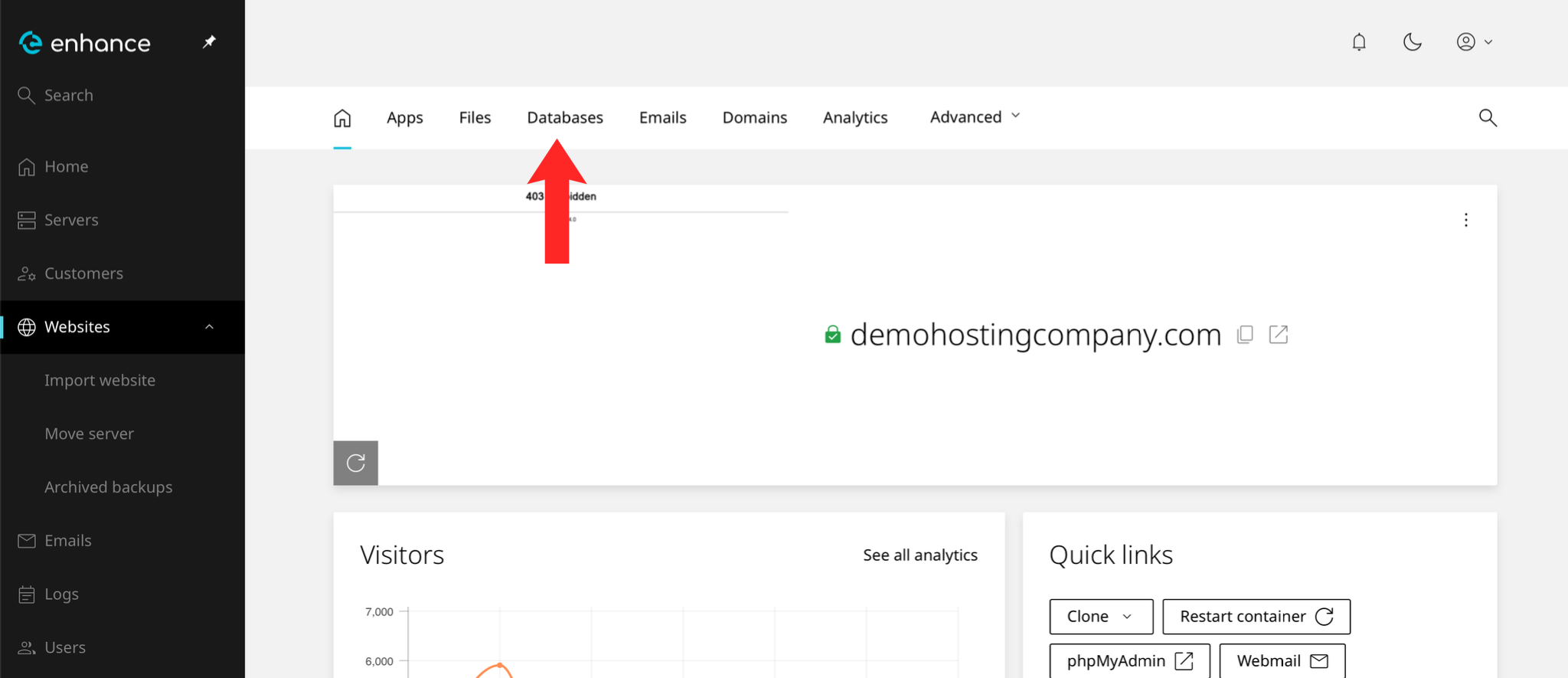
3. Open the Databases Tab
Click the Databases tab within your website settings.
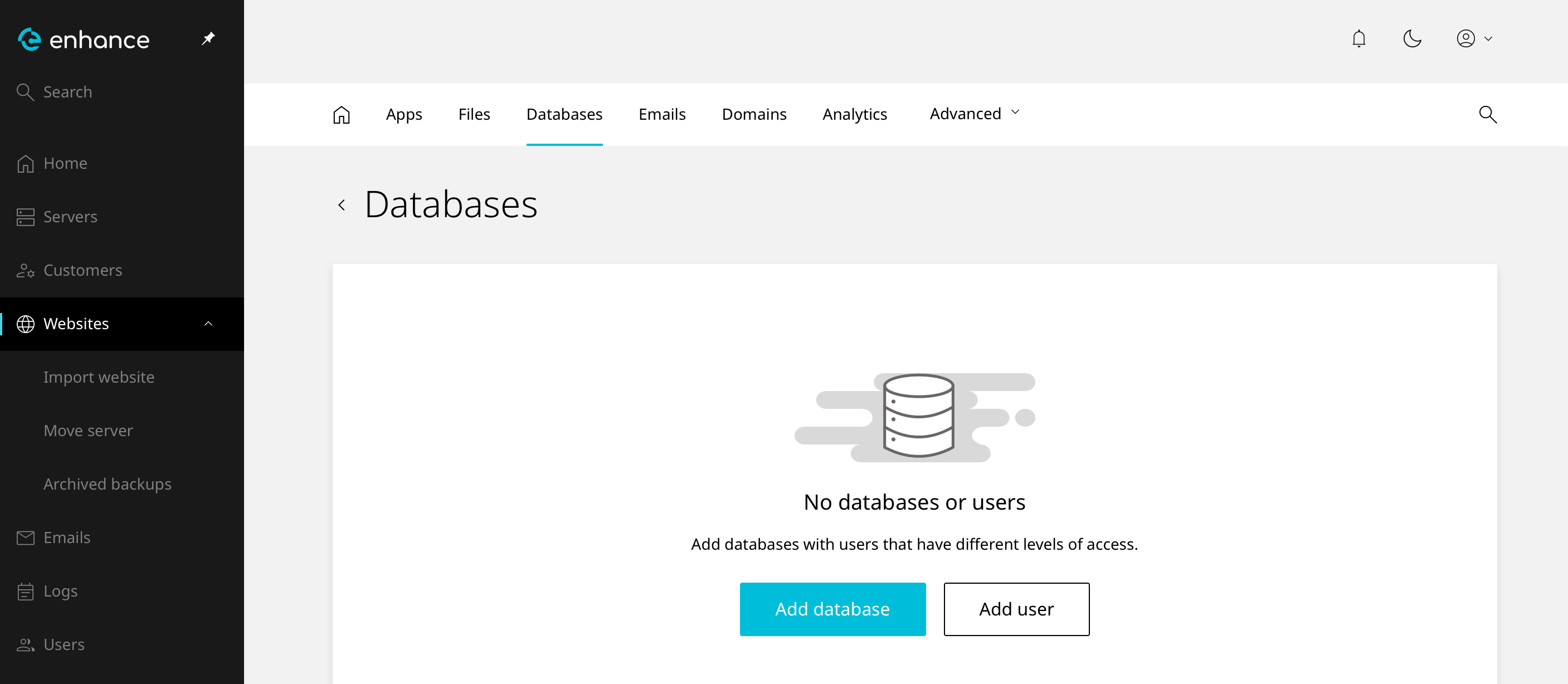
4. Create a New Database
Click the New Database button.
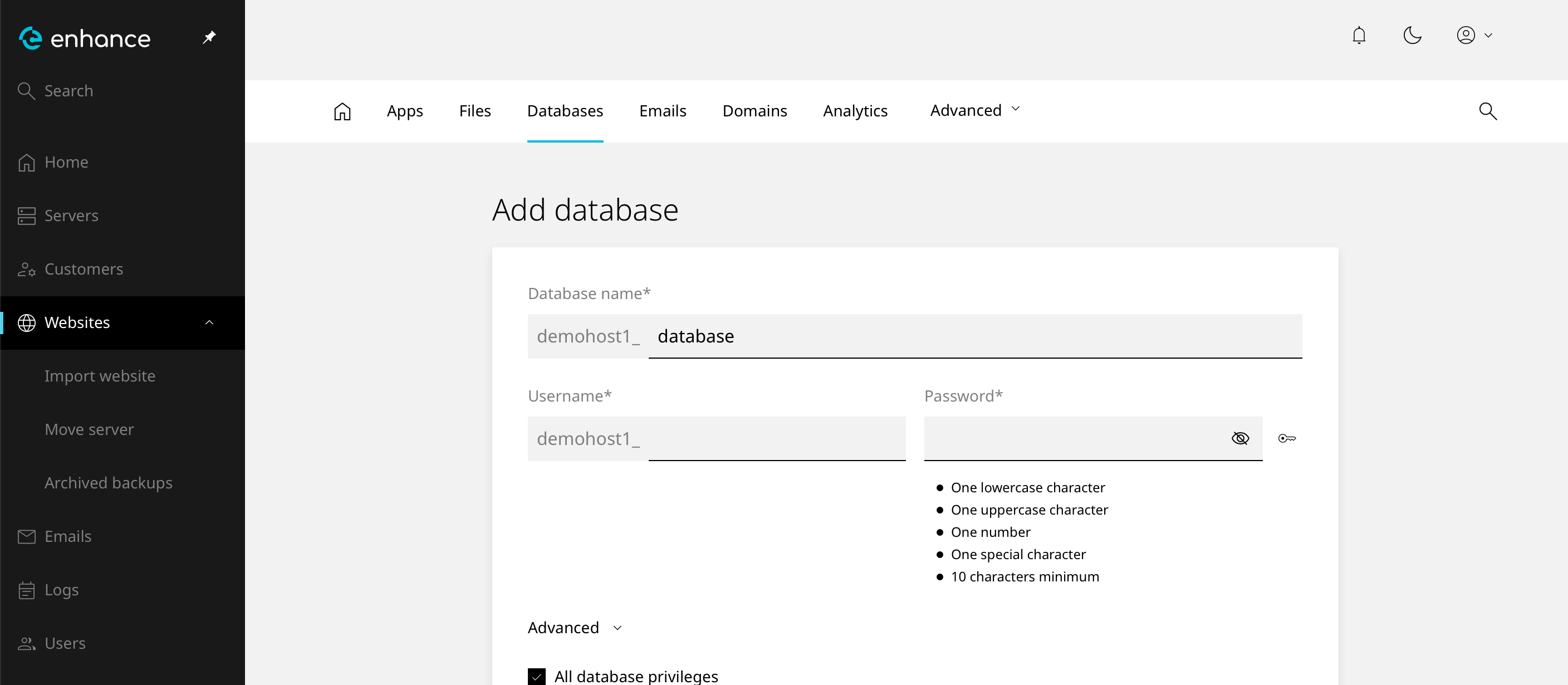
5. Enter Database Details
Enter a name for your database and set a password for the database user.
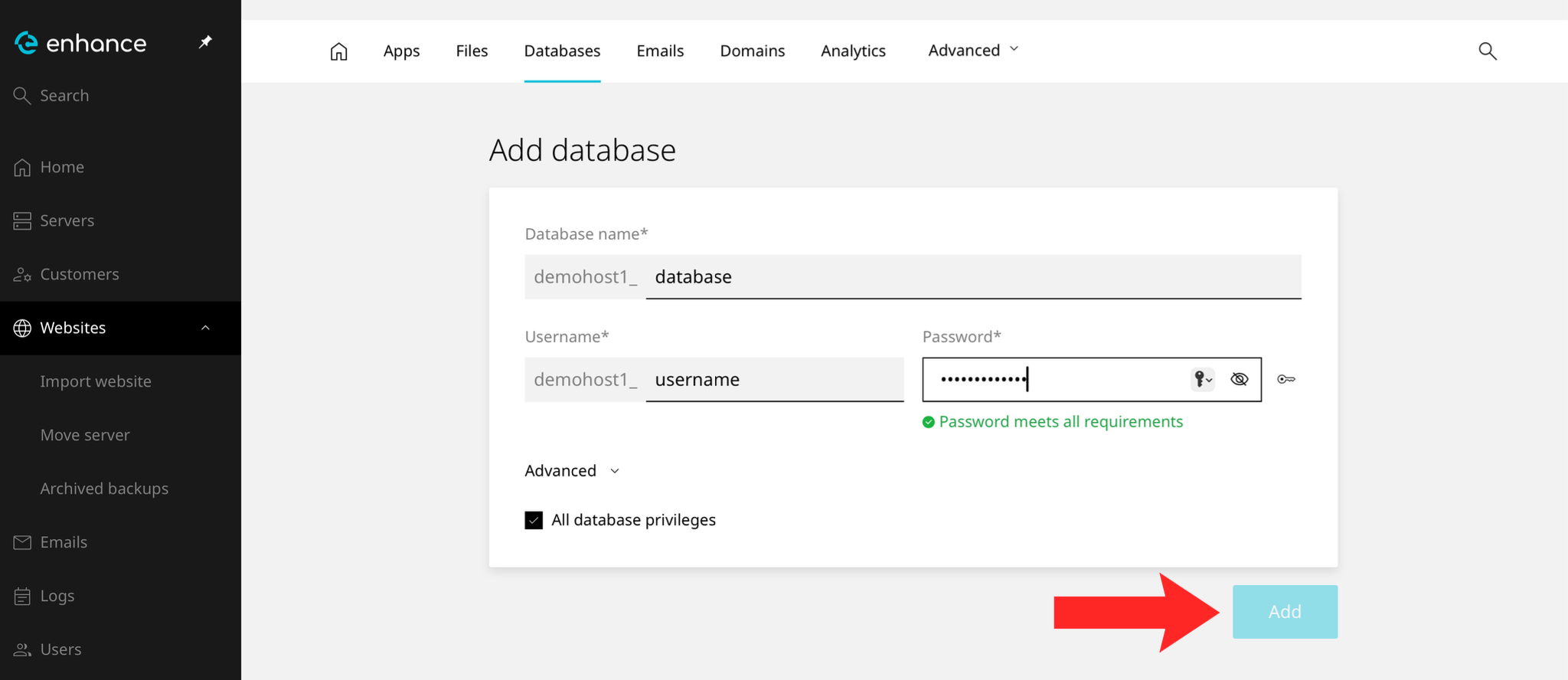
6. Save the Database
Click Add to create the database.
7. Verify the Database
The database and its user should both appear in the list. Note the full names, which usually carry a prefix.
Next: keep the database details to hand for How to Install WordPress Using Softaculous.