How to Log In to the WordPress Dashboard

This article will show you how to log in to the WordPress dashboard.
1. Navigate to the WordPress Login Page
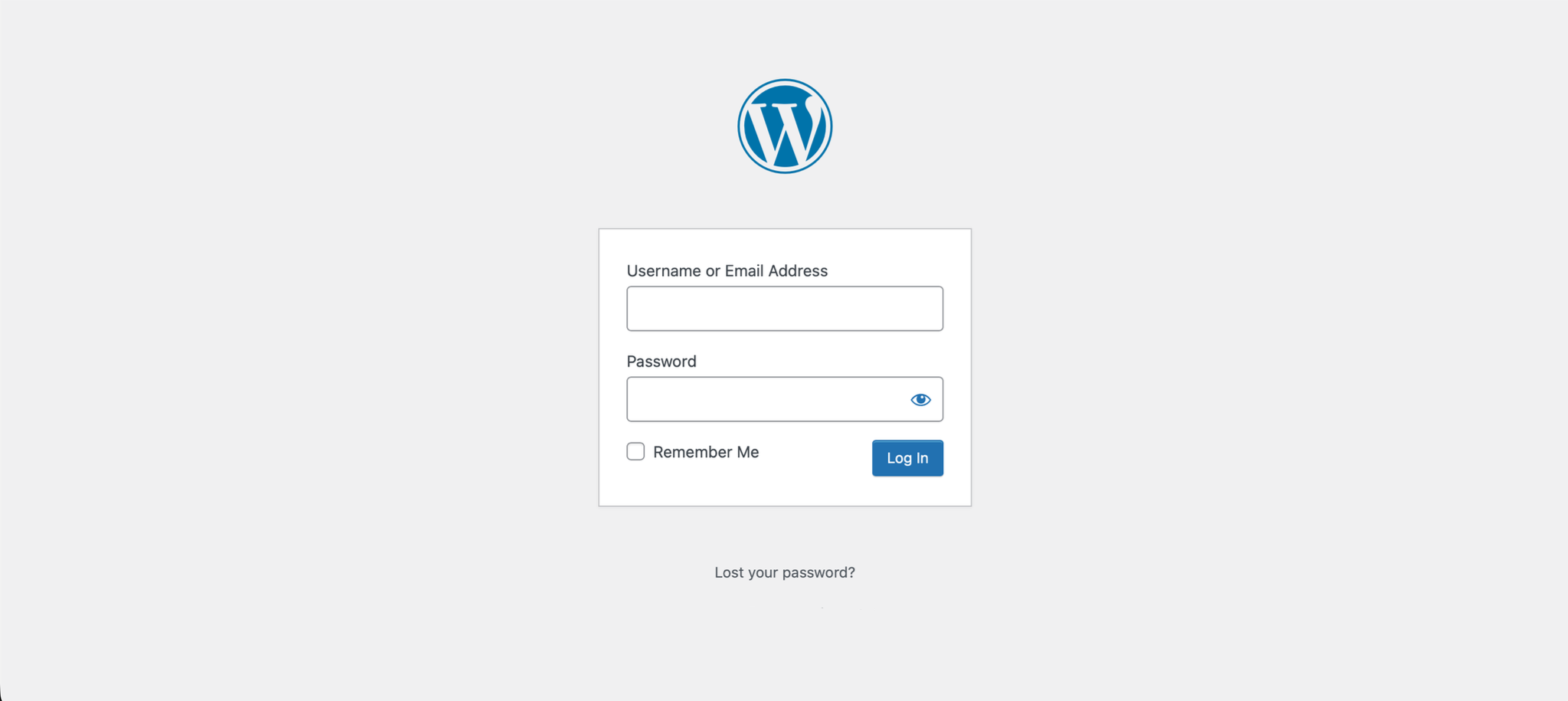
Open your browser and go to https://example.com/wp-admin.
2. Enter Your Credentials
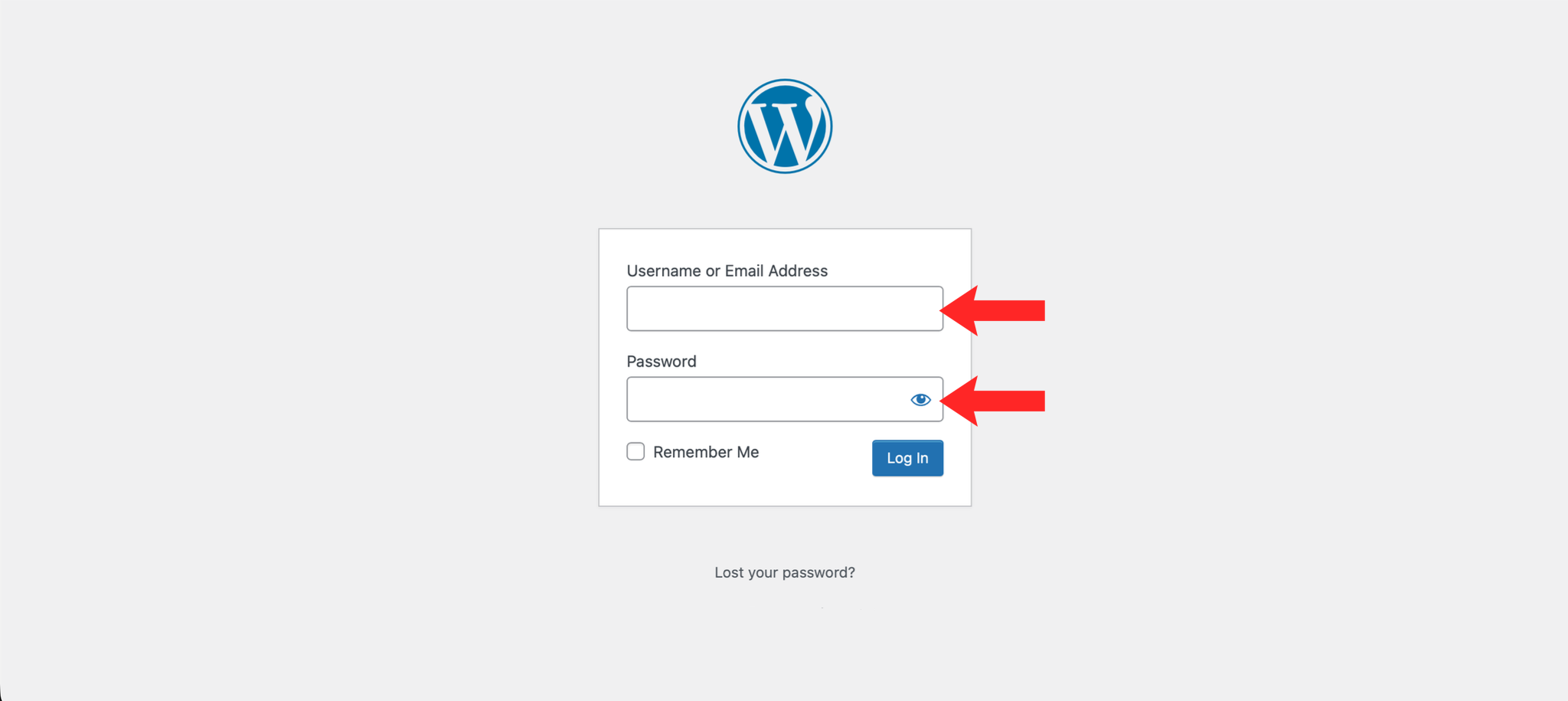
Enter your WordPress username or email address and password in the fields provided.
3. Click Log In
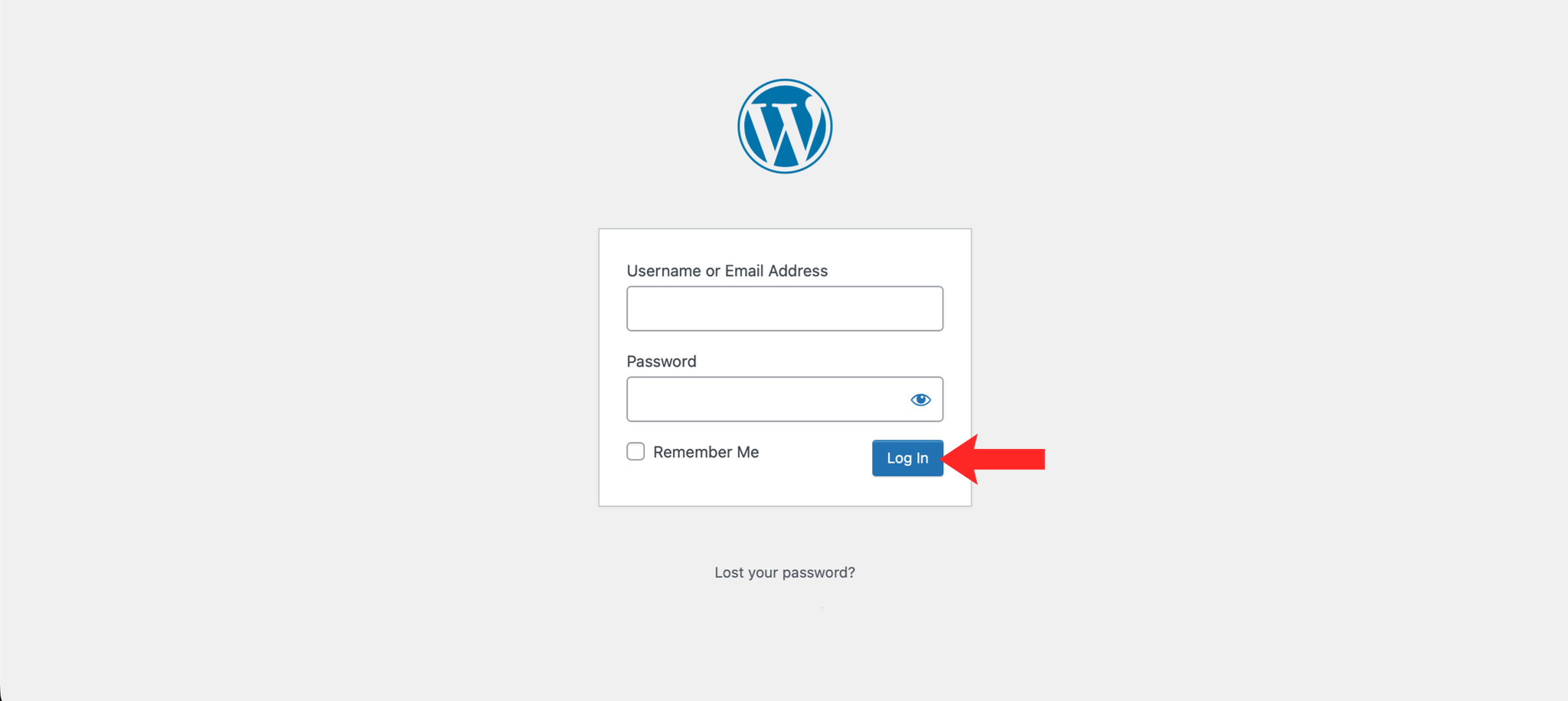
Click the Log In button to access your WordPress dashboard.
4. Access the Dashboard
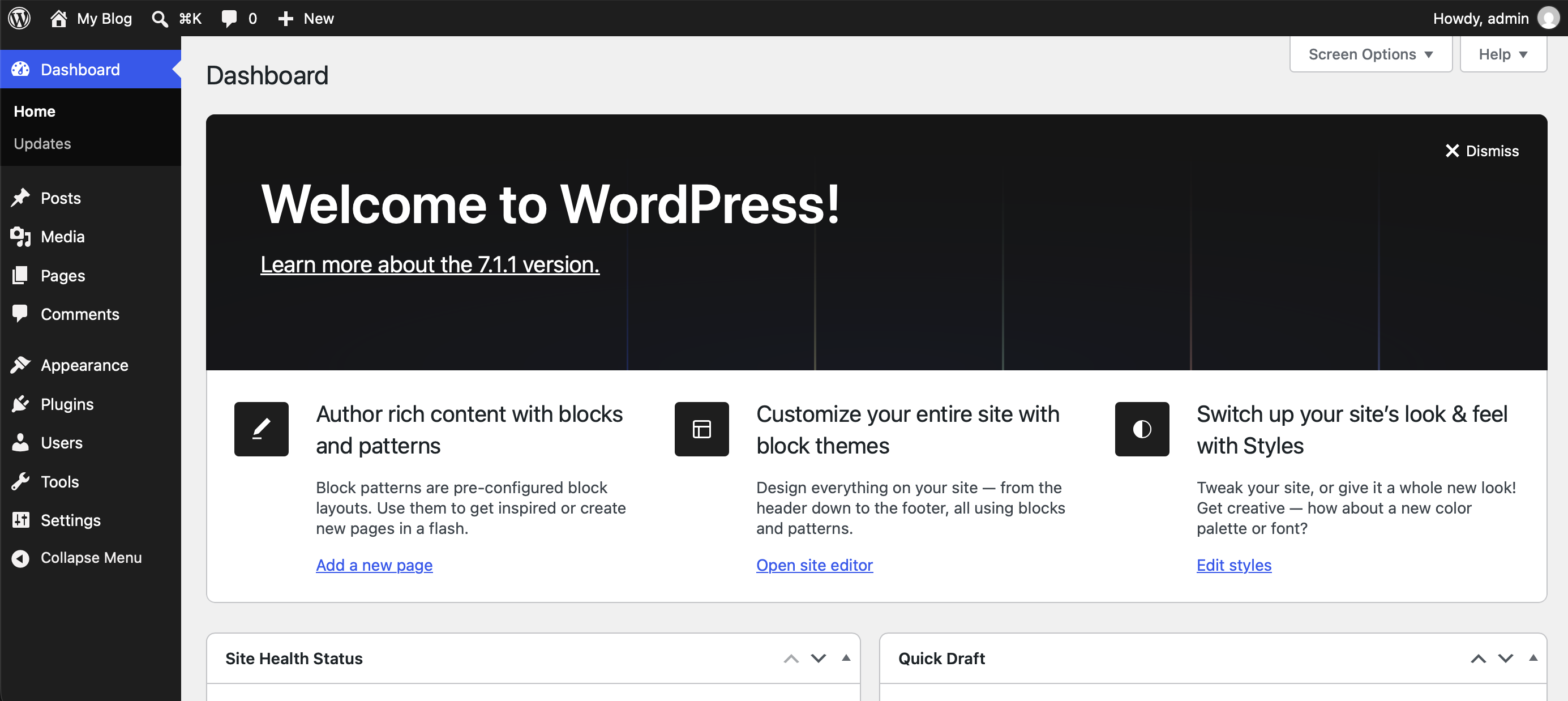
You will now be taken to the WordPress dashboard where you can manage your website.
Next: give the site a look with How to Install a WordPress Theme, or add functionality with How to Install a WordPress Plugin.