How to Install a WordPress Theme

This article will show you how to install a WordPress theme.
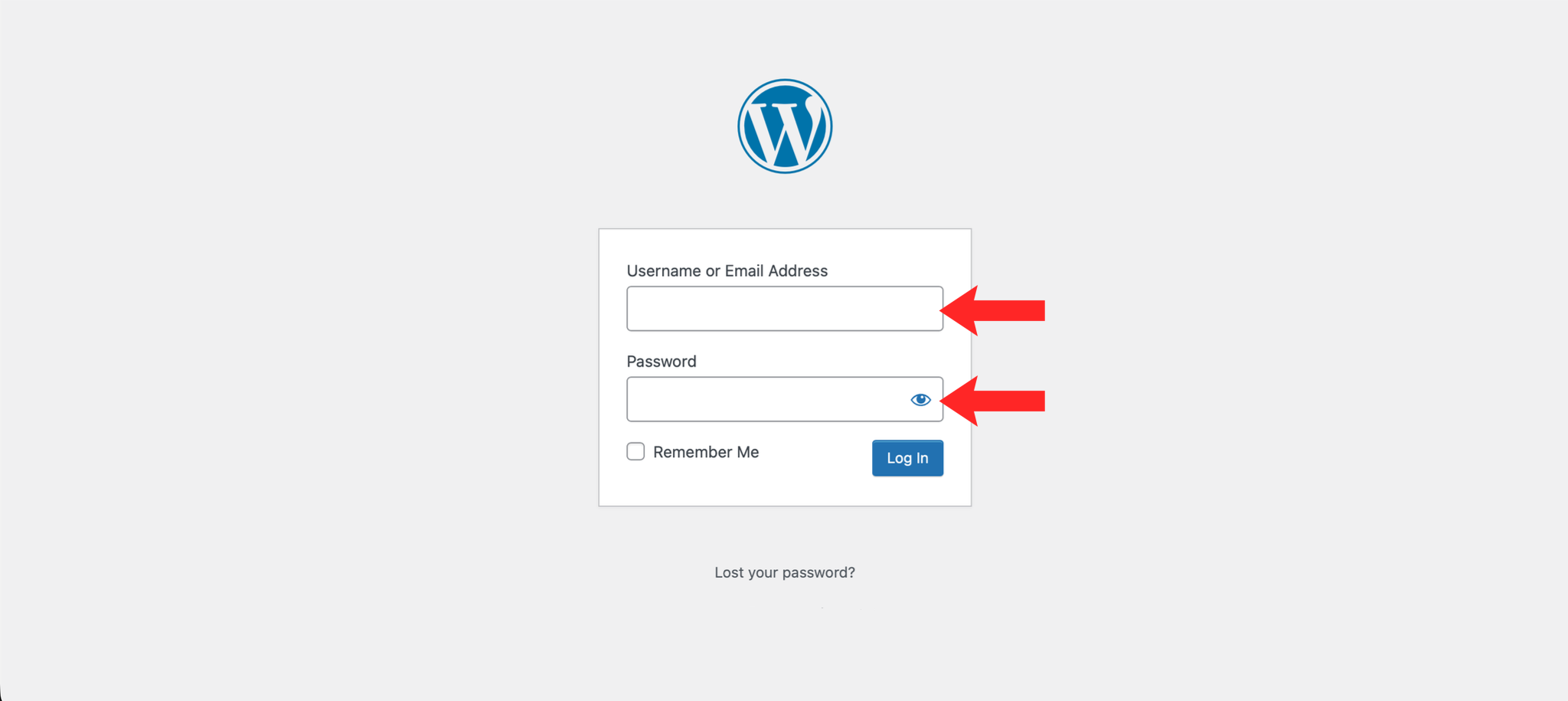
1. Log in to the WordPress Dashboard
Navigate to https://example.com/wp-admin and log in with your credentials.
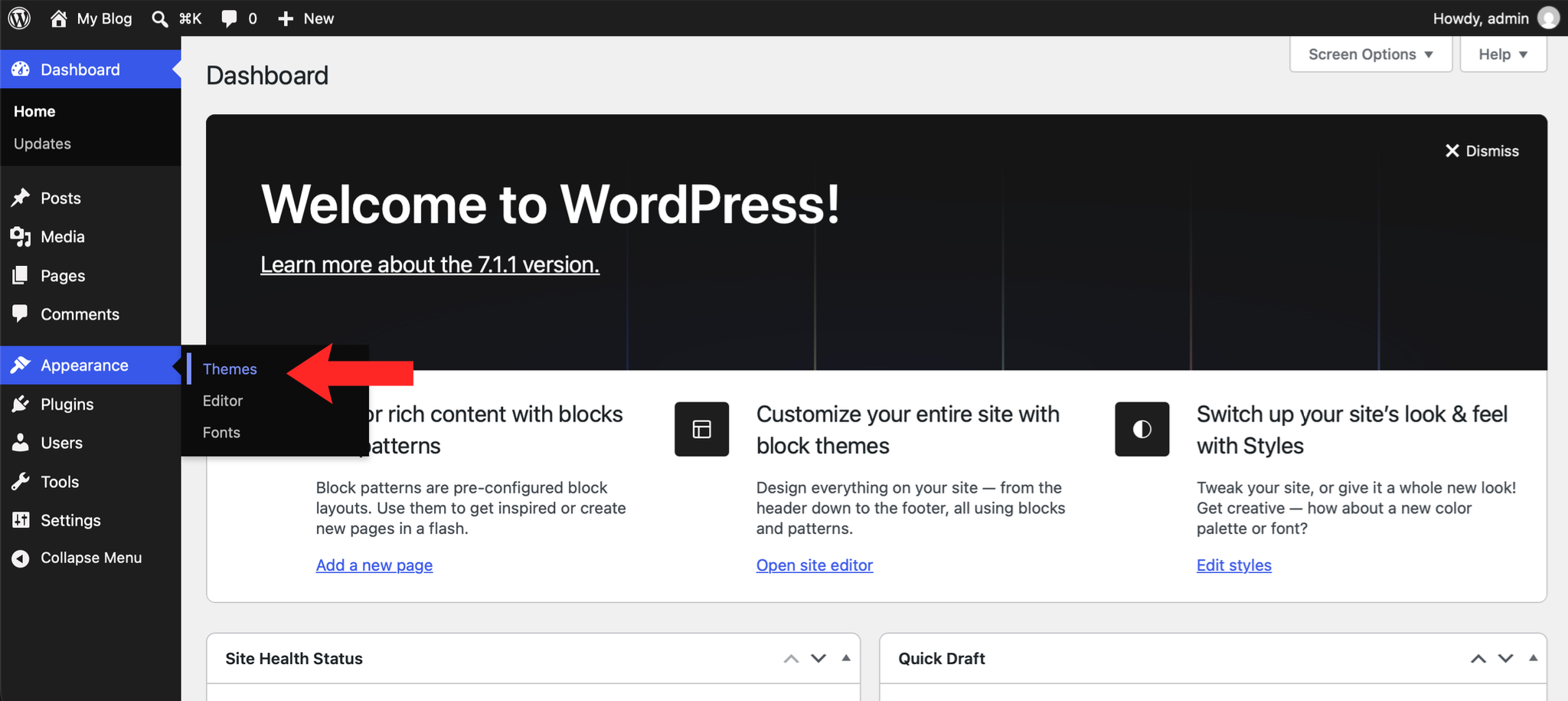
2. Navigate to Themes
In the left-hand menu, hover over Appearance and click Themes.
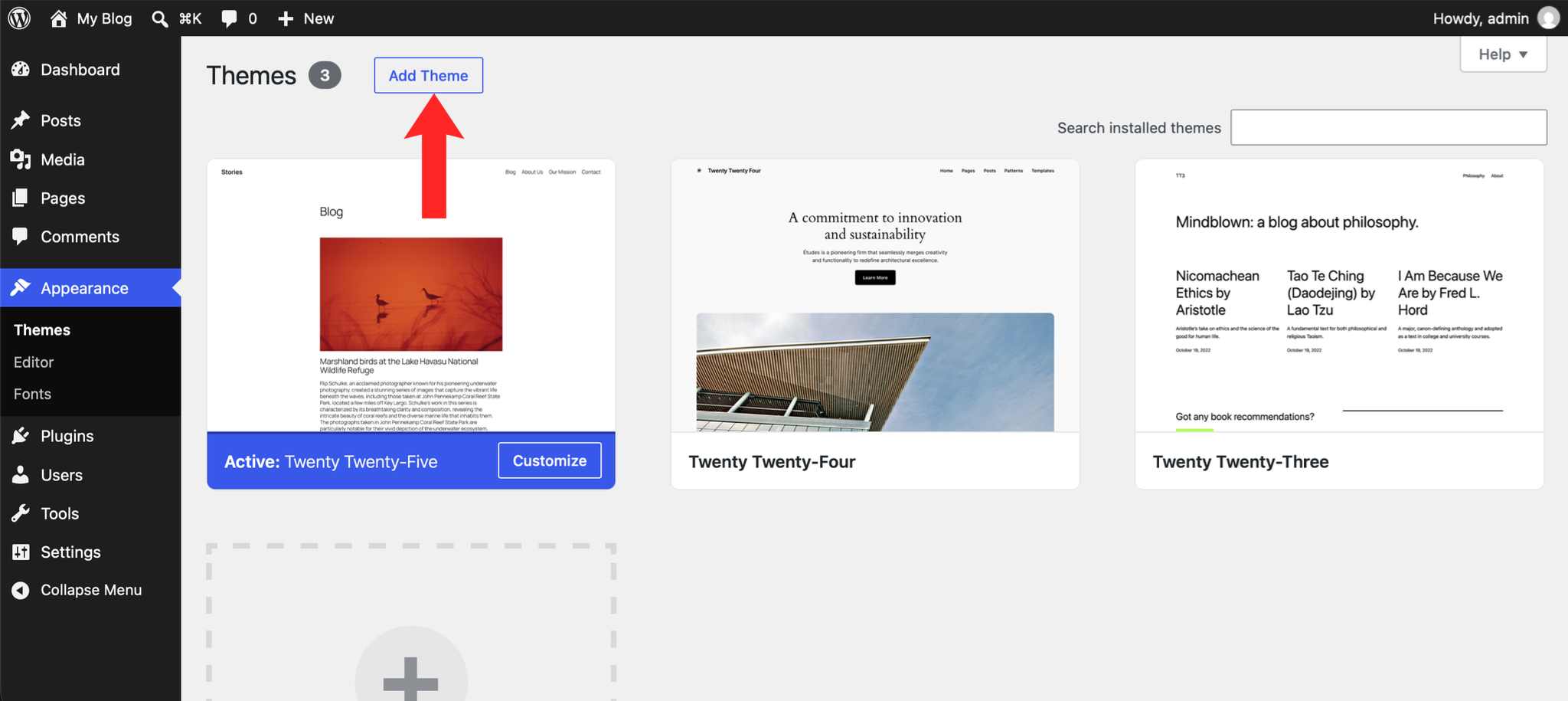
3. Add a New Theme
Click the Add New button at the top of the Themes page.
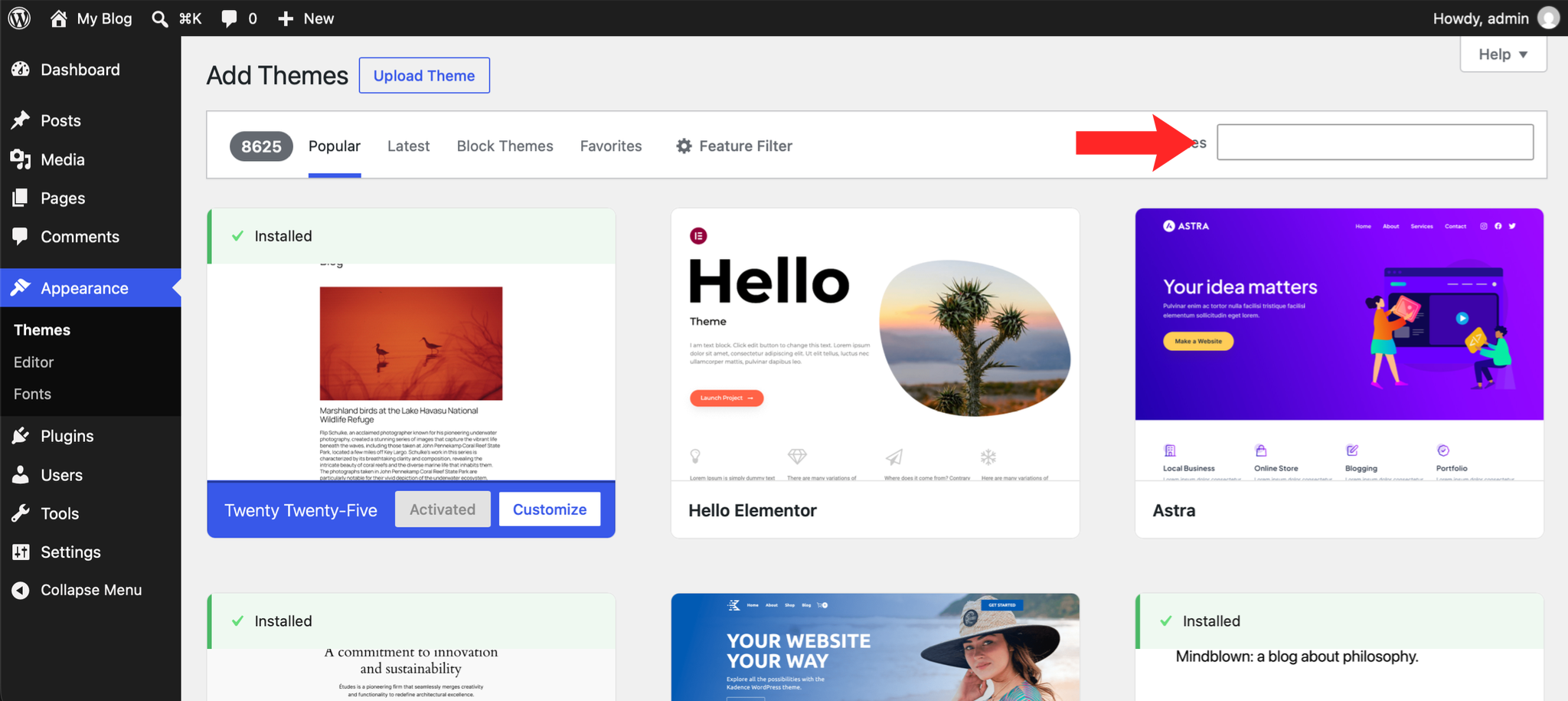
4. Search for a Theme
Use the search bar to find a theme by name or keyword, or browse the featured and popular selections.
5. Install the Theme
Hover over your chosen theme and click the Install button.
6. Activate the Theme
Once installed, click the Activate button to apply the theme to your website.
Next: How to Create a Menu in WordPress covers building the navigation to go with it.