How to Create a Menu in WordPress

This article will show you how to create a menu in WordPress.
1. Log in to the WordPress Dashboard
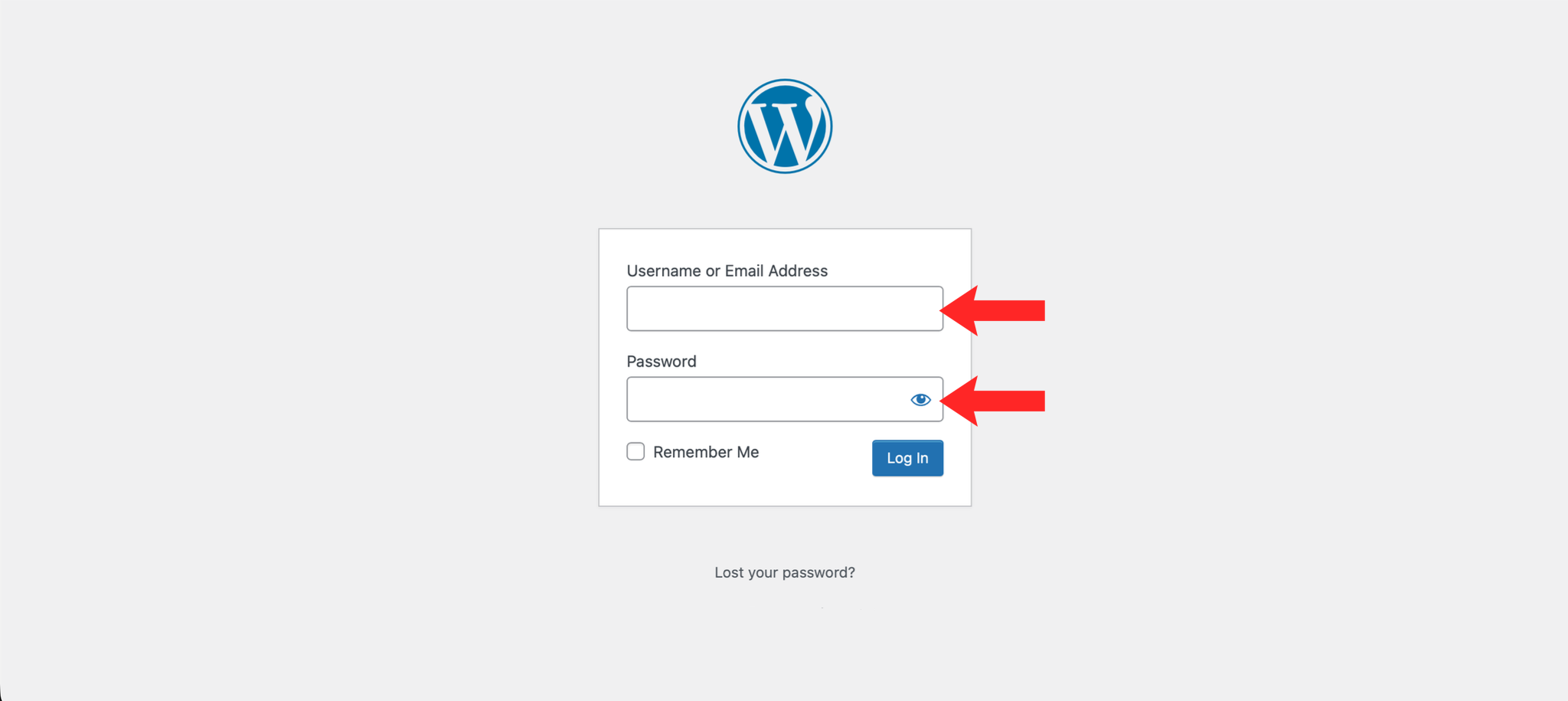
Navigate to https://example.com/wp-admin and log in with your credentials.
2. Navigate to Menus
In the left-hand menu, hover over Appearance and click Menus.
3. Create a New Menu
Enter a name for your menu in the Menu Name field and click Create Menu.
4. Add Items to Your Menu
Select the pages, posts, or custom links you want to add from the left-hand panel and click Add to Menu.
5. Arrange Your Menu Items
Drag and drop the menu items to reorder them. Nest items underneath others to create dropdown submenus.
6. Assign and Save the Menu
Select a display location for your menu under Menu Settings, then click Save Menu.
Next: How to Create a Page in WordPress covers creating the pages to put in it.