How to Create a Page in WordPress

This article will show you how to create a page in WordPress.
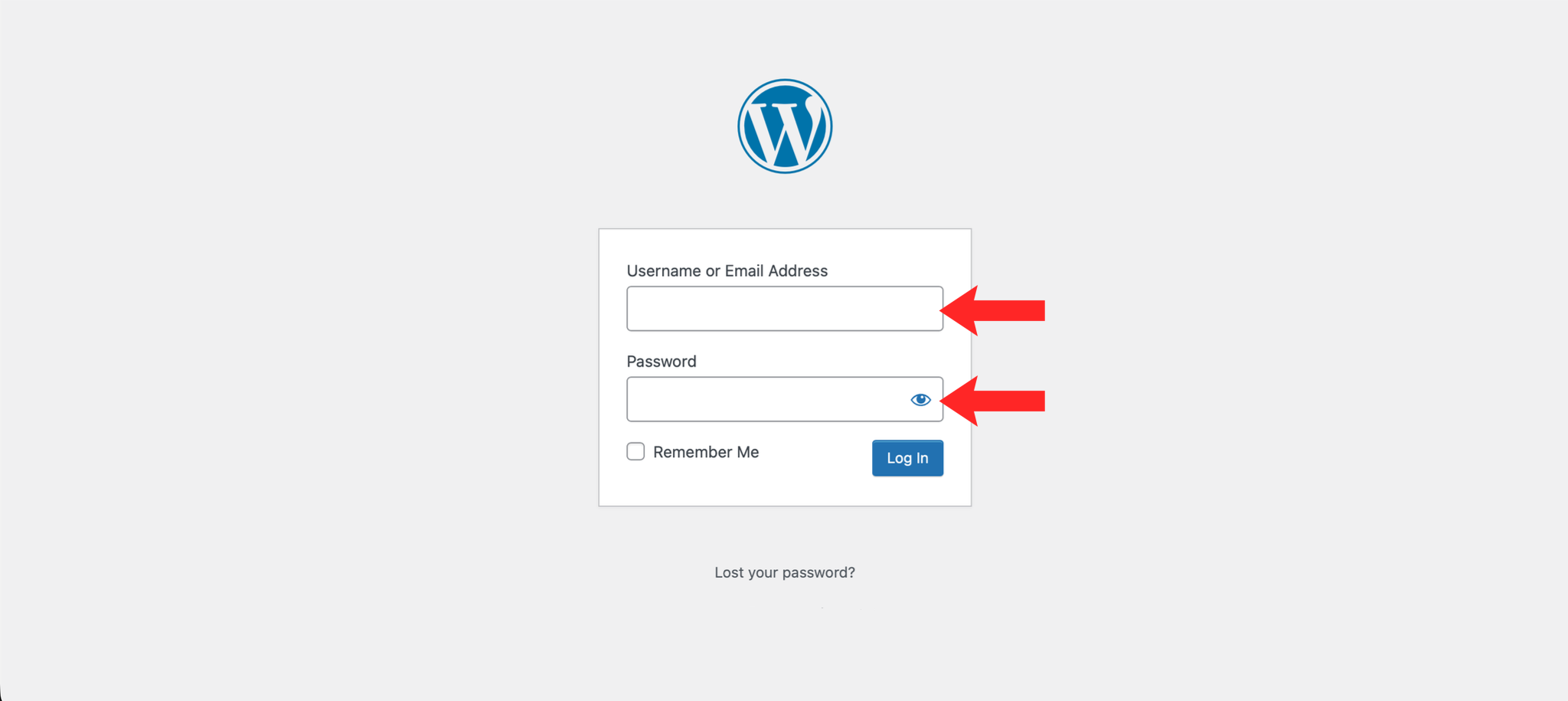
1. Log in to the WordPress Dashboard
Navigate to https://example.com/wp-admin and log in with your credentials.
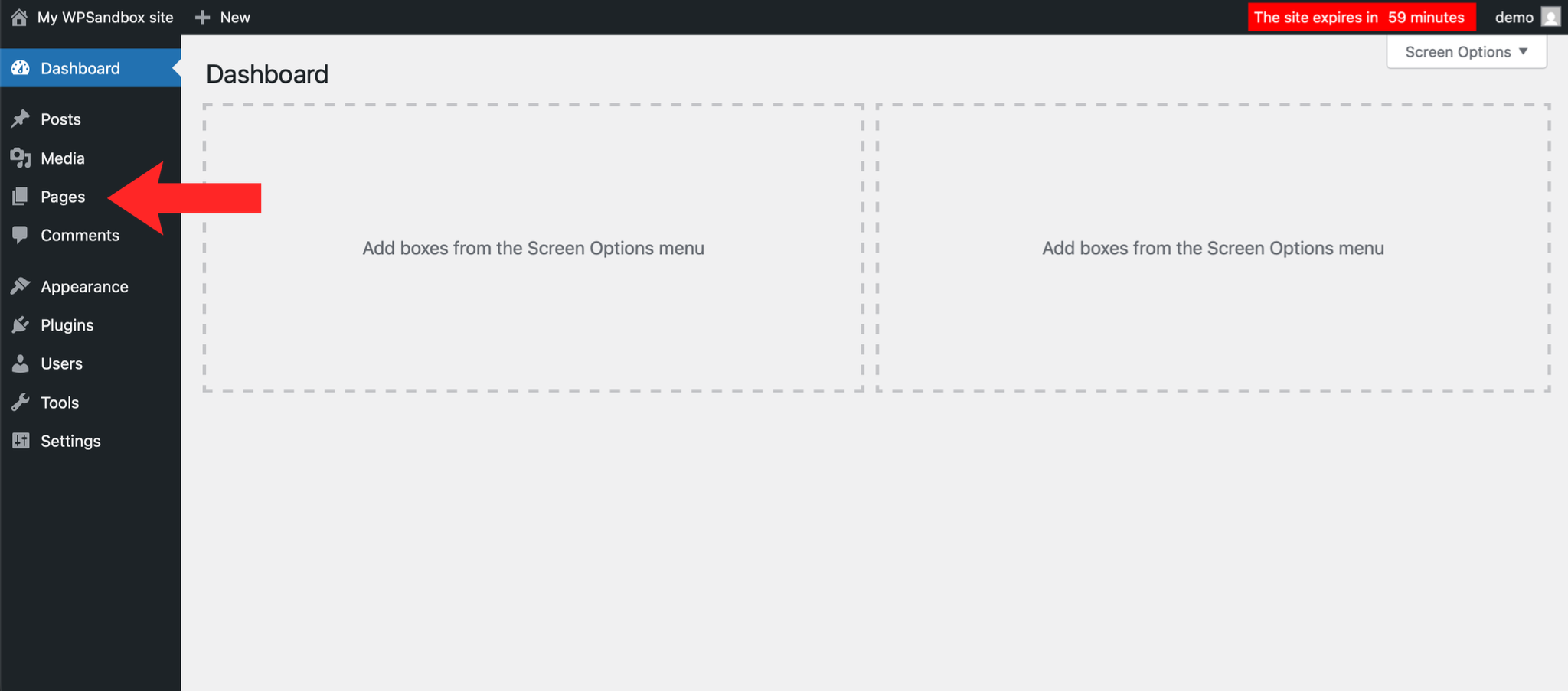
2. Navigate to Pages
In the left-hand menu, click on Pages.
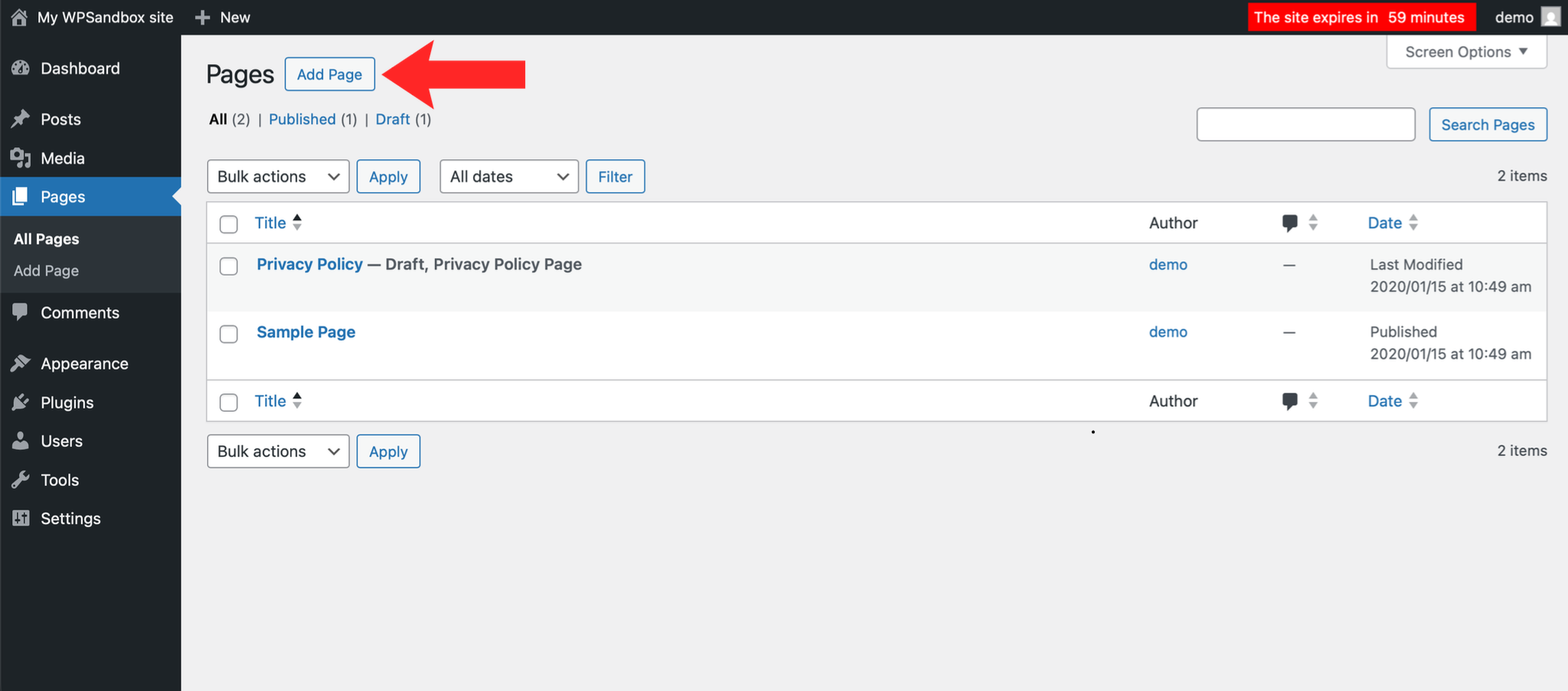
3. Add a New Page
Click on the Add New button.
4. Add Your Content
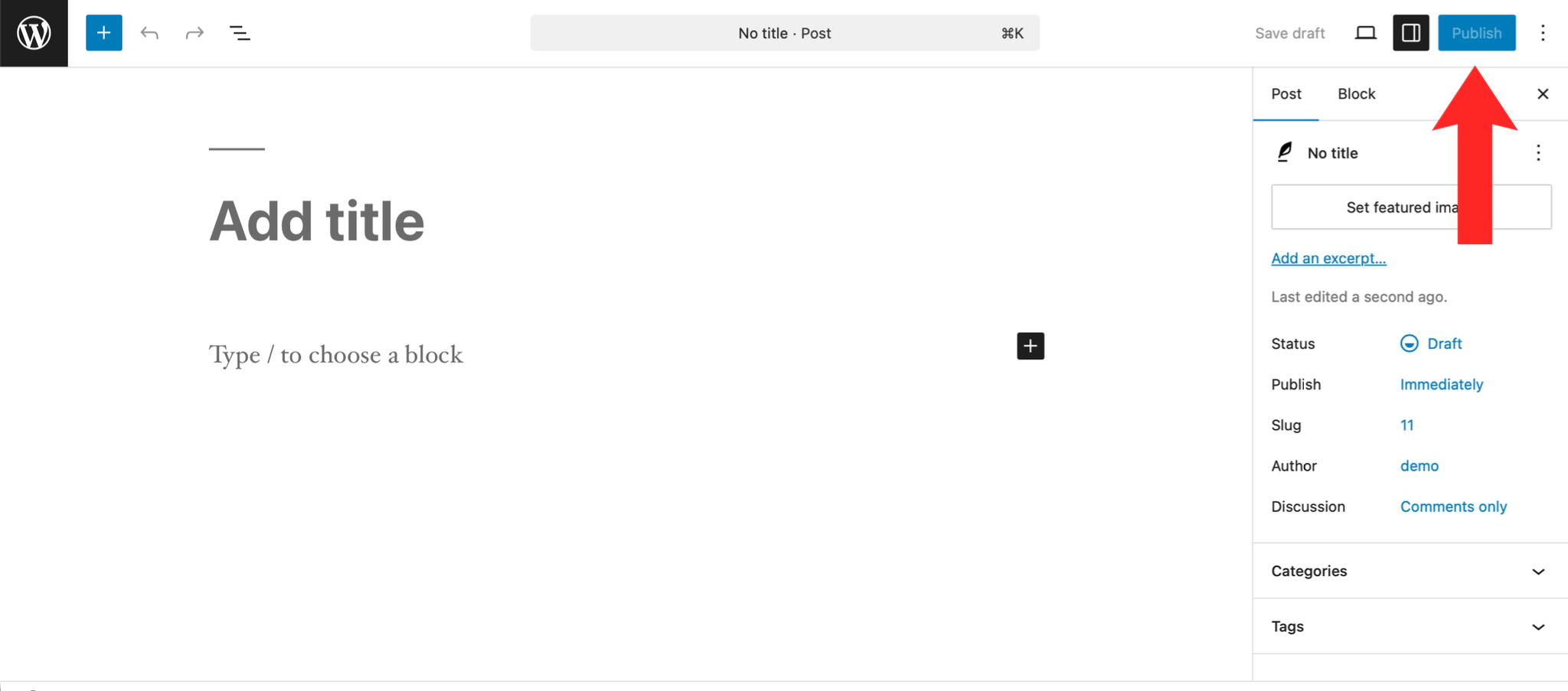
Click on the Add title field and enter a title for your page then click in the content area below the title and add your page content using the block editor.
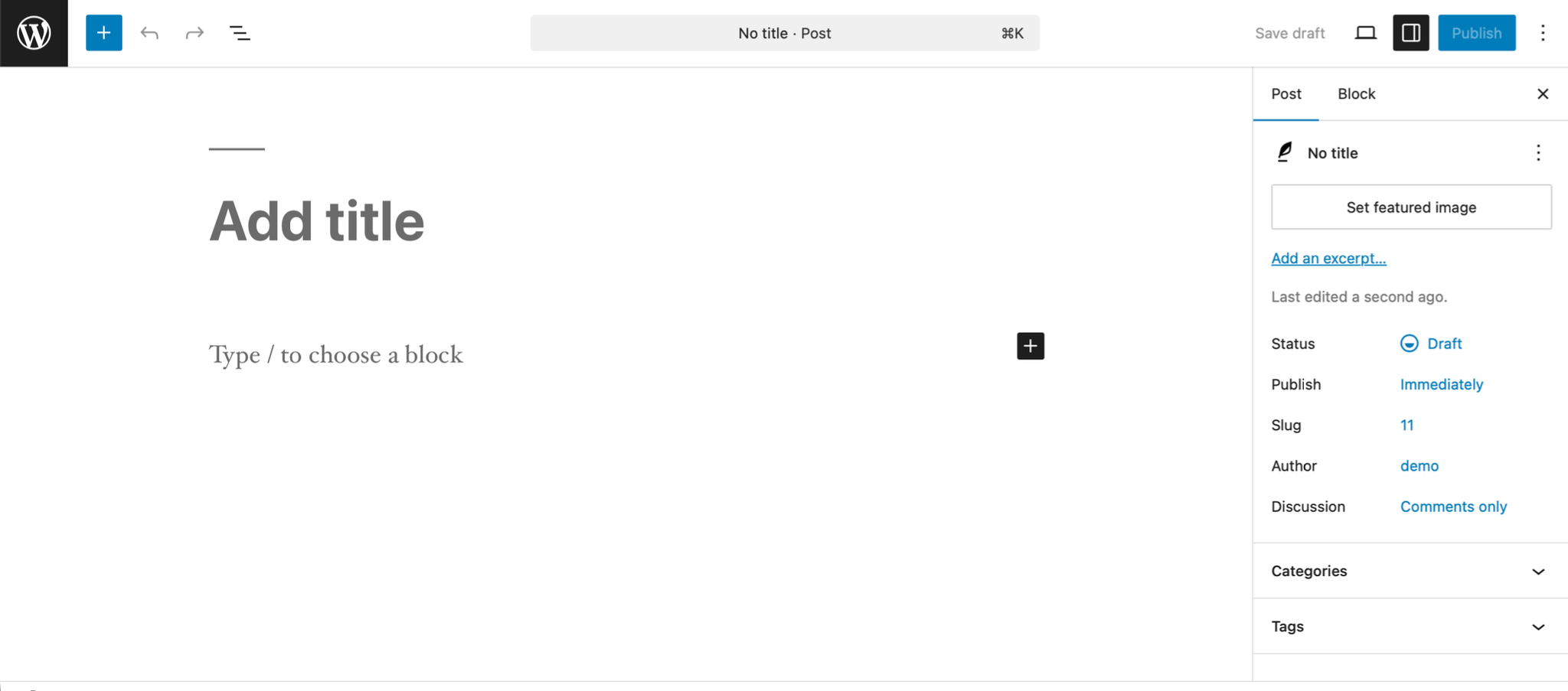
5. Publish the Page
Click the Publish button in the top right corner to make your page live.
Next: How to Create a Menu in WordPress covers adding the page to your navigation.