How to Create a User in WordPress

This article will show you how to create a user in WordPress.
1. Log in to the WordPress Dashboard
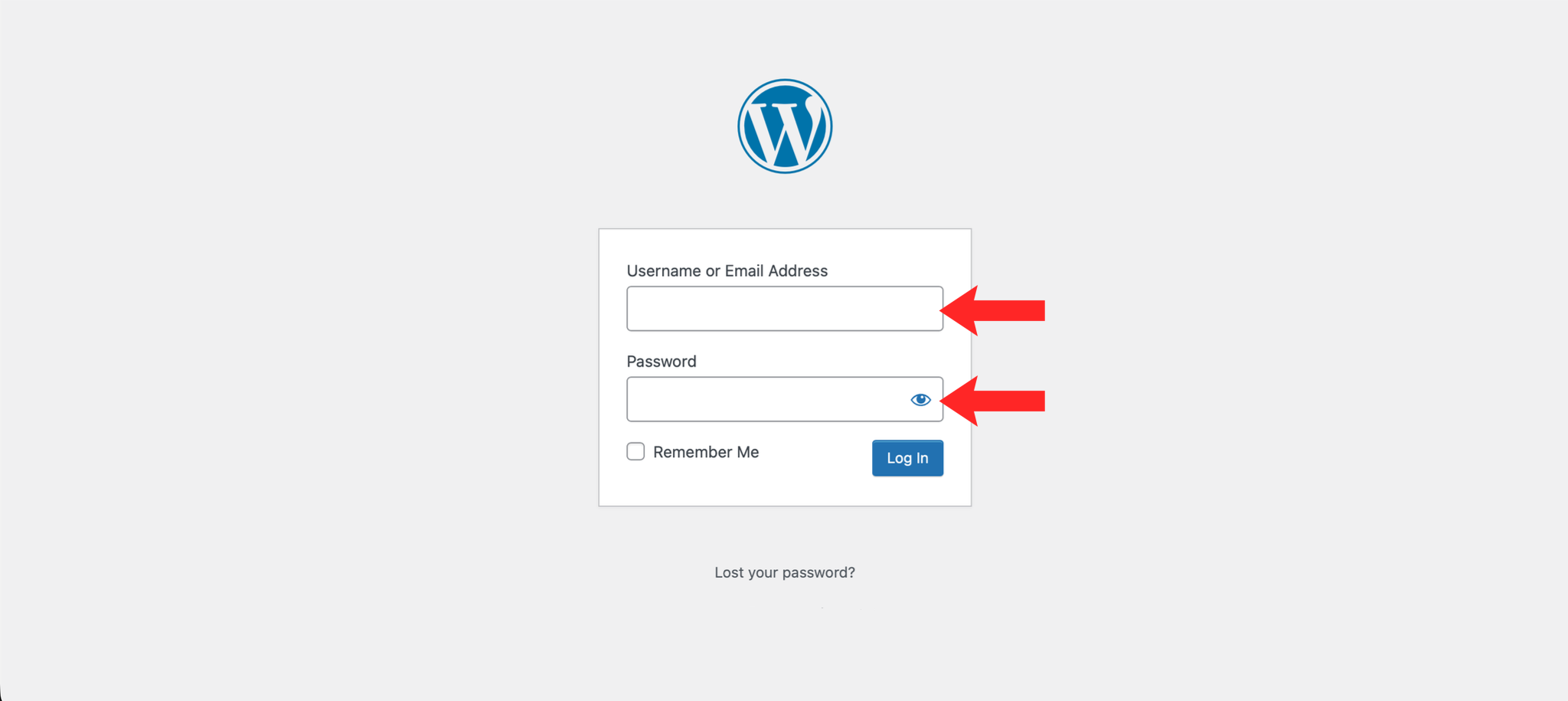
Navigate to https://example.com/wp-admin and log in with your credentials.
2. Navigate to Users
In the left-hand menu, hover over Users and click Add New.
3. Enter User Details
Fill in the username, first name, last name, and email address for the new user.
4. Set a Password
Enter a password for the new user or use the generated password provided. You can also send the user a notification email with their login details.
5. Assign a Role
Select an appropriate role for the user from the Role dropdown. Available roles include Subscriber, Contributor, Author, Editor, and Administrator.
6. Add the User
Click the Add New User button to create the account.
Next: How to Reset Your WordPress Password covers what to do when someone forgets their password.