How to Reset Your WordPress Password

This article will show you how to reset your WordPress password.
1. Navigate to the WordPress Login Page
Open your browser and go to https://example.com/wp-admin.
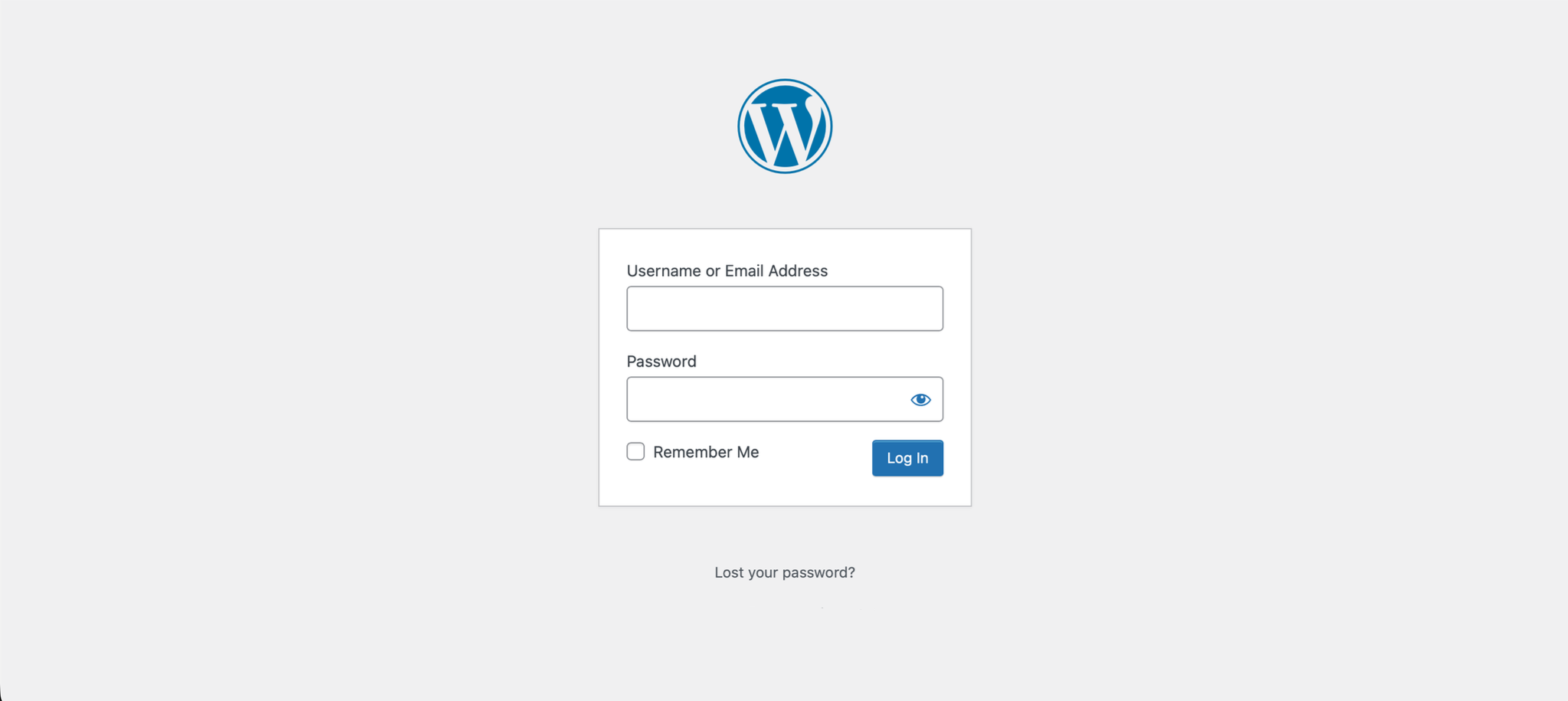
2. Click Lost Your Password
Click the Lost your password? link below the login form.
3. Enter Your Username or Email
Enter your WordPress username or email address in the field provided.
4. Request a Reset Link
Click the Get New Password button. A password reset link will be sent to your registered email address.
5. Open the Reset Email
Check your inbox for the password reset email and click the link provided.
6. Set a New Password
Enter your new password in the field provided and click Reset Password.
Next: How to Log In to the WordPress Dashboard covers getting back in once the password is reset.