How to Change Your PayPal Email Address

This article will show you how to change your PayPal email address.
You can add a new email address to your PayPal account and set it as your primary email at any time.
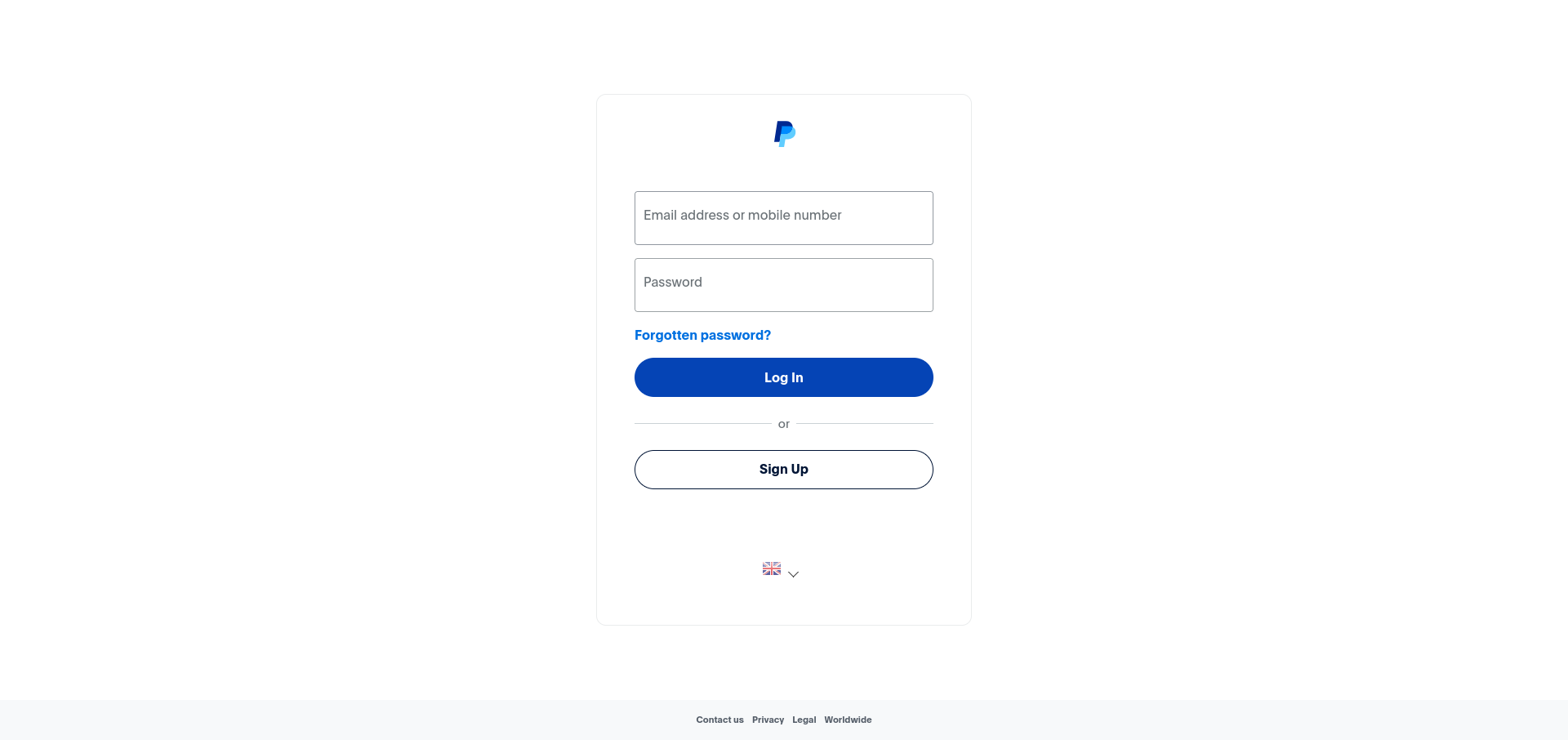
1. Log in to Your PayPal Account
Use your login credentials to access your PayPal account.
2. Navigate to Account Settings
Click on the Settings icon in the top right corner of the page.
3. Edit Your Email Address
Under the Account tab, locate the Email section and click Update.
4. Add a New Email Address
Click Add email address and enter your new email address in the field provided.
5. Verify the New Email Address
PayPal will send a confirmation email to your new address. Open the email and click the verification link to confirm it.
6. Set as Primary
Once verified, return to your account settings, locate the new email address and click Make Primary to set it as your main email address.
Next: How to Enable Two-Factor Authentication in PayPal keeps the account secure after an email change.