How to Cancel a Service in Blesta

This article will show you how to cancel a service in Blesta.
Before you start: cancellation is not reversible once processed. Take a full backup of your files, databases and email first, because data is removed when the service terminates.
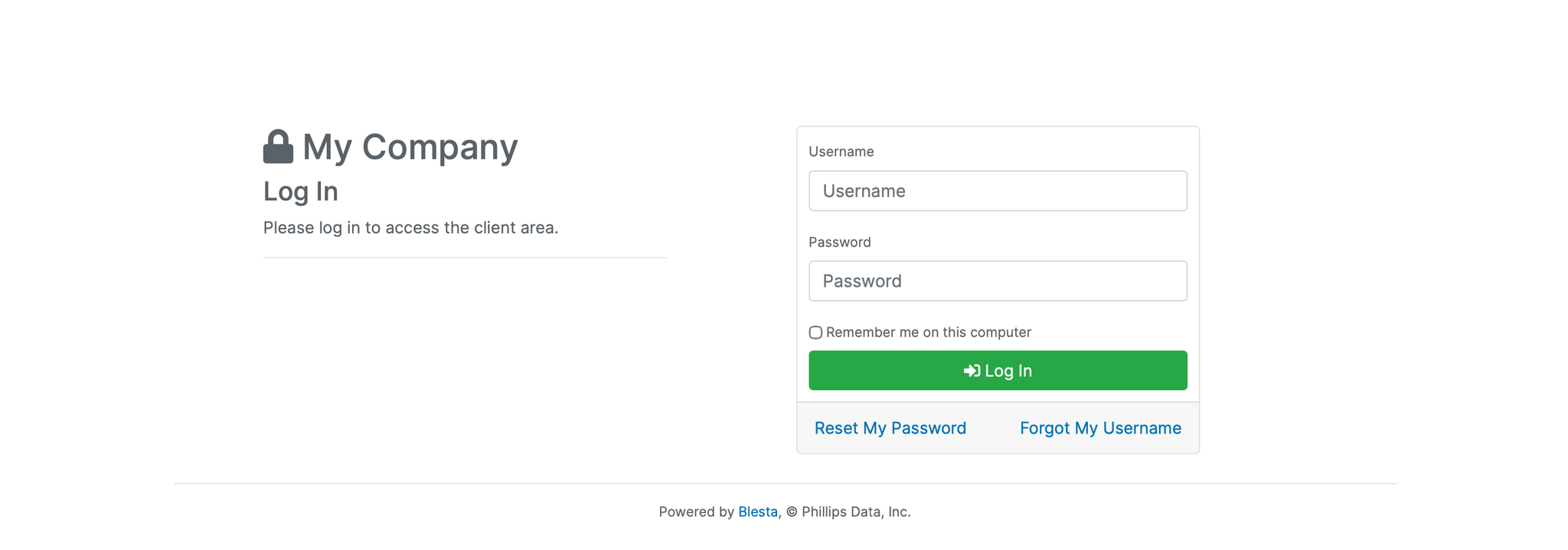
1. Log in to the Blesta Client Area
Use your credentials to log in to your Blesta client area.
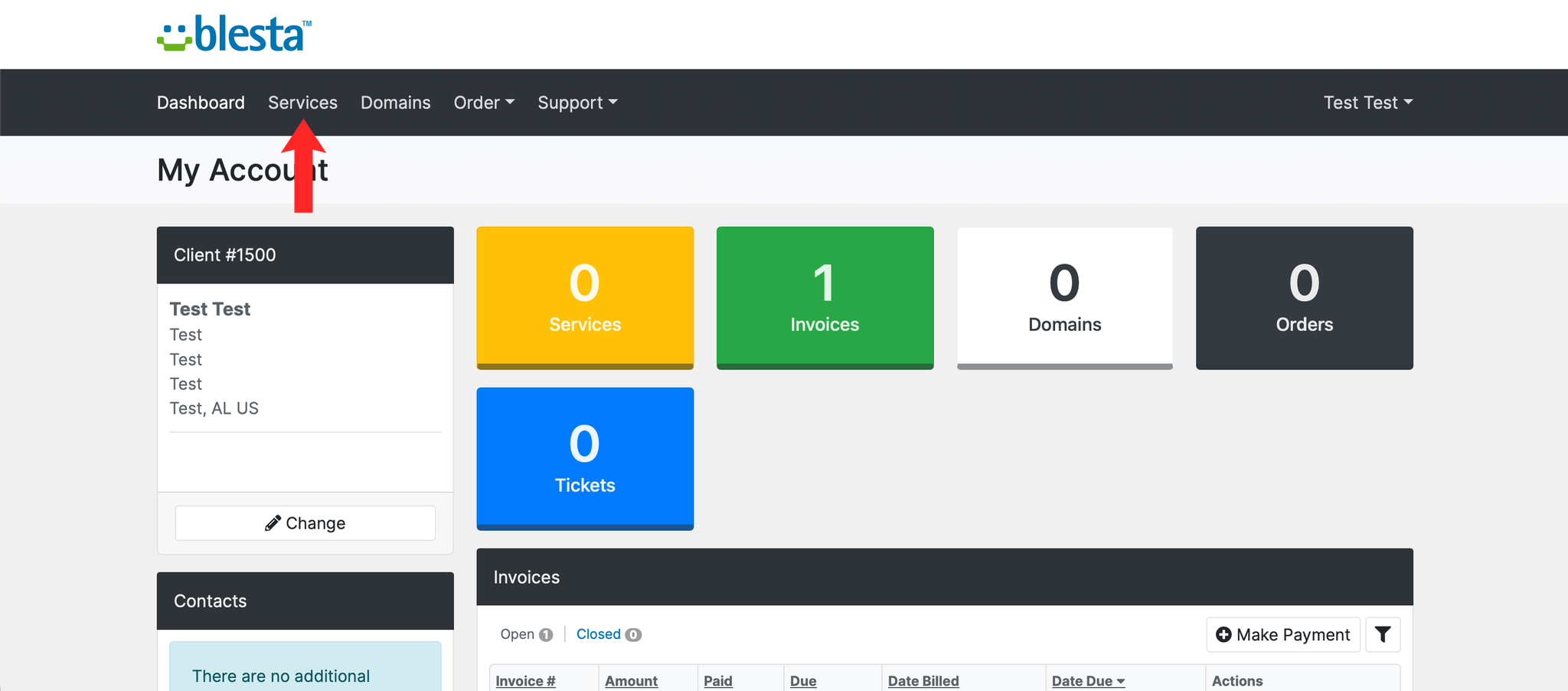
2. Navigate to Services
Click on Services in the navigation menu and select My Services.
3. Select the Service to Cancel
Locate the service you want to cancel and click on it to open the service details.
4. Request Cancellation
Click the Request Cancellation button on the service details page.
5. Select a Cancellation Type
Choose between Immediate cancellation or cancellation at the End of Billing Period.
6. Confirm the Cancellation
Warning: once a cancellation is processed, files, databases and email for that service are removed and cannot be recovered. Take your backups before you get here, not after.
Enter a reason for cancellation in the field provided and click Cancel Service to confirm.
Next: if you only want to change plan, How to Upgrade or Downgrade a Service in Blesta keeps the service running.