How to View Your Order History in Blesta
This article will show you how to view your order history in Blesta.
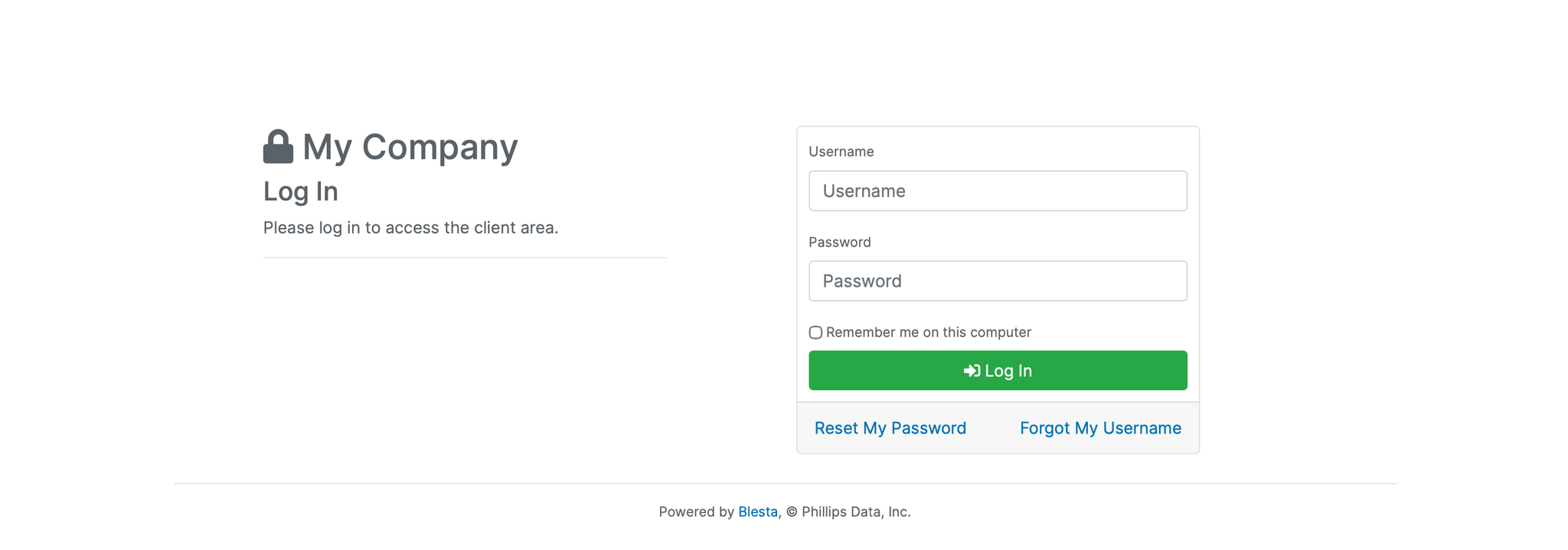
1. Log in to the Blesta Client Area
Use your credentials to log in to your Blesta client area.
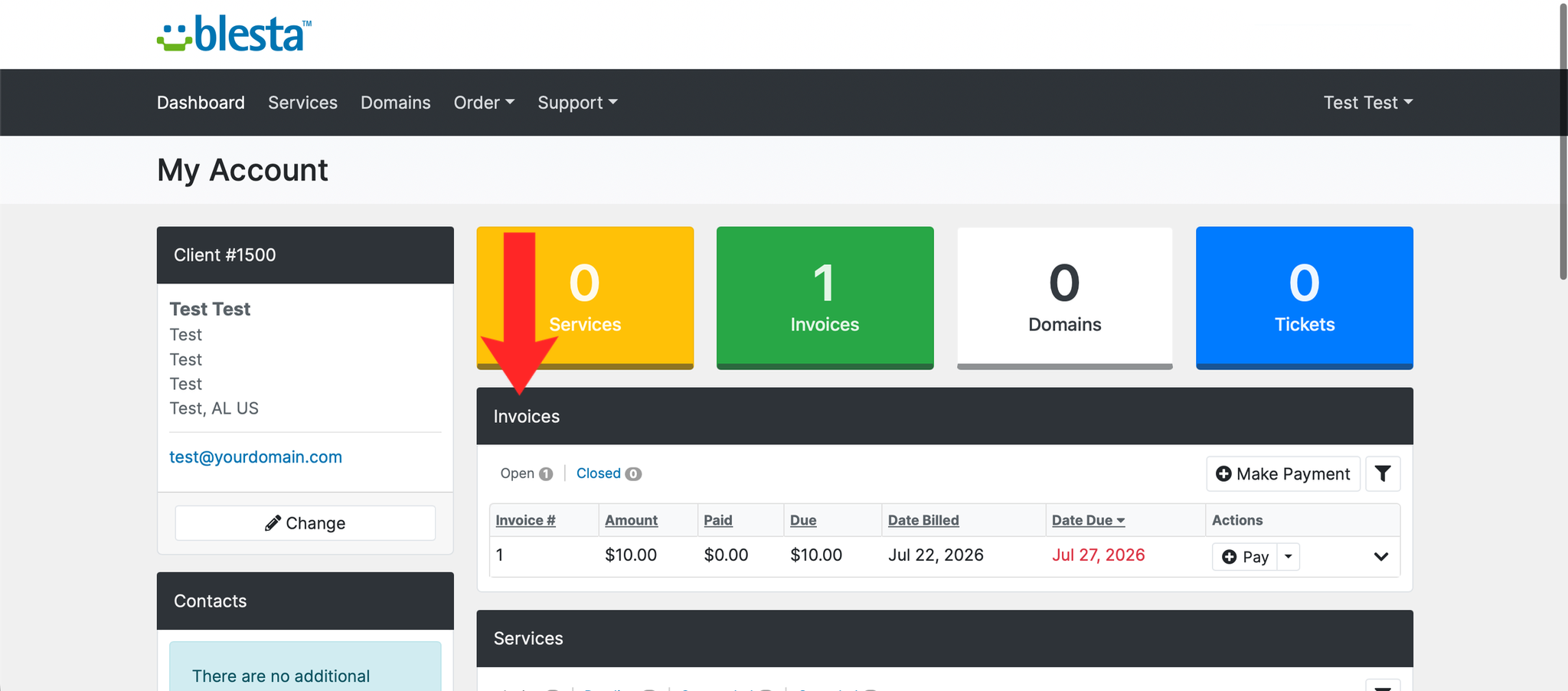
2. Navigate to Billing
Click on Billing in the navigation menu.
3. Select Order History
Click on Order History from the billing menu.
4. Browse Your Orders
Your past orders will be listed with details including the order date, items ordered, and order status.
5. View Order Details
Click on any order to view the full details including the services ordered and any invoices associated with it.
Next: How to Download an Invoice in Blesta covers downloading the invoices behind those orders.