How to Download an Invoice in Blesta
This article will show you how to download an invoice in Blesta.
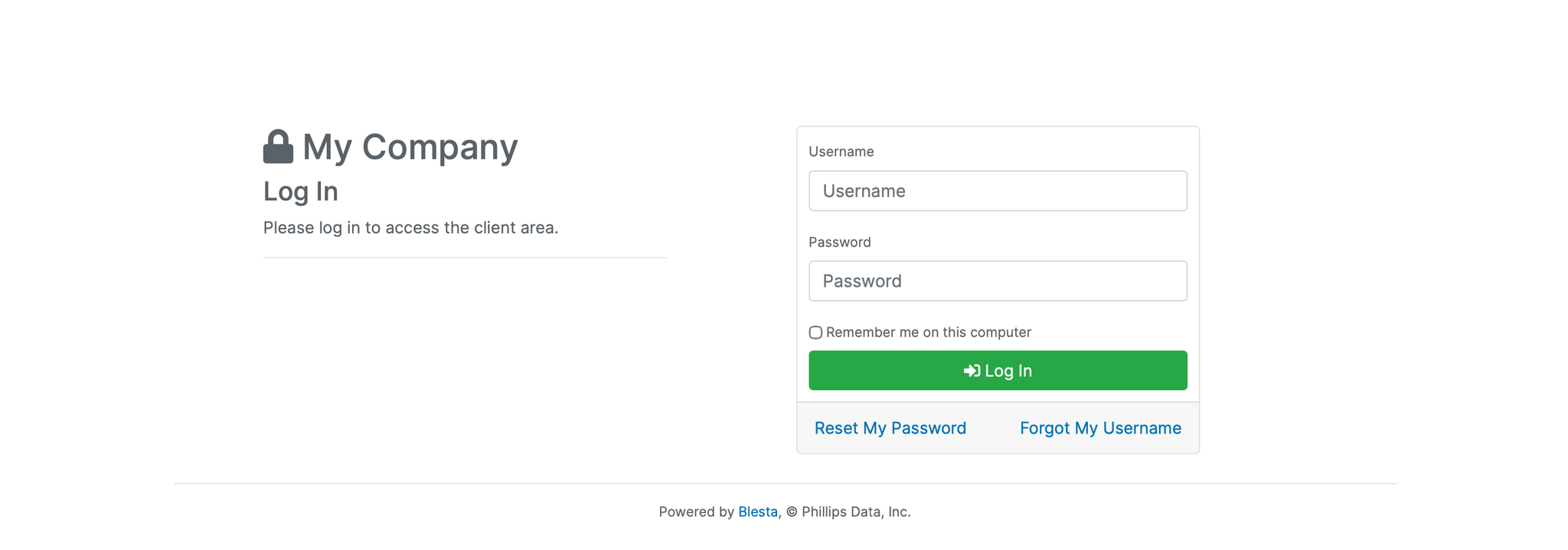
1. Log in to the Blesta Client Area
Use your credentials to log in to your Blesta client area.
2. Navigate to Invoices
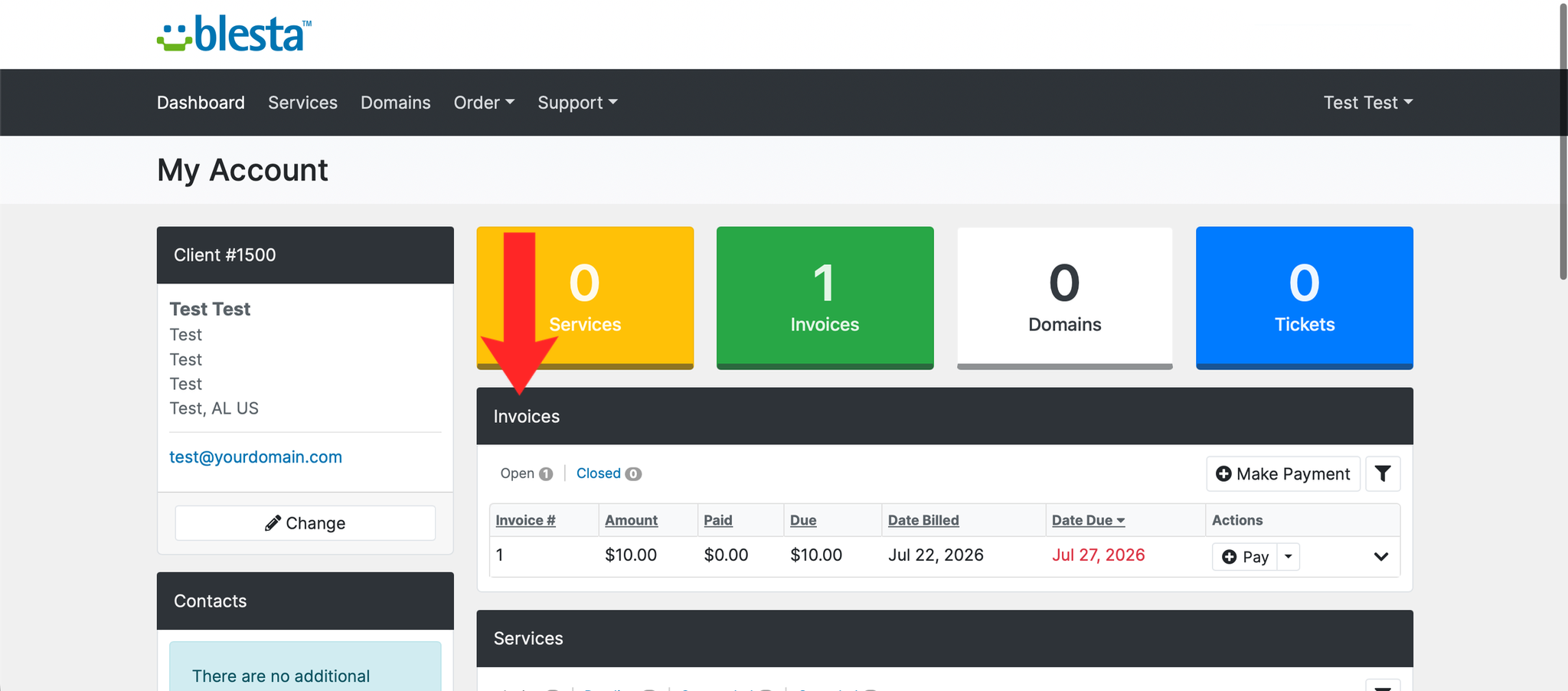
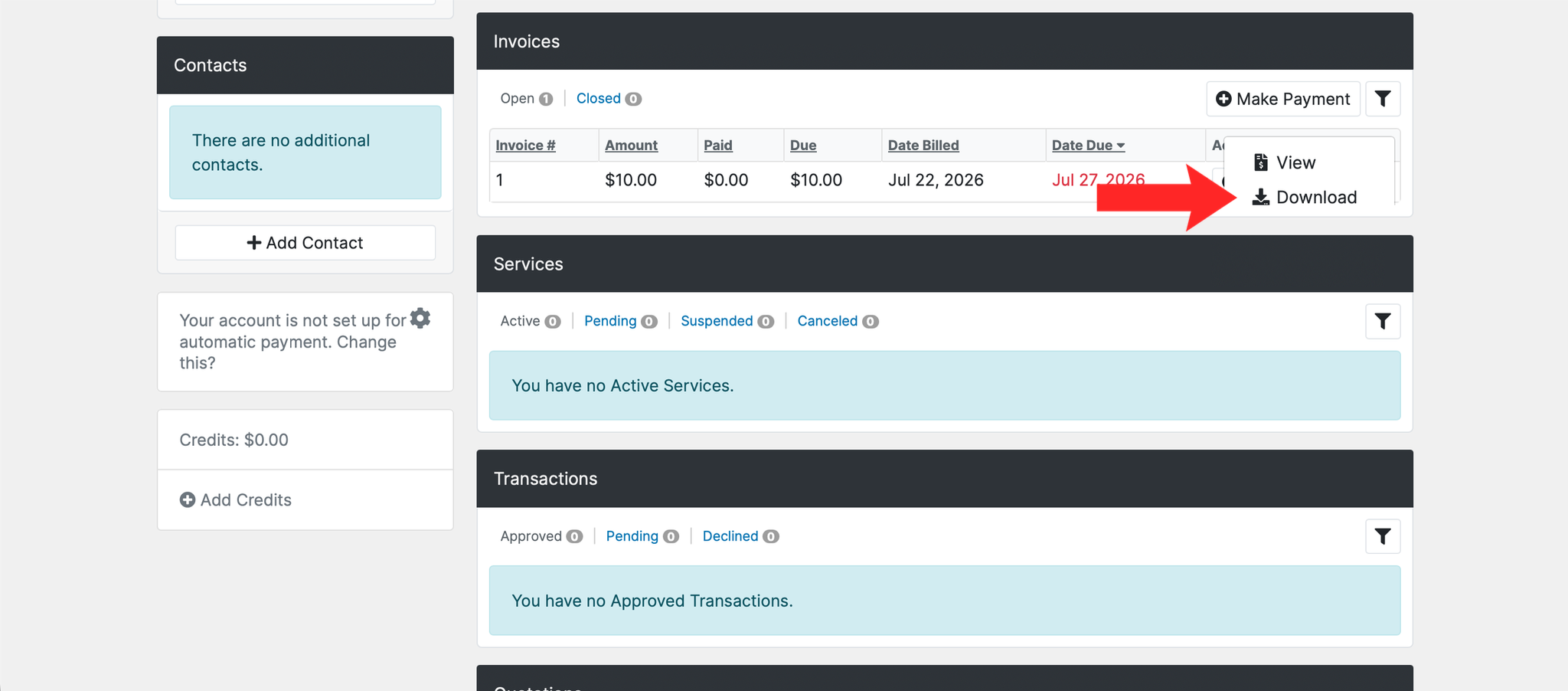
From the Client Area, scroll down until you find the Invoices section.
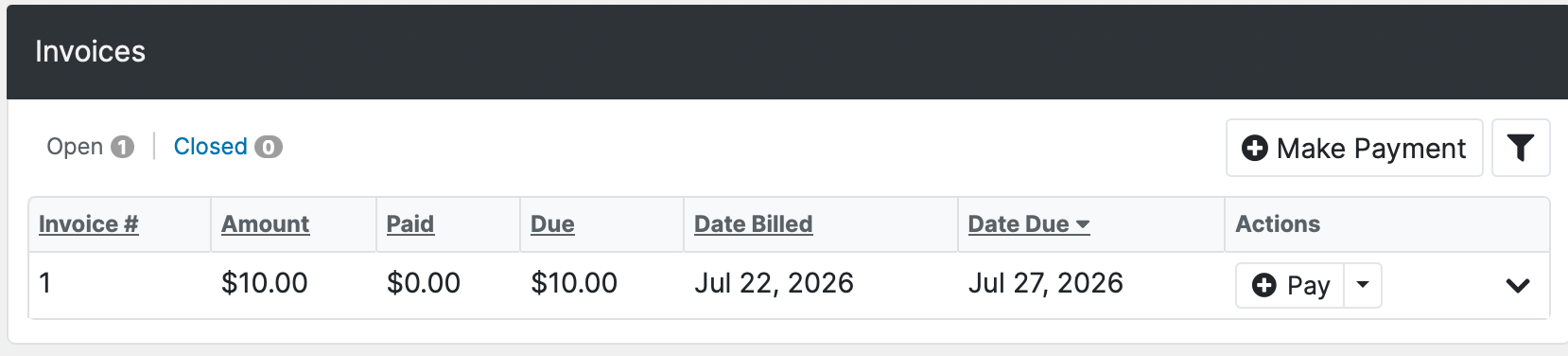
3. Open the Invoice
Click on the invoice you want to download.
4. Download as PDF
Click the Download PDF button to save a copy to your device.
Next: How to View Your Order History in Blesta covers finding the order an invoice belongs to.