How to Apply a Coupon Code in Blesta

This article will show you how to apply a coupon code in Blesta.
Before you start: most coupons apply to the first invoice only and cannot be added after an order is placed. Enter the code during checkout rather than afterwards.
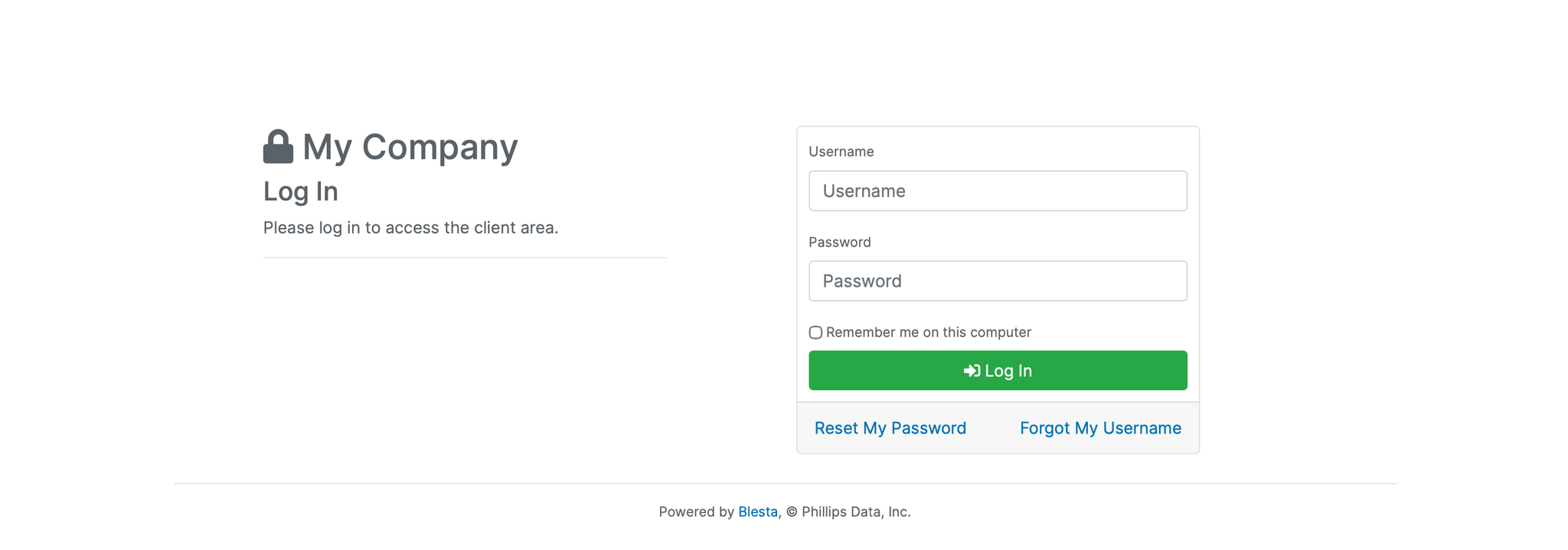
1. Log in to the Blesta Client Area
Use your credentials to log in to your Blesta client area.
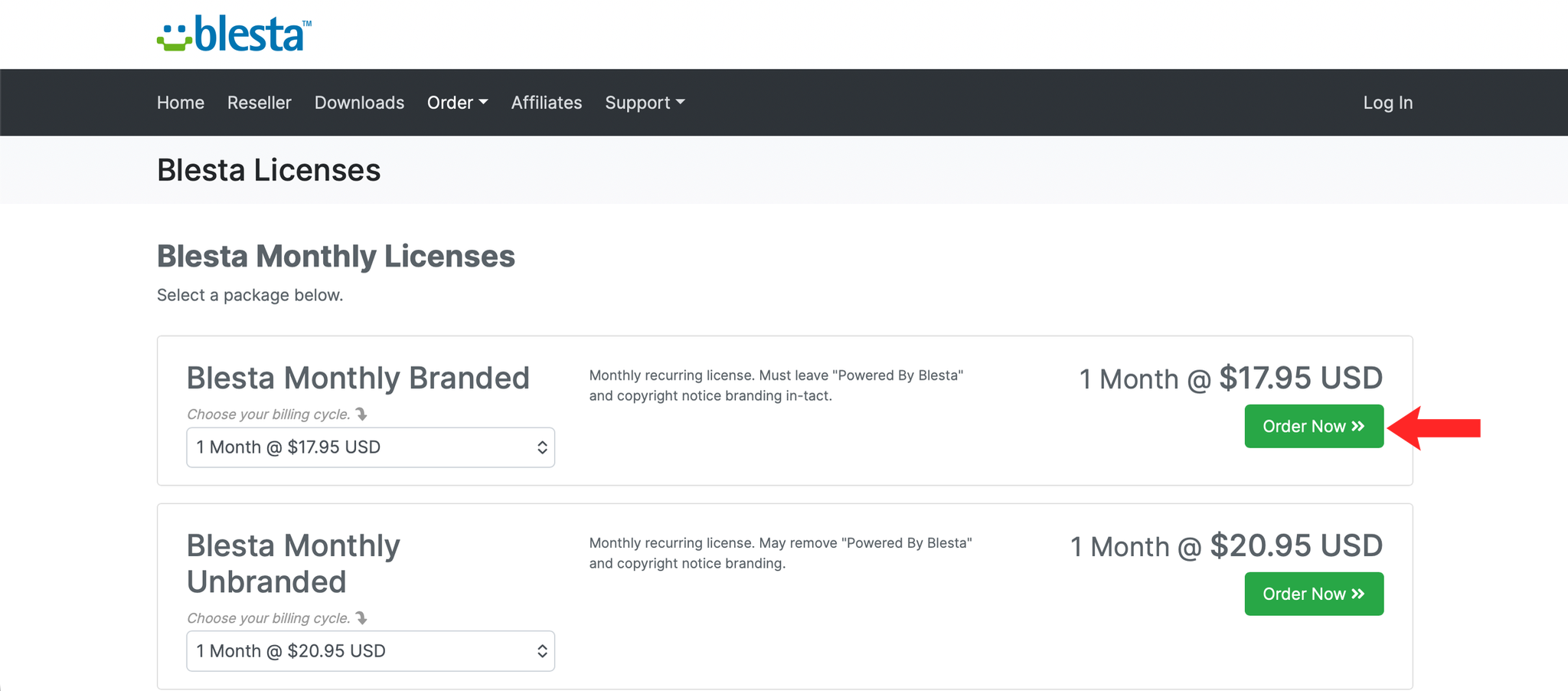
2. Add a Service to Your Order
Browse the available services and add your chosen service to your order.
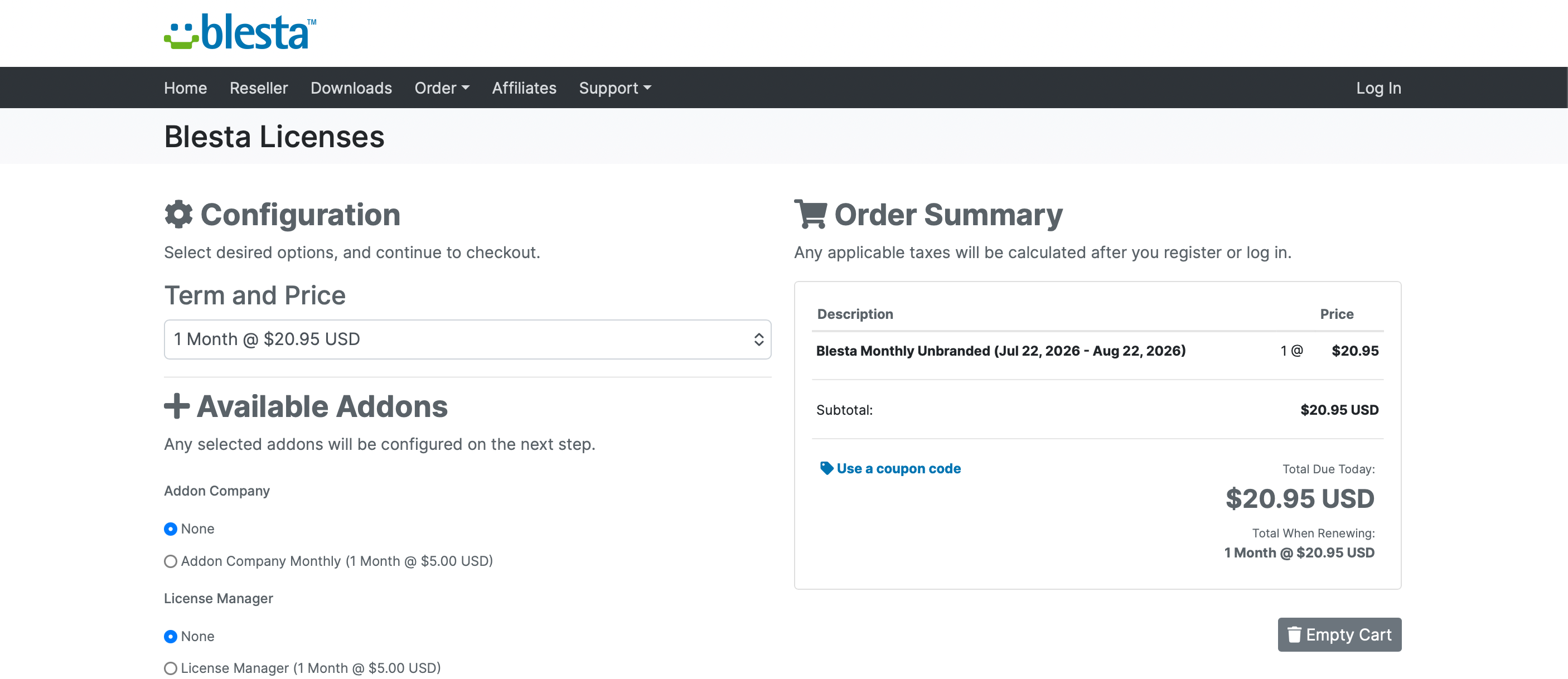
3. Proceed to Checkout
Click Checkout to proceed to the order summary page.
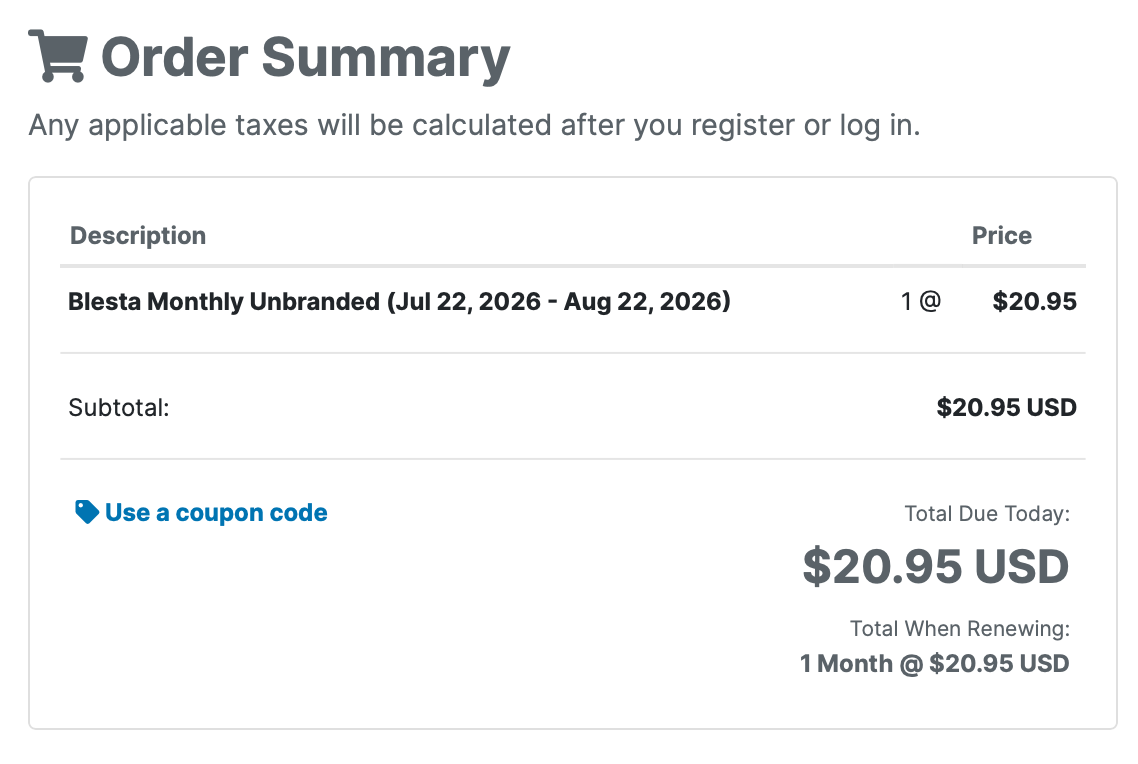
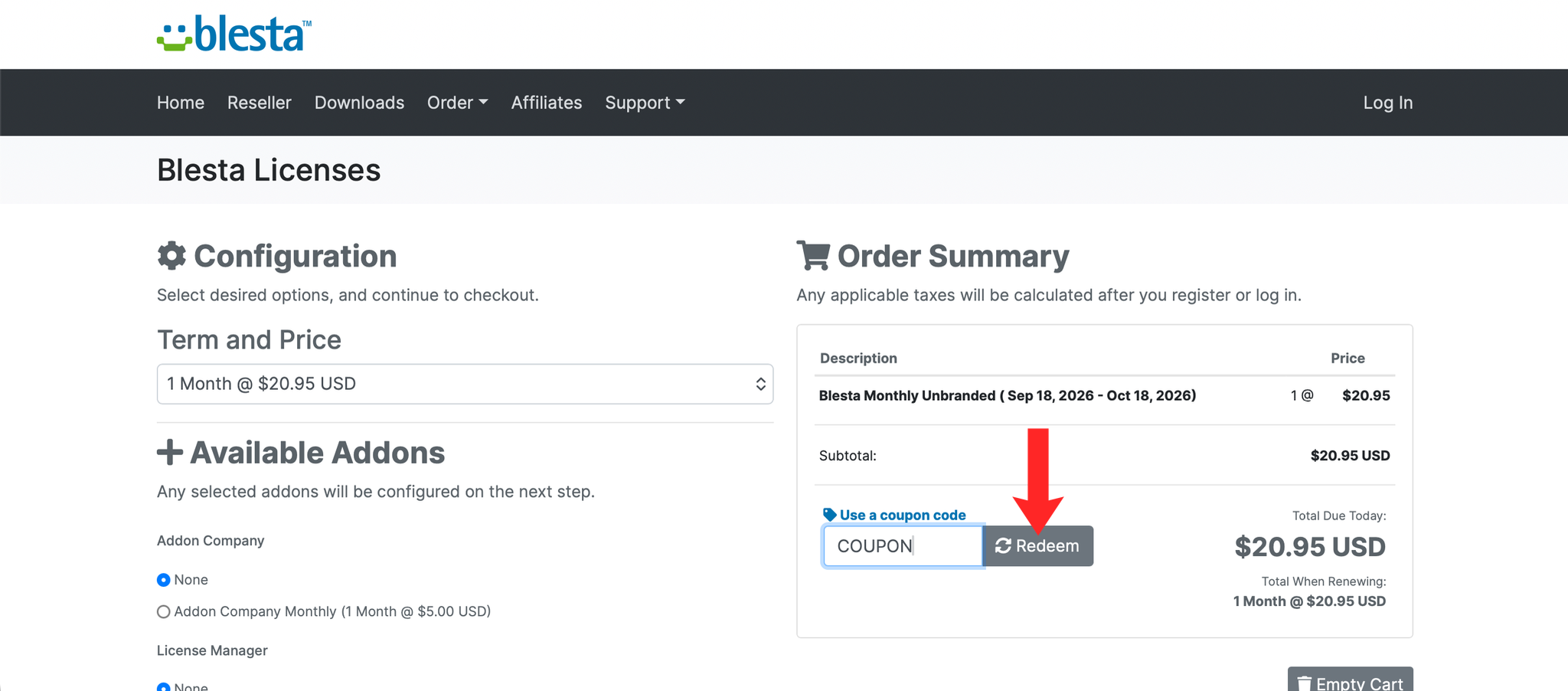
4. Locate the Coupon Code Field
On the order summary page, locate the Coupon Code field.
5. Enter Your Coupon Code
Enter your coupon code in the field provided and click Redeem.
6. Verify the Discount
The order total should update to show the discount before you pay. If it does not change, the coupon does not apply to the items in your basket.
Next: How to Pay an Invoice in Blesta covers paying the discounted invoice.