How to Reset a Forgotten Password in Blesta
This article will show you how to reset a forgotten password in Blesta.
Before you start: the reset link is sent to the email address on your account. If you no longer have access to that address, you will need to contact our support team instead.
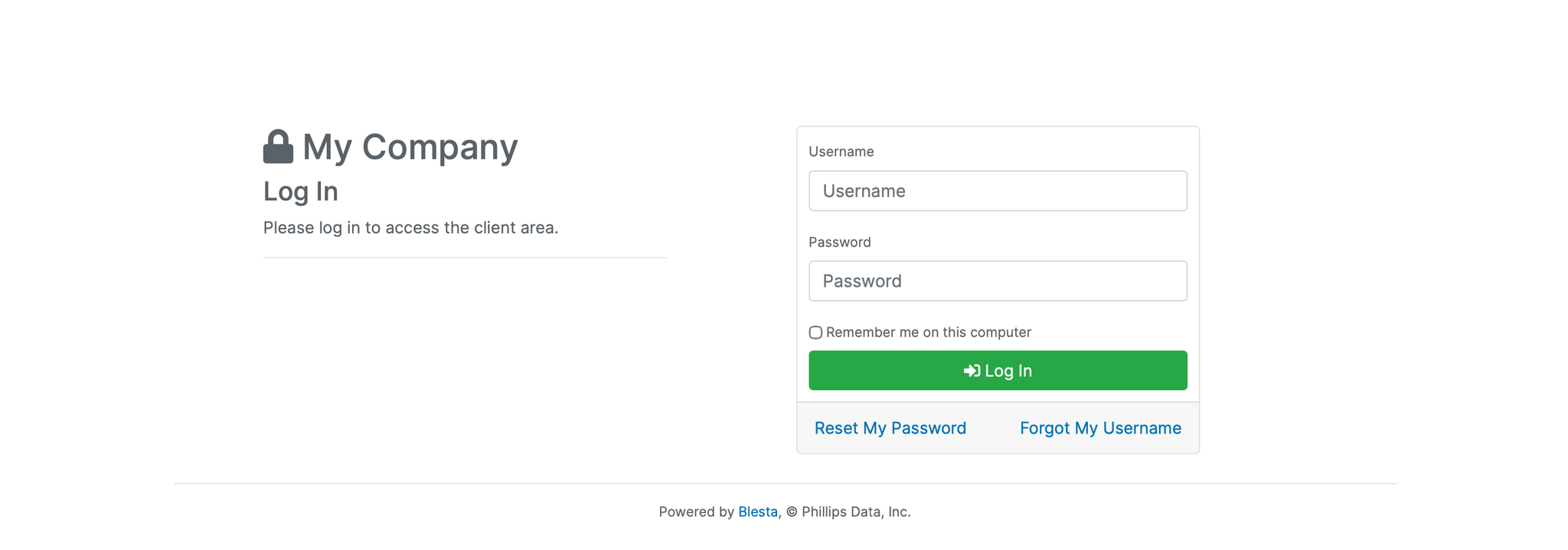
1. Go to the Login Page
Navigate to the Blesta client area login page.
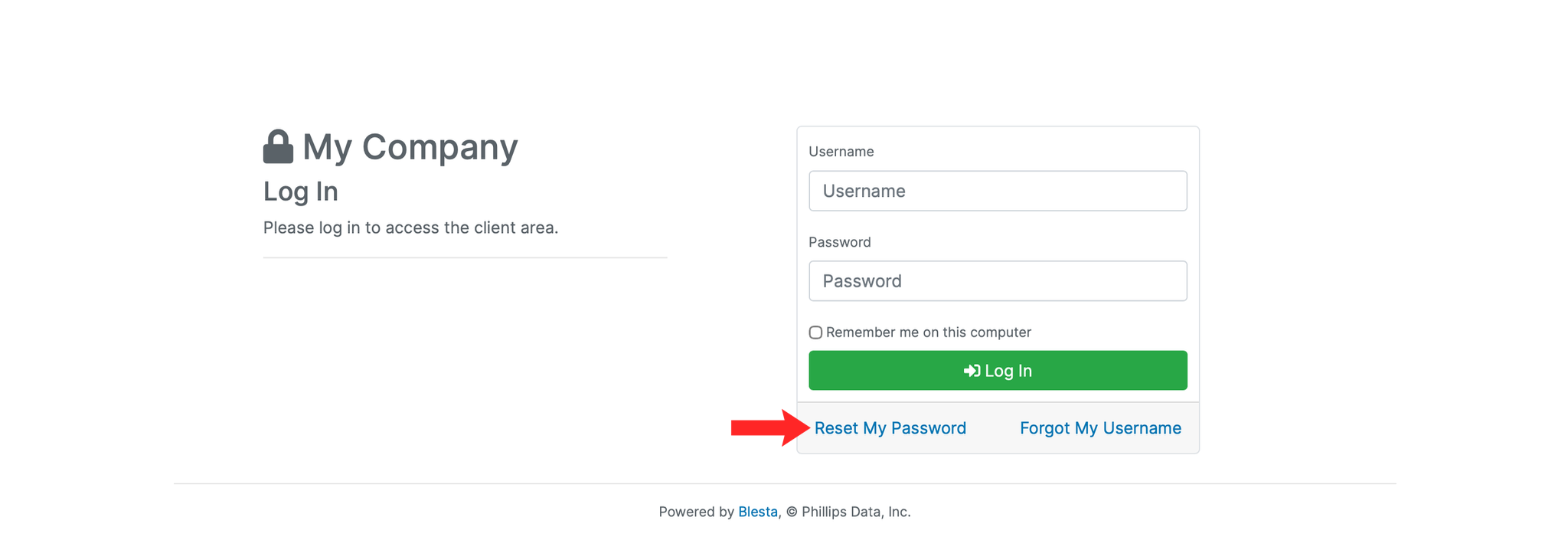
2. Click Forgot Password
Click the Forgot Password? link below the login form.
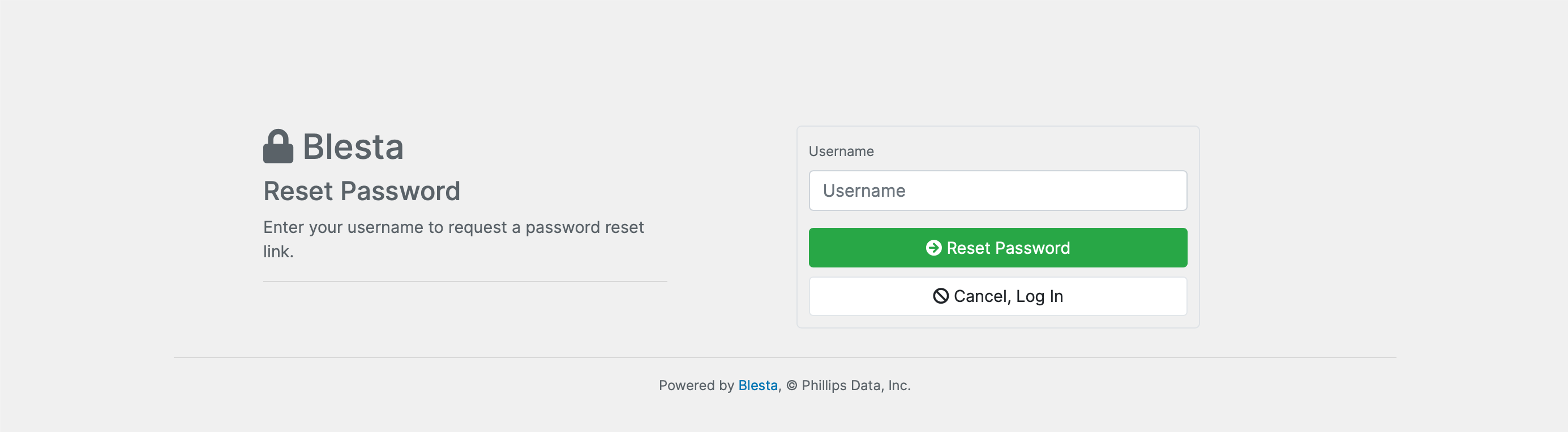
3. Enter Your Username
Enter the username associated with your account and click Submit.
4. Set a New Password
Click the link in the email and enter a new password for your account.
5. Log In
Return to the login page and sign in using your new password.
Next: once you are back in, How to Change Your Password in Blesta covers setting a password you will remember.