How to Manage Notification Preferences in Blesta
This article will show you how to manage notification preferences in Blesta.
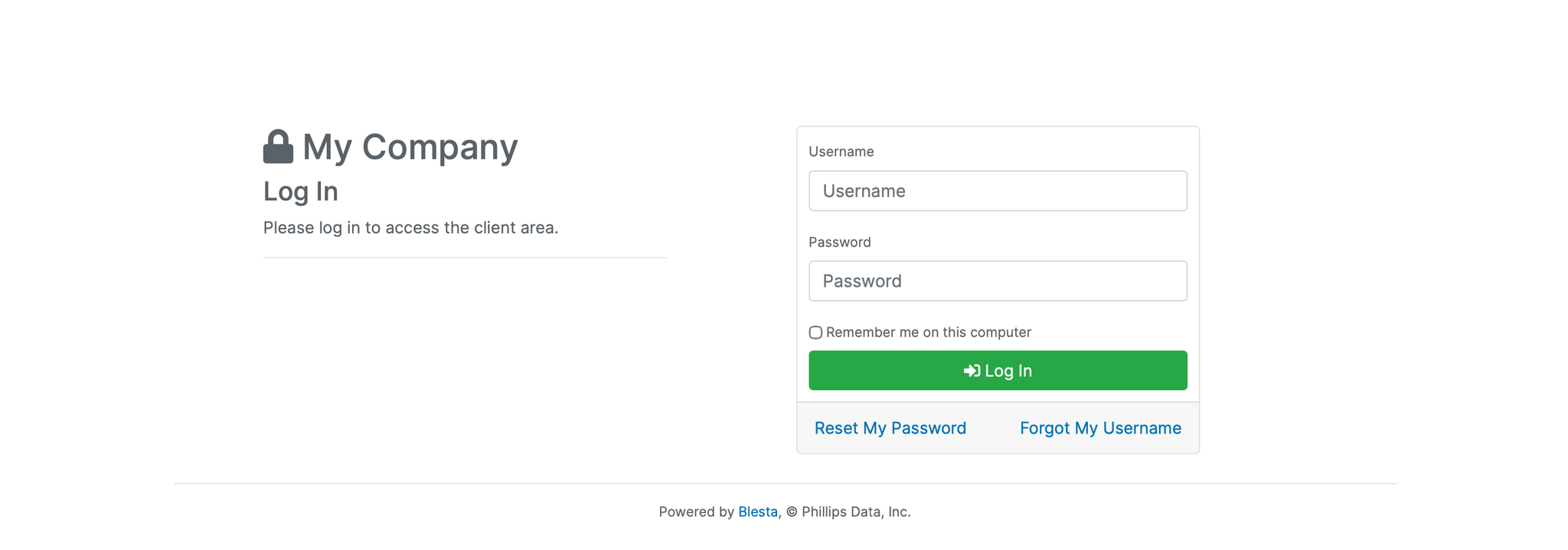
1. Log in to the Blesta Client Area
Use your credentials to log in to your Blesta client area.
2. Navigate to Manage Account
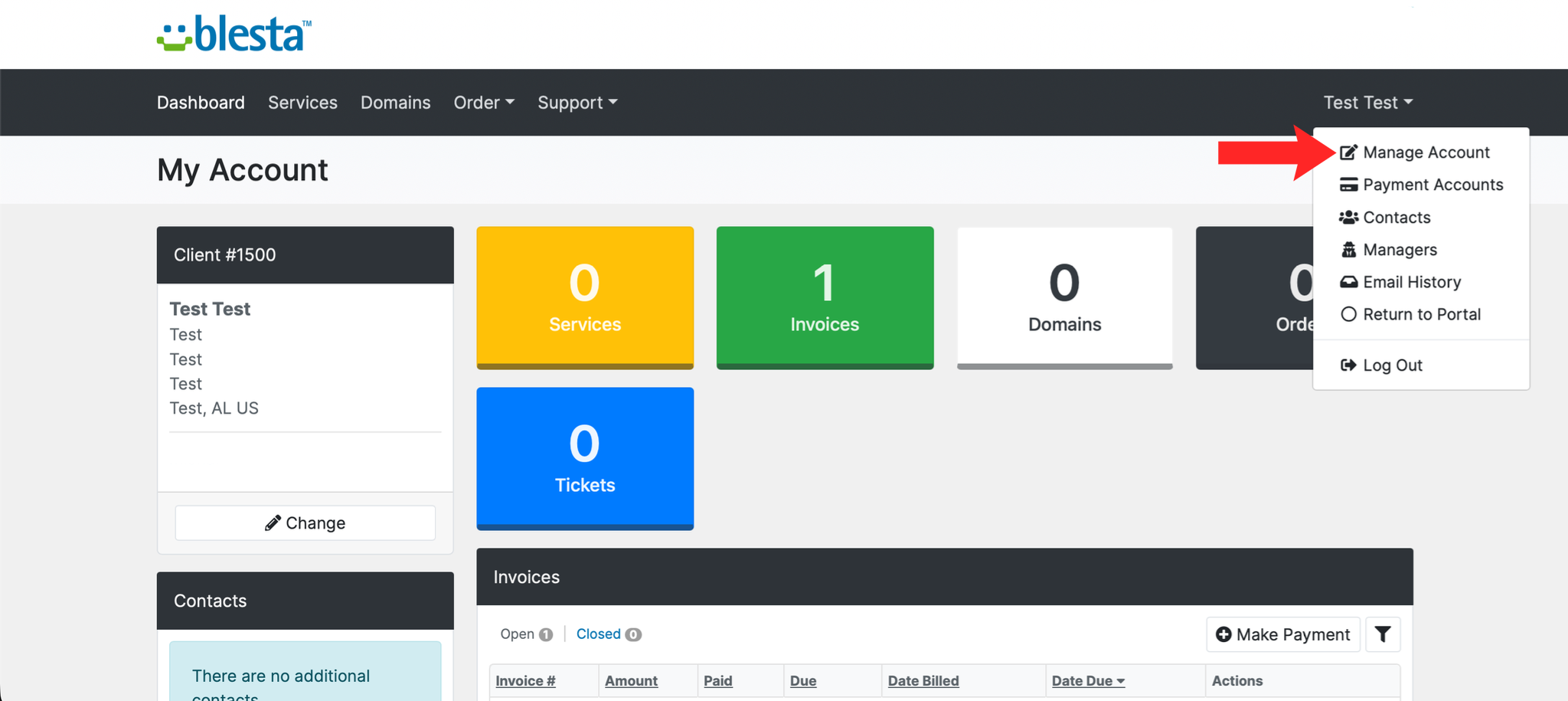
Click on your name in the top right corner and select Manage Account.
3. Open the Settings Tab
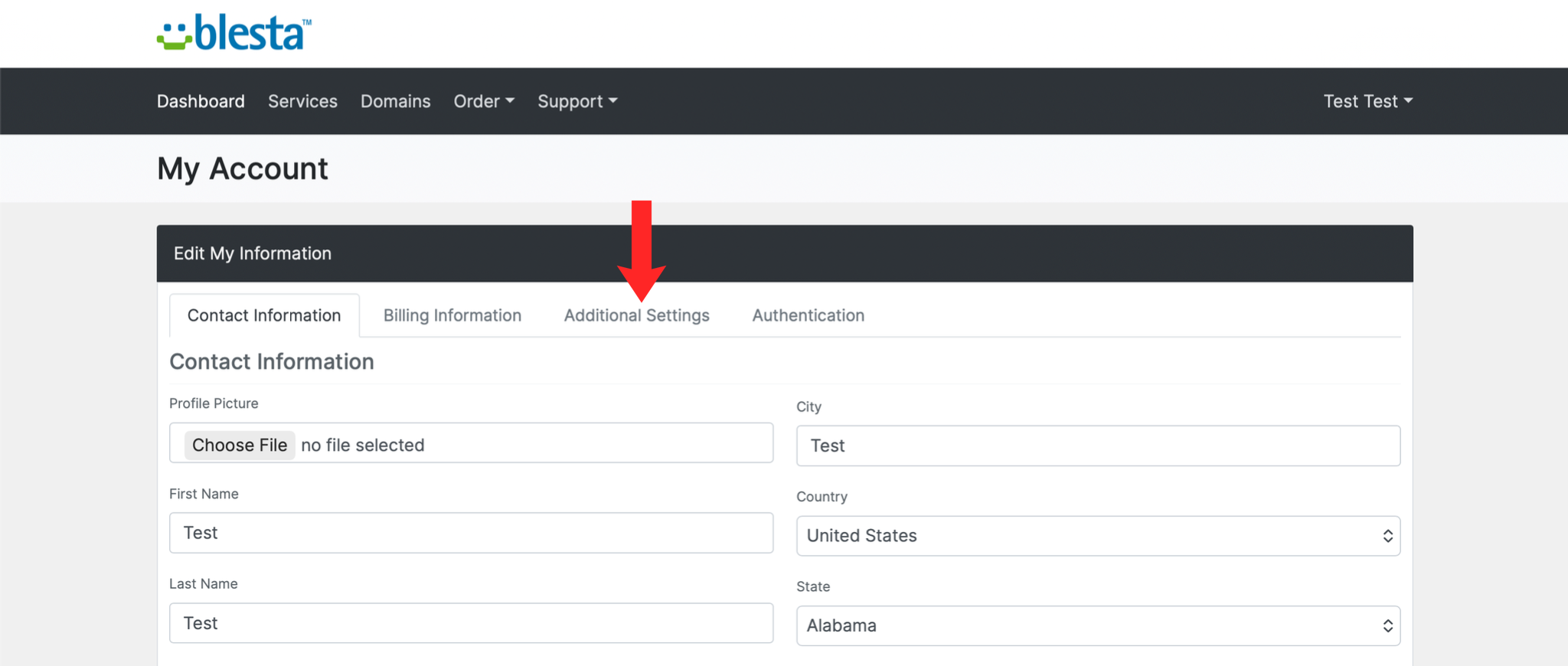
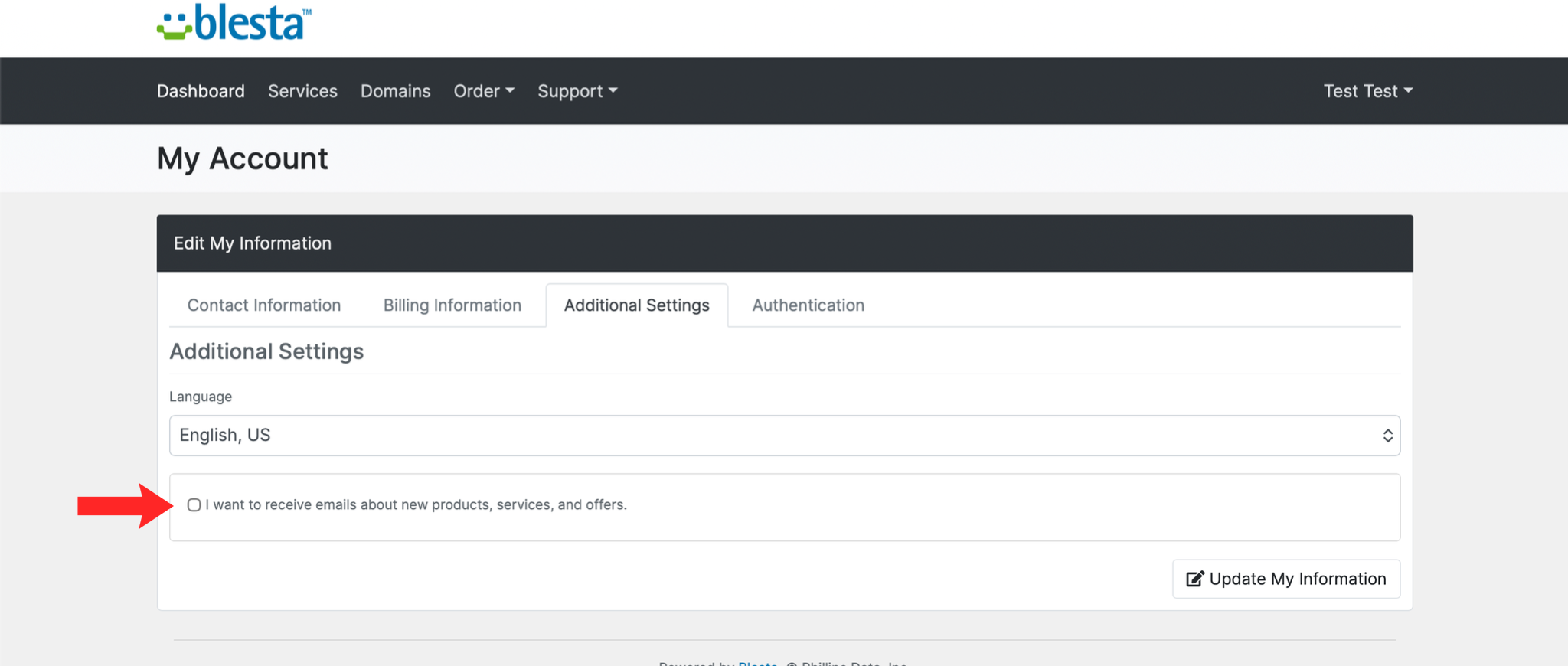
Click the Additional Settings tab within your account settings.
4. Adjust Your Preferences
Tick or untick the notification types you want to receive, such as invoice reminders, support ticket updates, or marketing emails.
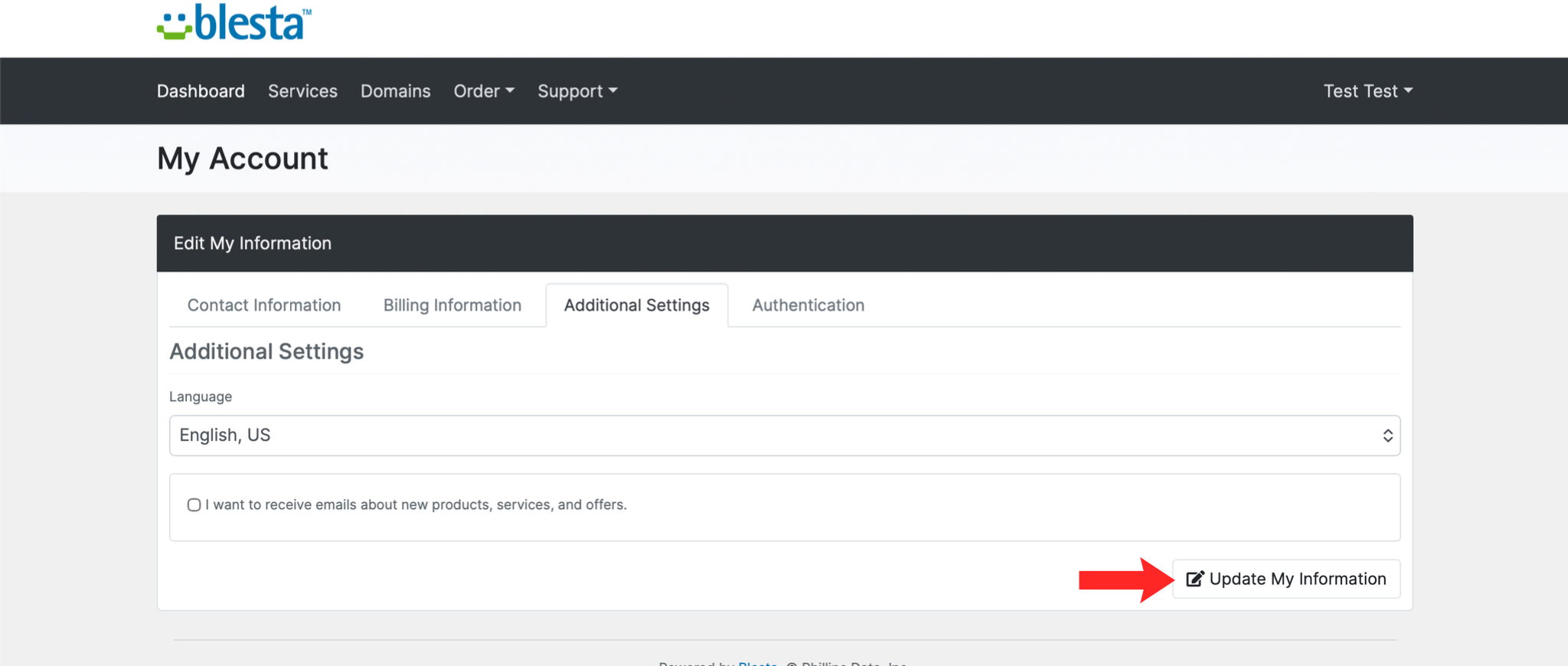
5. Save Your Changes
Click Update My Information to save your preferences.
Next: How to View Your Email History in Blesta covers finding messages that have already been sent.