How to View Your Active Services in Blesta

This article will show you how to view your active services in Blesta.
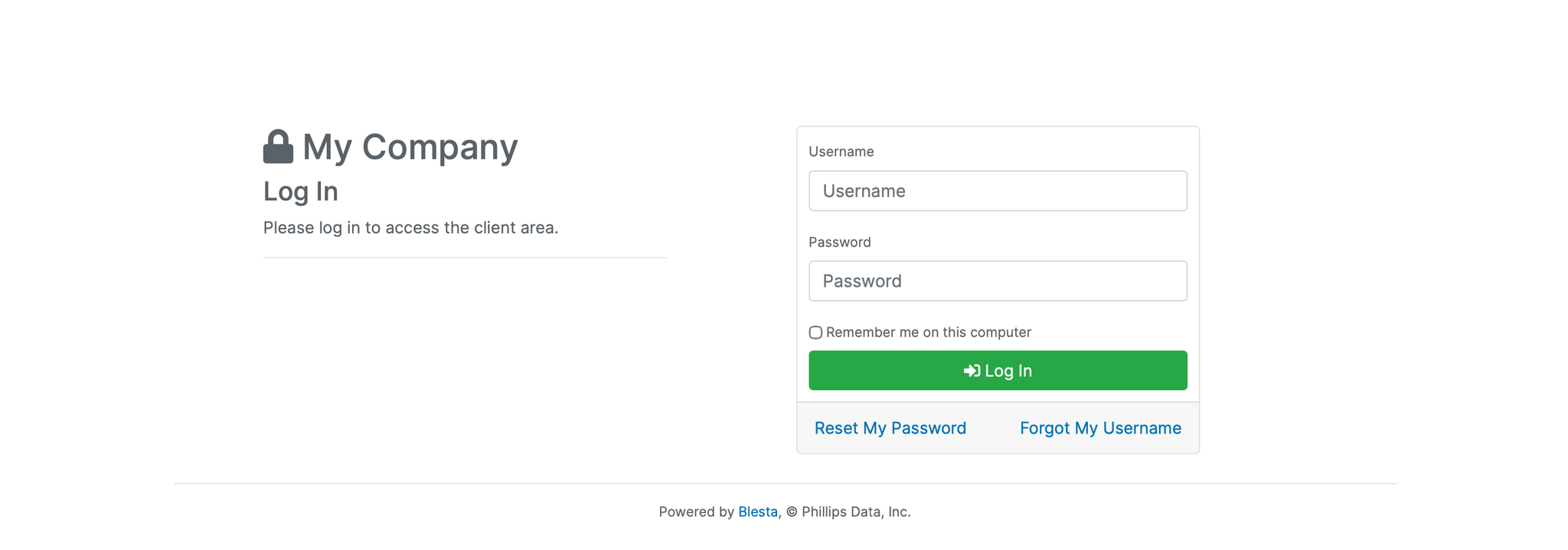
1. Log in to the Blesta Client Area
Use your credentials to log in to your Blesta client area.
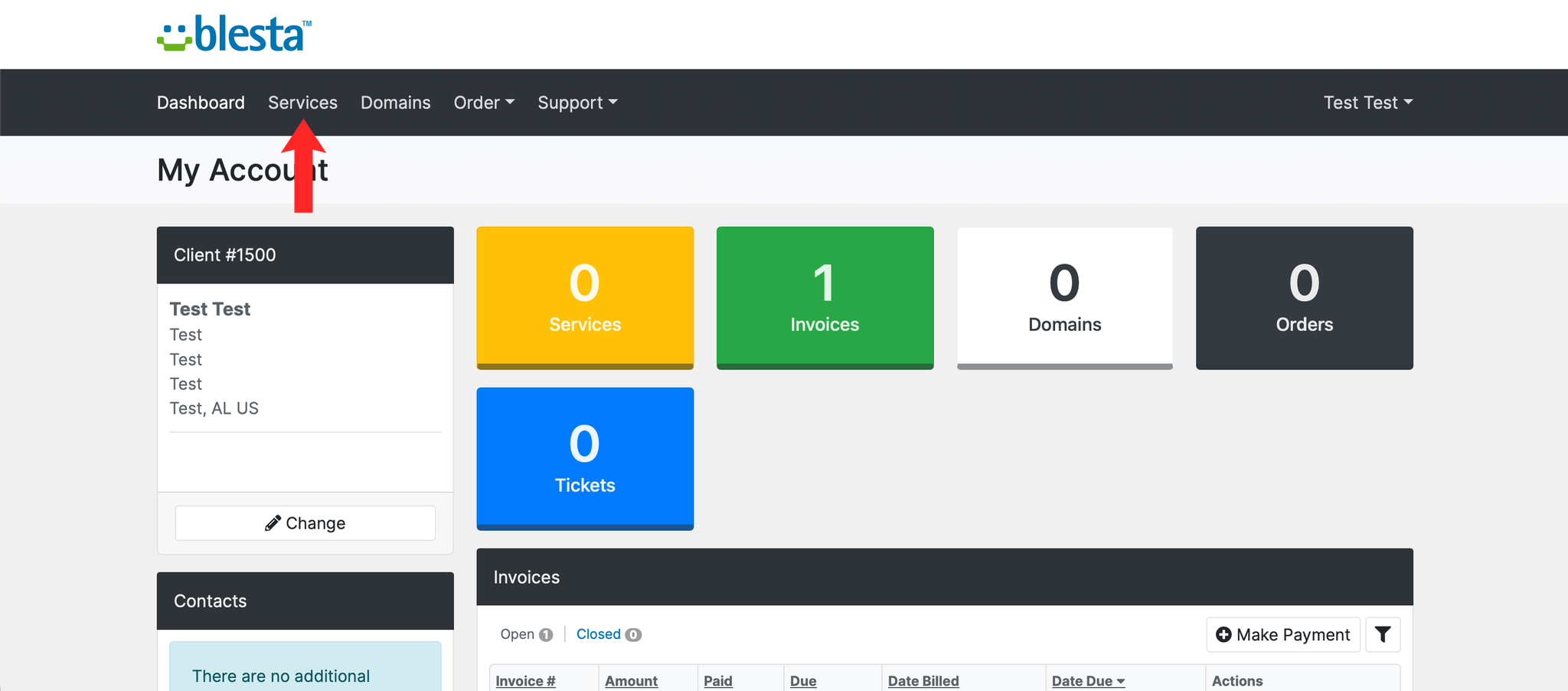
2. Navigate to Services
Click Services from the main navigation menu.
3. Review Your Services
You'll see a list of all your active, pending, and cancelled services, along with their renewal dates and pricing.
4. View Service Details
Click on any service to see more information, including its configuration and billing history.
It is worth checking this page before your services renew, so you know exactly what you are being billed for.
Next: How to Renew a Service Manually in Blesta covers paying for one early.