How to Renew a Service Manually in Blesta

This article will show you how to renew a service manually in Blesta.
Services set to renew automatically are paid from your stored payment details. If automatic renewal is switched off, or an automatic payment fails, you can renew a service yourself by paying its renewal invoice.
Before you start: an invoice is only generated a set number of days before a service is due. If none exists yet, the service is not due for renewal.
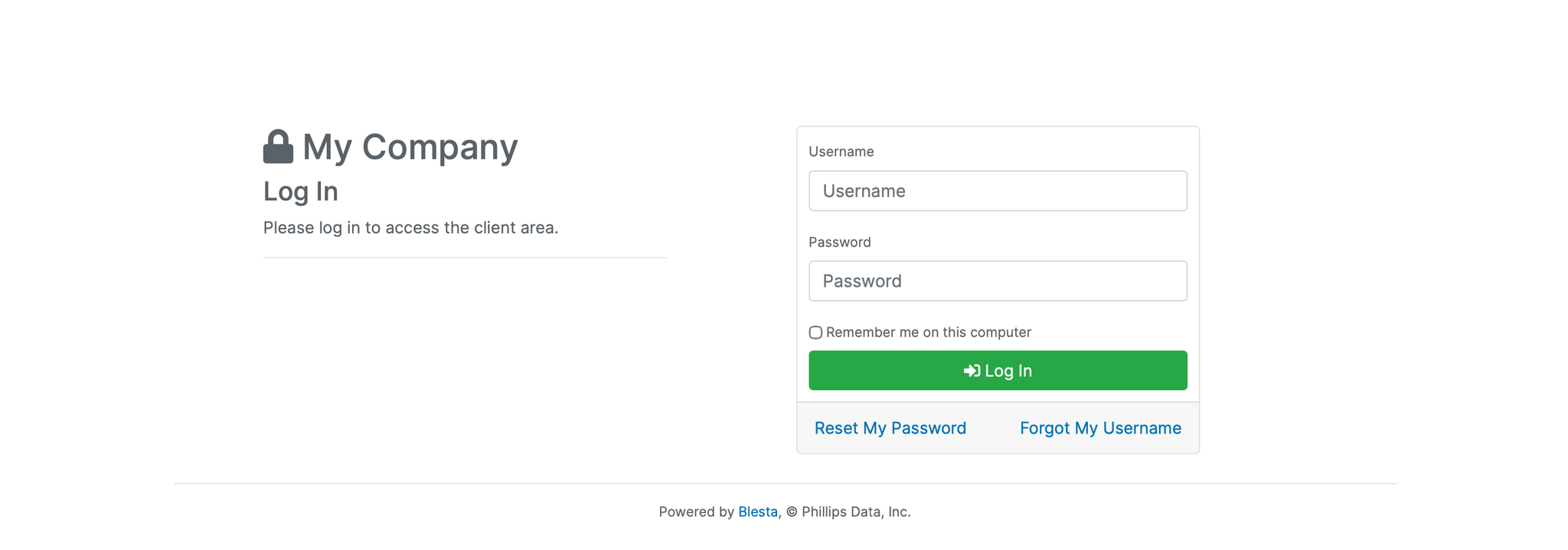
1. Log in to the Blesta Client Area
Use your credentials to log in to your Blesta client area.
2. Open Your Services
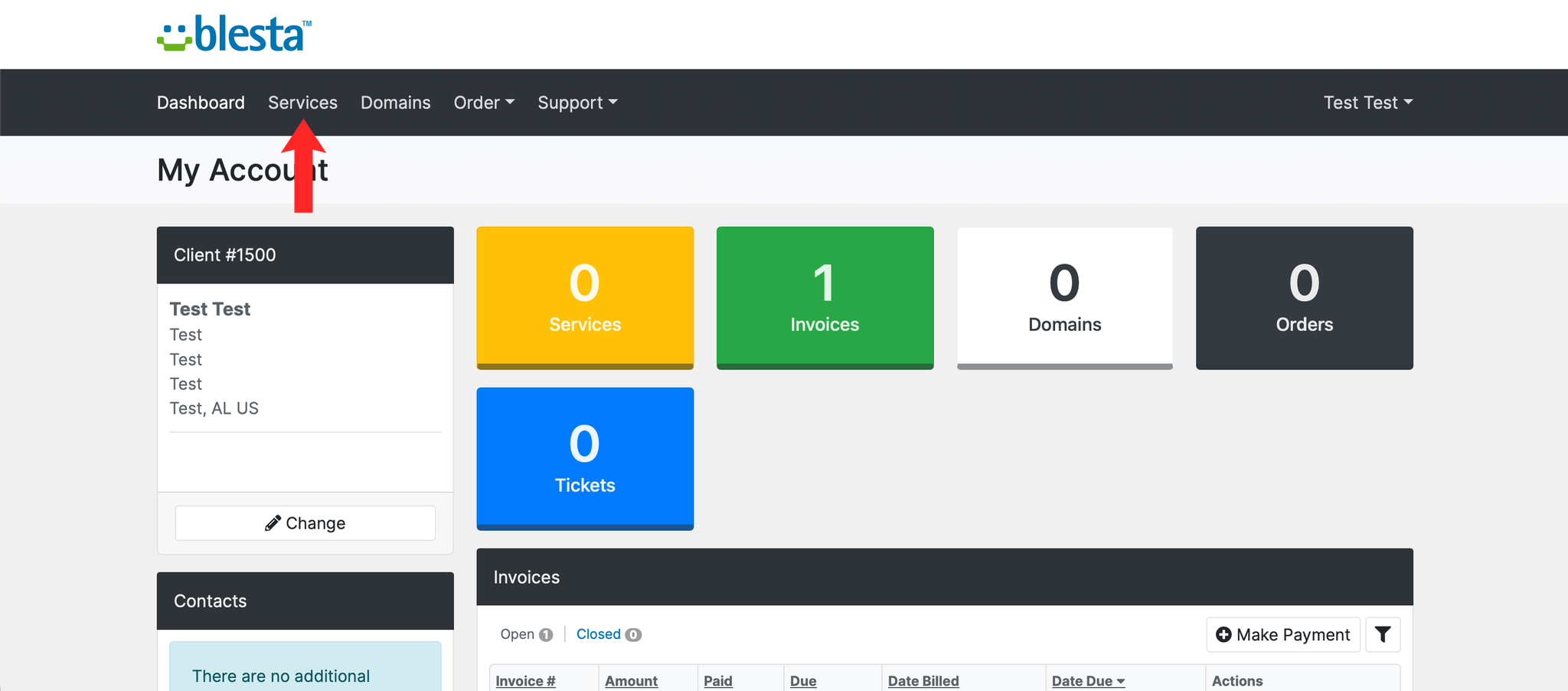
Click Services to see a list of the products and services on your account, along with their renewal dates.
3. Find the Service You Want to Renew
Locate the service in the list and check its Next Due Date. A service that is due or overdue will have a renewal invoice waiting against it.
4. Open the Renewal Invoice
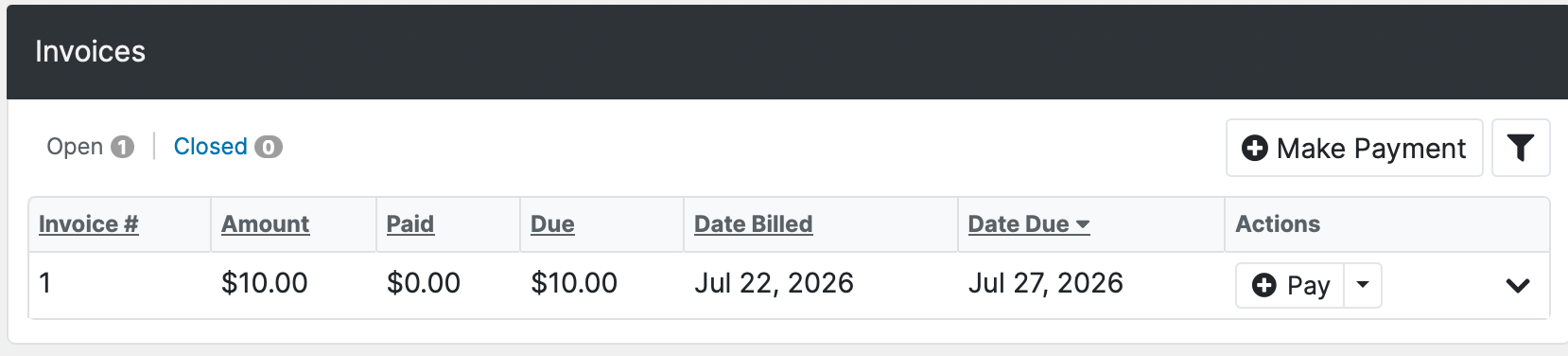
Click Billing, then Invoices, and open the unpaid invoice for that service. If no invoice has been generated yet, the service is not yet due for renewal and you will need to wait until it is, or open a ticket to ask for an invoice to be raised early.
5. Pay the Invoice
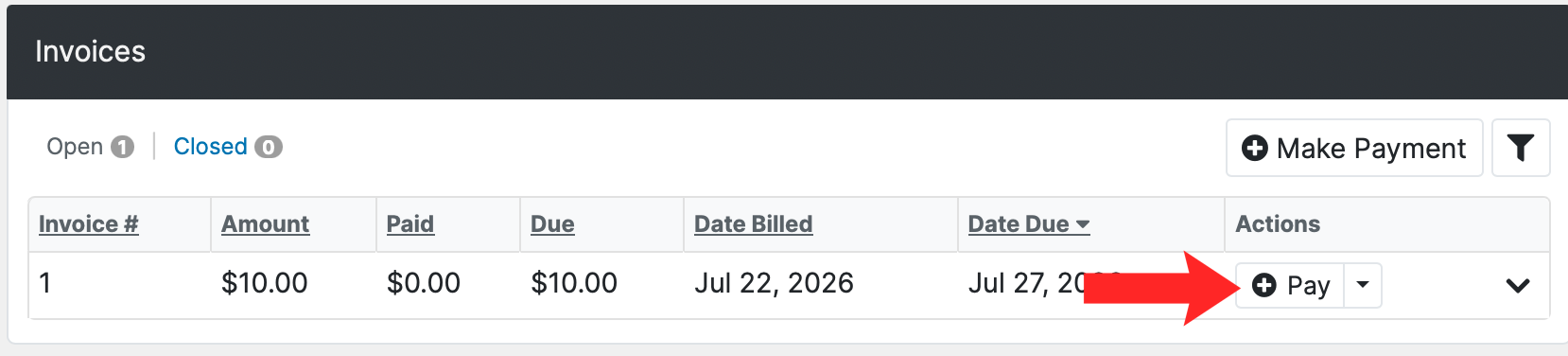
Choose your payment method, check the amount, and complete the payment. The service renews as soon as the payment is applied and the invoice is marked as paid.
6. Verify the Renewal
The invoice should show as paid, and the service's next due date should move forward by one billing period.
Next: How to Pay an Invoice in Blesta covers the payment step in more detail.