How to Install an SSL Certificate in cPanel

This article will show you how to install an SSL certificate in cPanel.
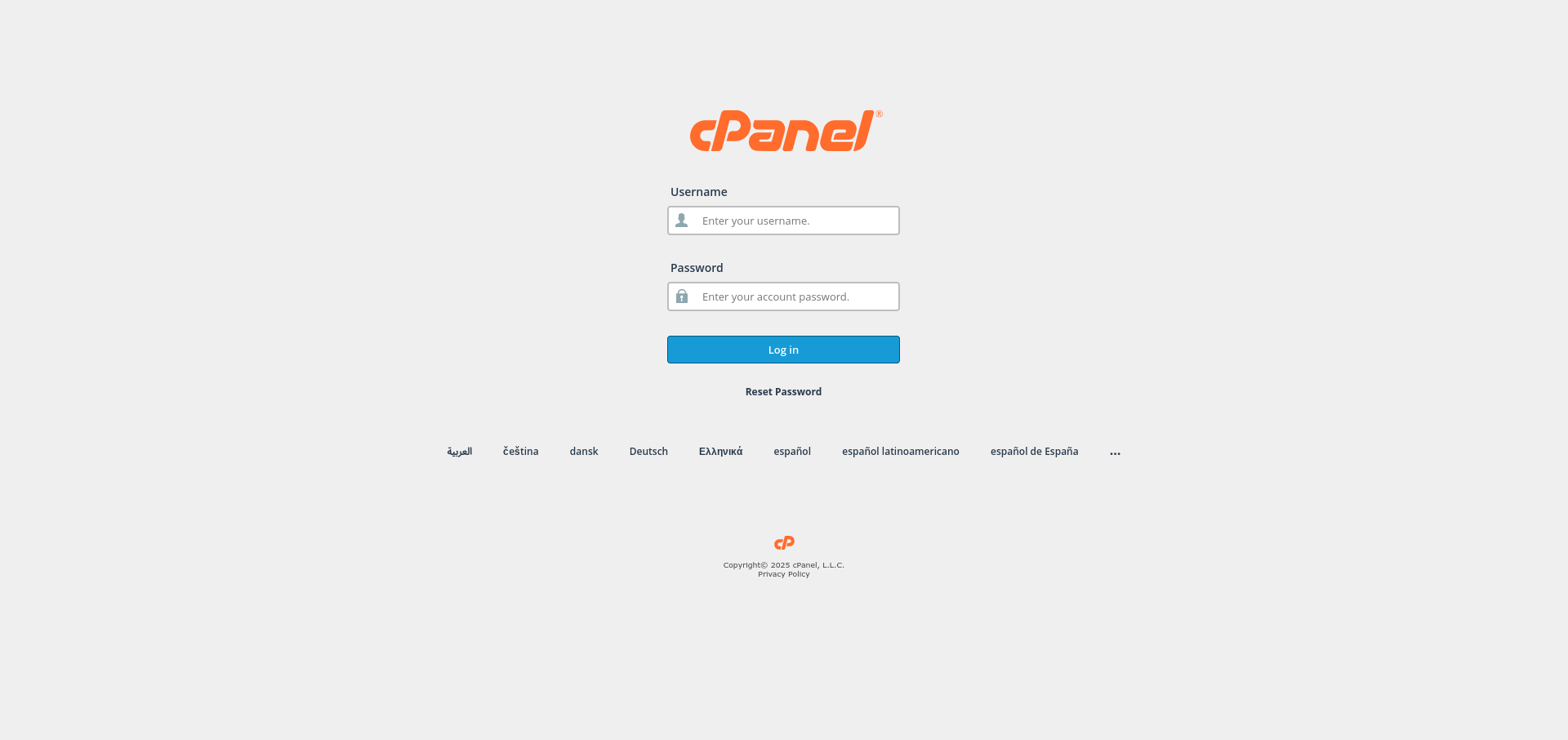
1. Log In to cPanel
Use the credentials from your welcome email.
2. Open SSL/TLS Status
Find it in the Security section. It lists every domain on the account and whether each one is secured.
3. Check for an Automatic Certificate
Most accounts issue a free certificate automatically. If the domain already shows as secured, there is nothing more to do.
4. Run AutoSSL
If the domain is not secured, select it and choose Run AutoSSL. Issuing takes a few minutes, and the domain must already point at the server.
5. Install a Certificate You Bought Elsewhere
For a purchased certificate, open SSL/TLS, then Manage SSL sites. Paste the certificate, the private key and the certificate authority bundle, then install.
6. Verify the Certificate
Visit the site over https:// and check the padlock appears. Note the expiry date if the certificate is not renewed automatically.
Next: make visitors use the secure version with How to Redirect HTTP to HTTPS Using .htaccess.