How to Create a Subdomain in cPanel

This article will show you how to create a subdomain in cPanel.
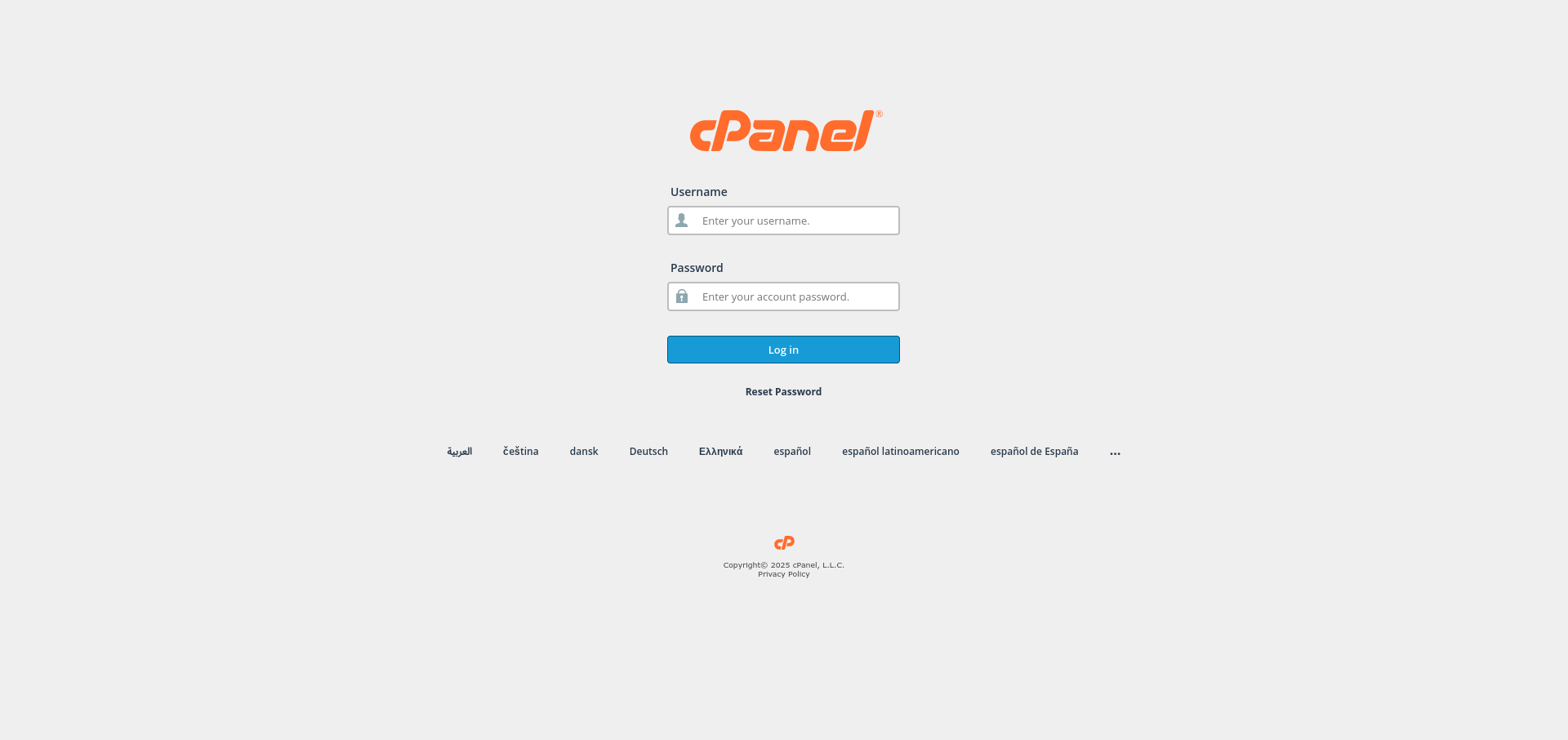
1. Log In to cPanel
Use the credentials from your welcome email.
2. Open the Domains Section
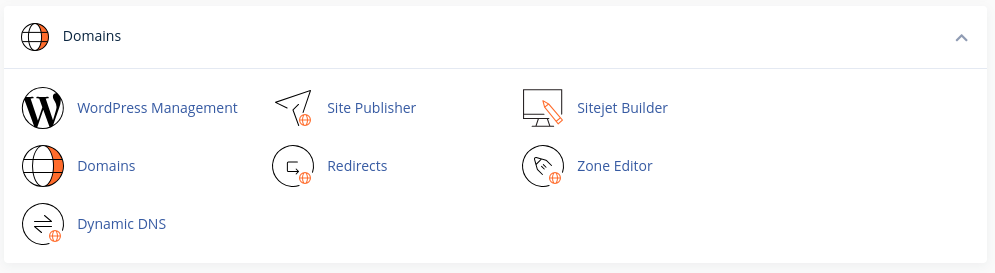
Find Domains or Subdomains on the cPanel home screen.
3. Enter the Subdomain Name
Type the part that goes in front, such as shop for shop.example.com, and pick the parent domain.
4. Check the Document Root
cPanel suggests a folder automatically. Change it if you want the files somewhere specific.
5. Create the Subdomain
Save it. The subdomain is usable once DNS has updated, which is normally within a few minutes on the same server.
6. Secure It
A subdomain needs its own certificate coverage, so check it in SSL/TLS Status afterwards.
Next: secure it with How to Install an SSL Certificate in cPanel.