How to Reset a cPanel Account Password in WHM

This article will show you how to reset a cPanel account password in WHM.
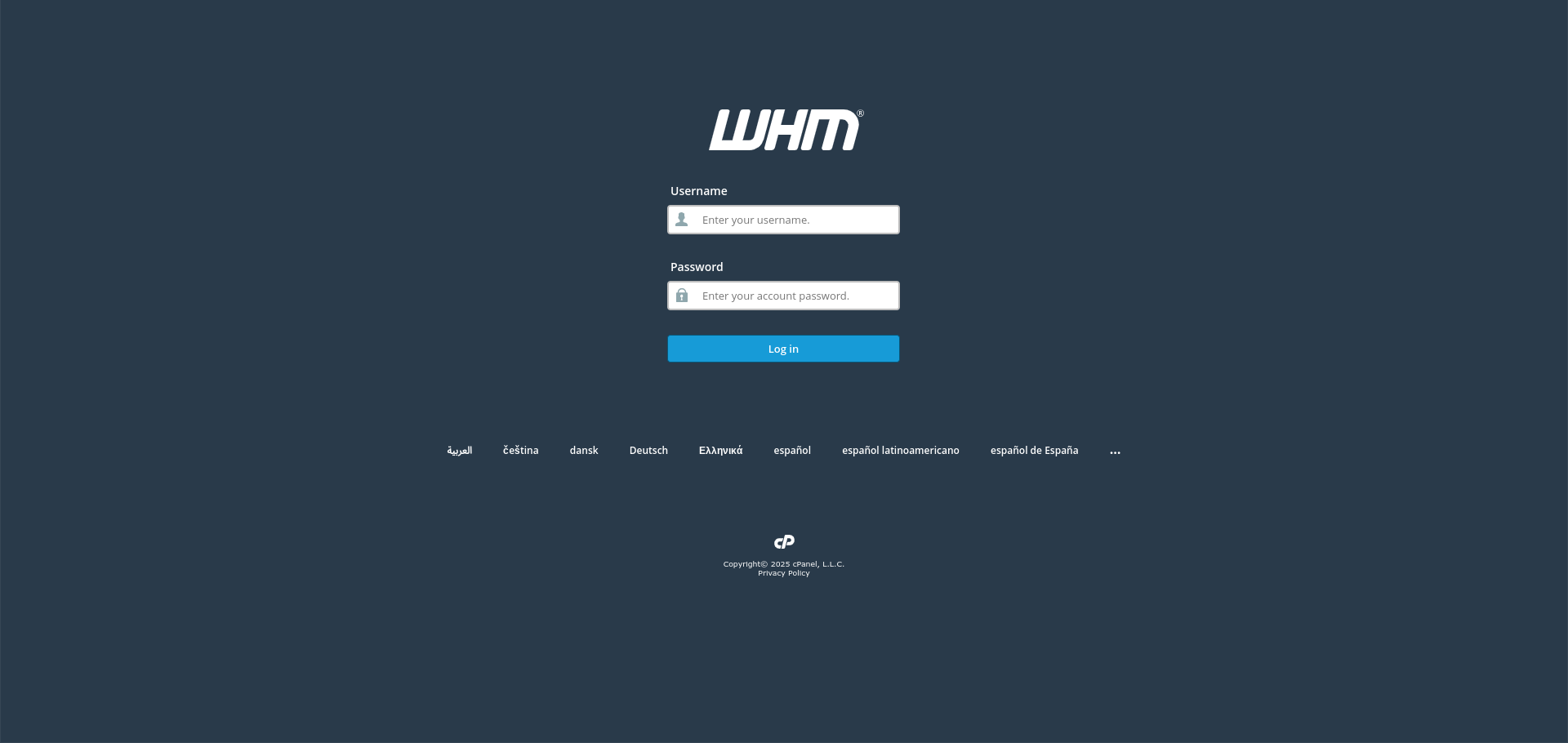
1. Log In to WHM
Use your root or reseller credentials.
2. Open Change Password
Find it under Account Functions.
3. Select the Account
Choose the account by username or domain.
4. Enter a New Password
Use the generator rather than inventing one. Anything you can remember easily is not strong enough for an account with full file access.
5. Decide About Database Passwords
WHM offers to sync the MySQL password with the new one. Leaving it unticked is safer, since changing it can break applications with the old password in their configuration.
6. Send the Password Securely
Do not email it in plain text. Use a one-time secret link, or have the customer set their own password once they are in.
Next: How to Change Password in cPanel covers the customer doing this themselves.