How to Log In to DirectAdmin

This article will show you how to log in to DirectAdmin.
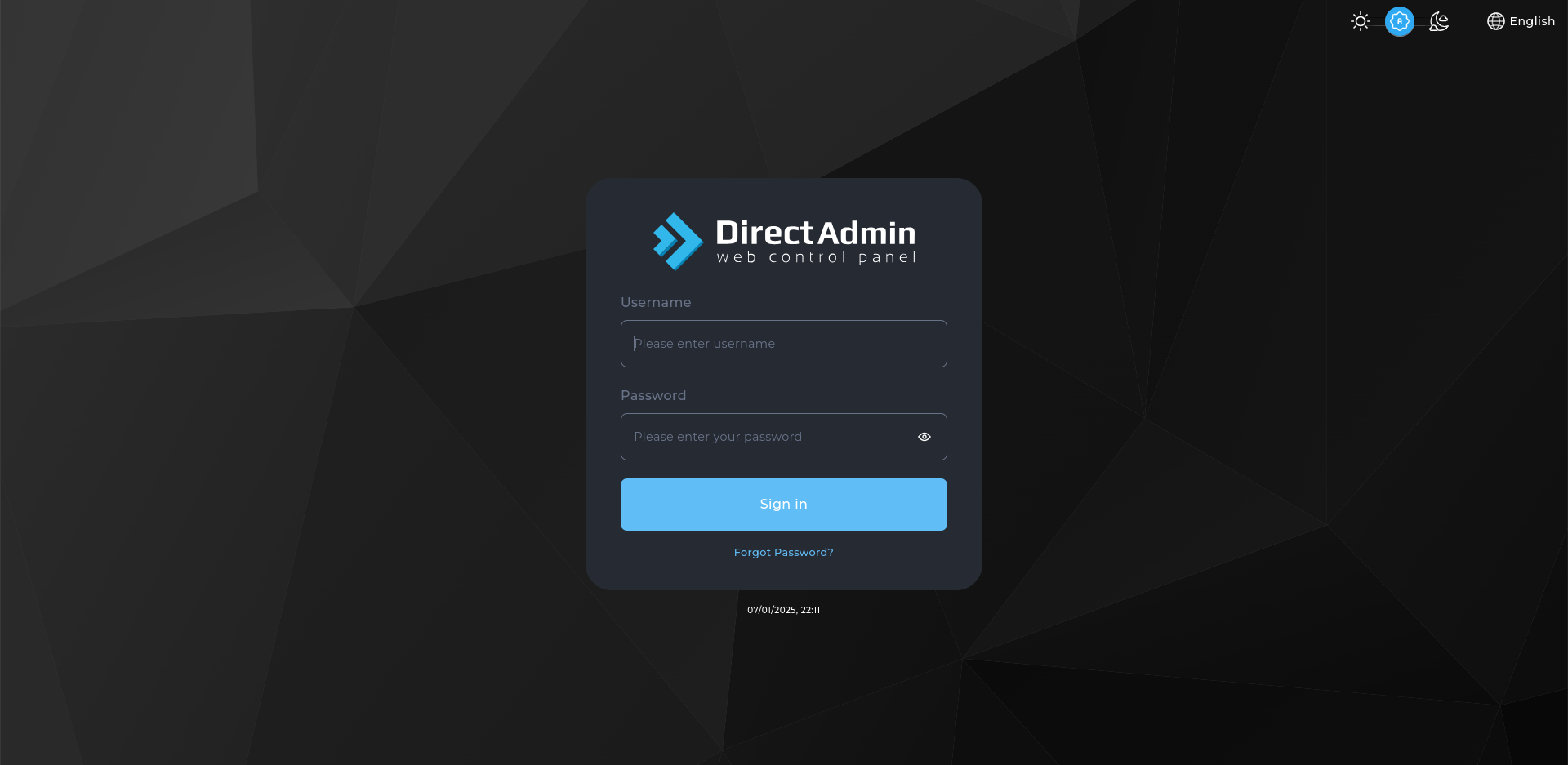
1. Open Your DirectAdmin URL
Go to the address in your welcome email. DirectAdmin normally runs on port 2222, giving https://example.com:2222.
2. Enter Your Username and Password
These are in your welcome email. The username is usually not your email address.
3. Click Log In
You are taken to the DirectAdmin dashboard, which lists the tools available on your account.
4. Bookmark the Address
The port number is easy to forget, so saving the page is worth doing.
Next: a good first job is How to Add a Domain in DirectAdmin.