How to Install an SSL Certificate in DirectAdmin

This article will show you how to install an SSL certificate in DirectAdmin.
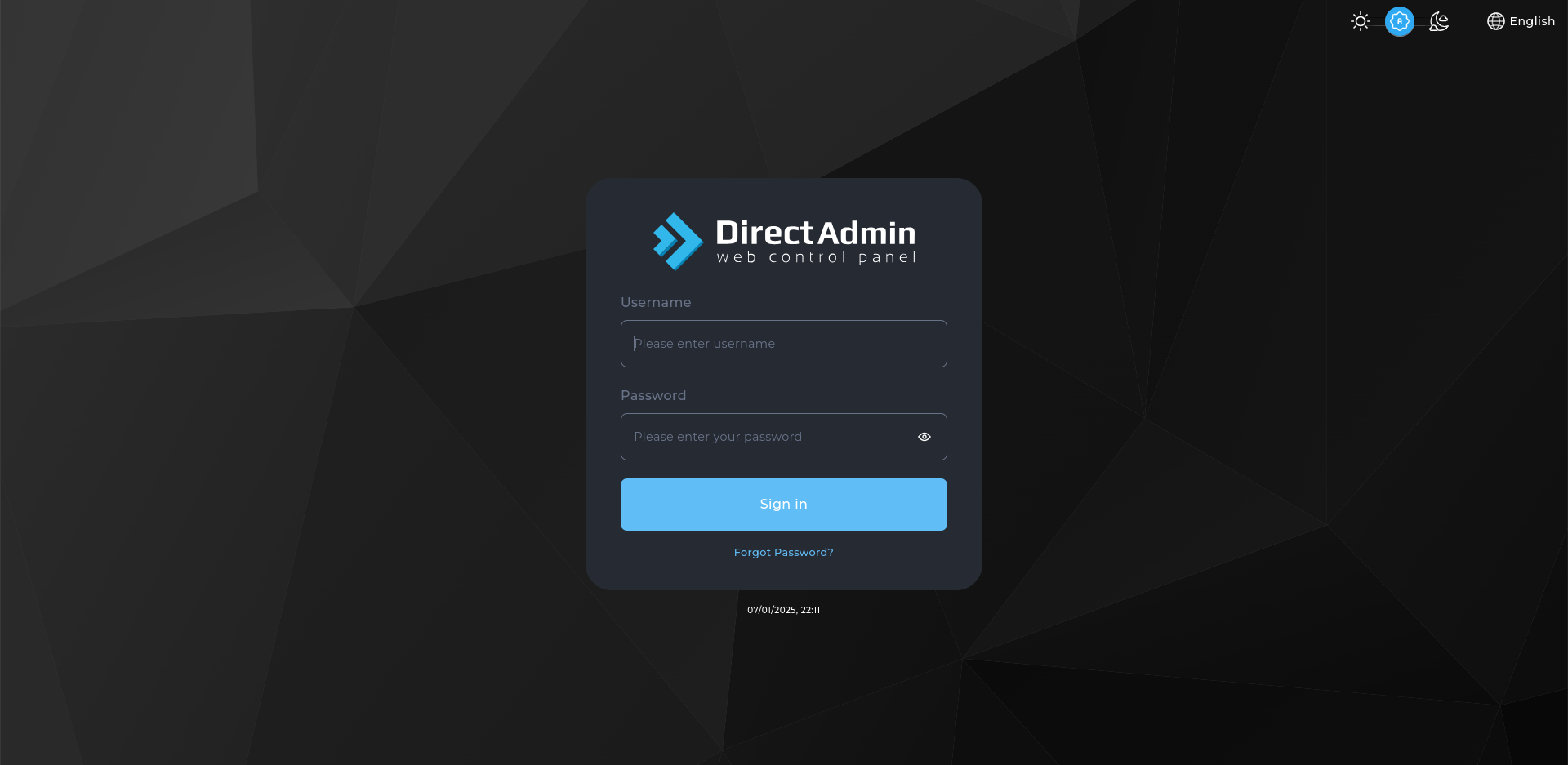
1. Log In to DirectAdmin
Use the credentials from your welcome email.
2. Open SSL Certificates
Find it under Account Manager, then select the domain you want to secure.
3. Choose Free & Automatic Certificate
This issues a free certificate through Let's Encrypt. The domain must already point at the server for it to succeed.
4. Select the Host Names
Tick the names to include, normally the domain and its www version. Add any subdomains that need covering.
5. Save and Wait for Issuing
Issuing takes a minute or two. DirectAdmin confirms when the certificate is active.
6. Install a Certificate You Bought Elsewhere
For a purchased certificate, choose Paste a pre-generated certificate and key, paste both, then save and add the certificate authority bundle.
7. Verify the Certificate
Visit the site over https:// and check the padlock appears.
Next: make visitors use the secure version with How to Redirect HTTP to HTTPS Using .htaccess.