How to Create a Subdomain in DirectAdmin

This article will show you how to create a subdomain in DirectAdmin.
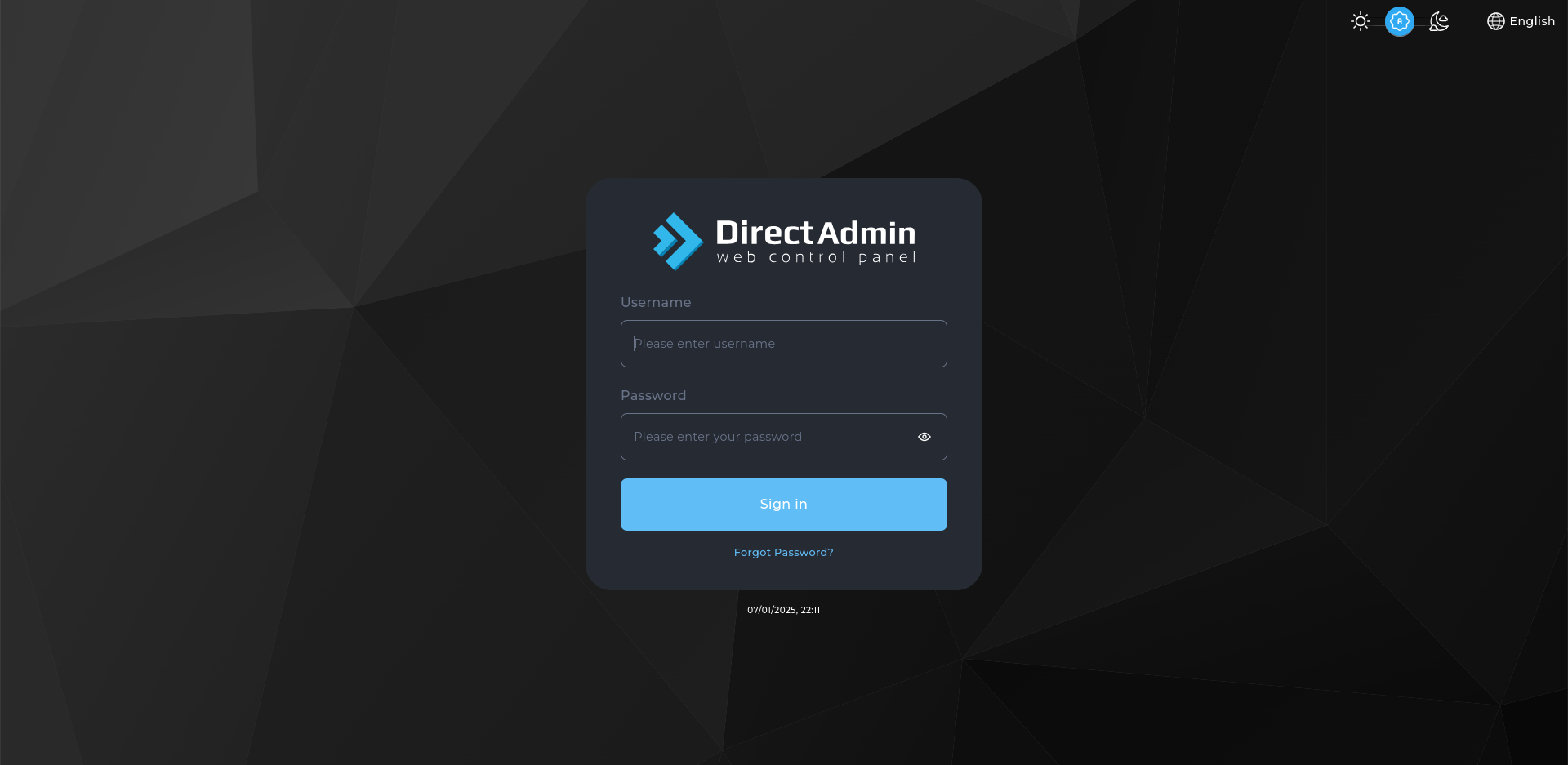
1. Log In to DirectAdmin
Use the credentials from your welcome email.
2. Open Subdomain Management
Find it under Account Manager.
3. Select the Parent Domain
Choose the domain the subdomain belongs to.

4. Enter the Subdomain Name
Type the part that goes in front, such as shop for shop.example.com.
5. Create the Subdomain
DirectAdmin creates the folder and the DNS record. It is usable within a few minutes.
6. Secure It
A subdomain needs its own certificate coverage, so add it in SSL Certificates afterwards.
Next: secure it with How to Install an SSL Certificate in DirectAdmin.