How to Remove a Domain in Enhance

This article will show you how to remove a domain in Enhance.
Before you start: removing a domain stops it resolving and removes its DNS records. Depending on how the site is set up, its files and mailboxes may go with it, so take a backup first.
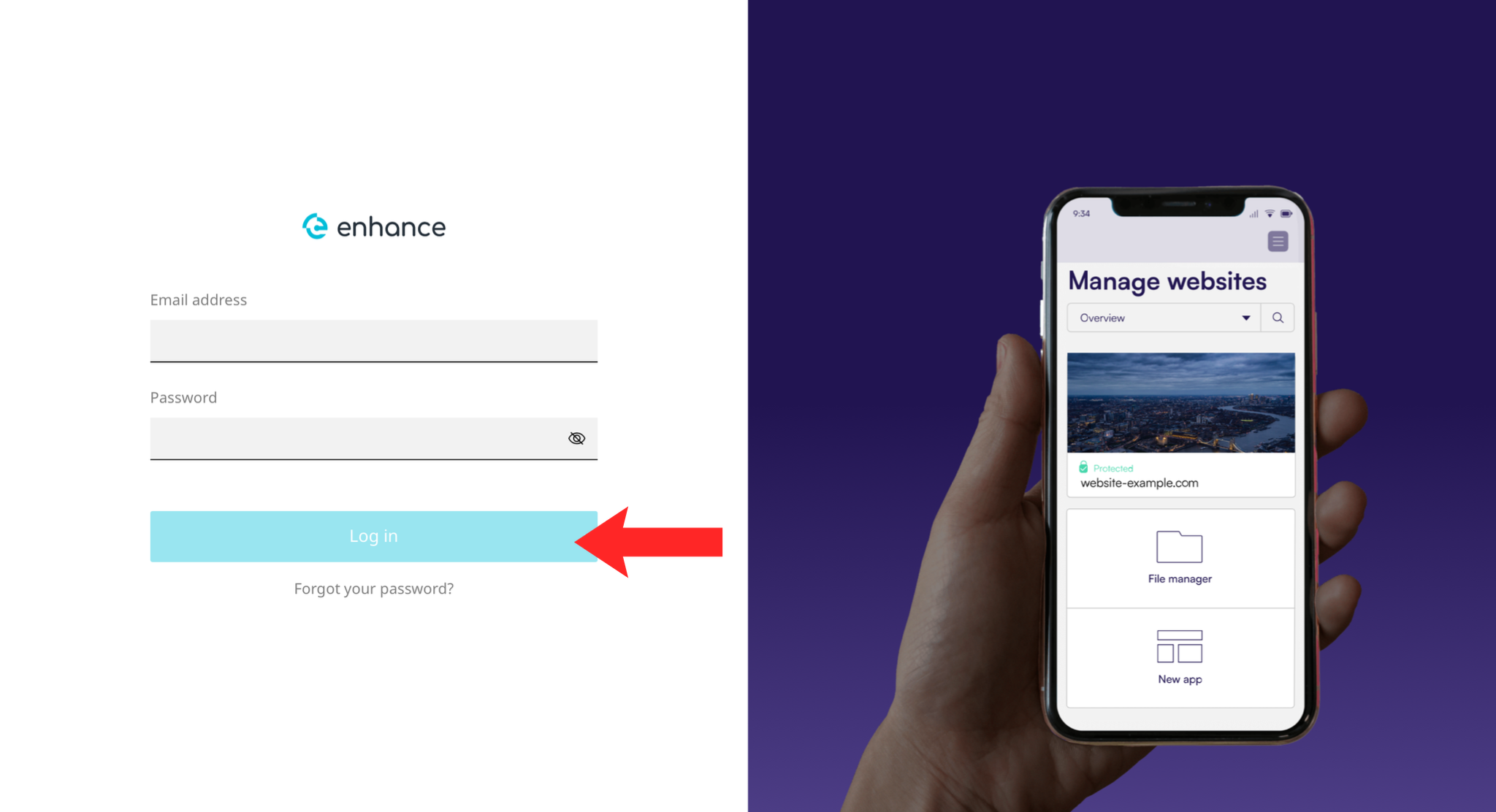
1. Log in to the Enhance Control Panel
Use your credentials to log in to your Enhance control panel.
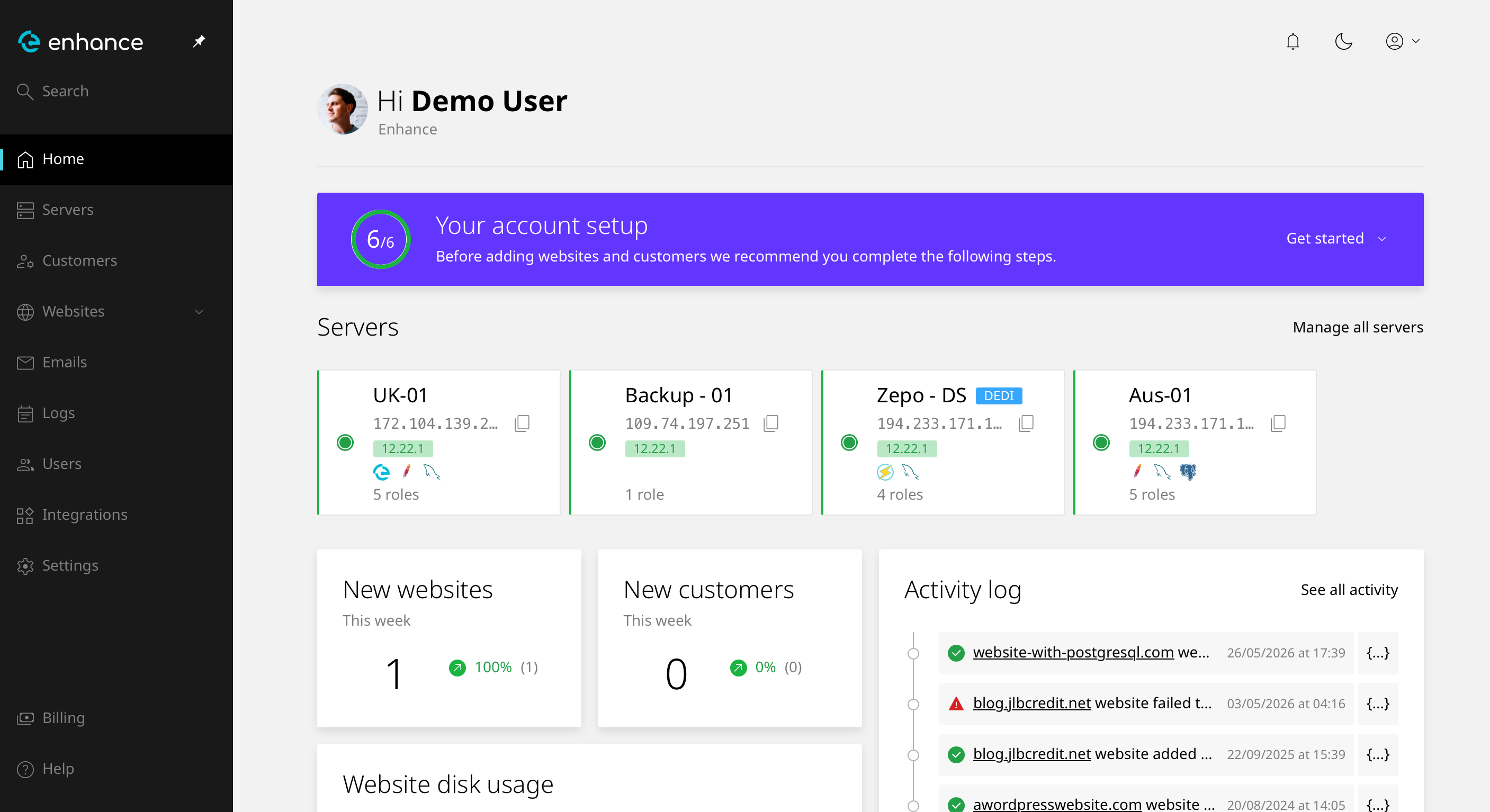
2. Navigate to Websites
Click Websites and select the site you want to work on.
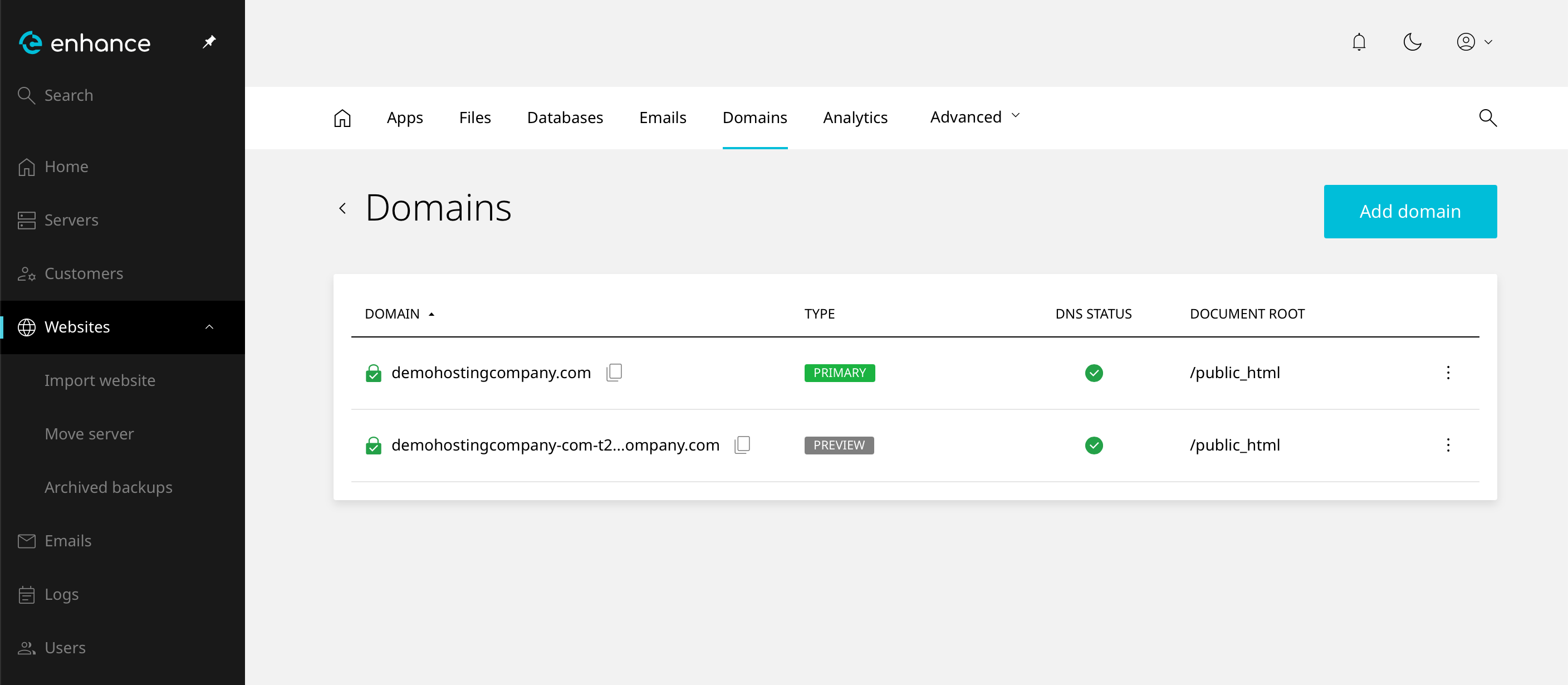
3. Open the Domains Tab
Open the Domains tab for the website.
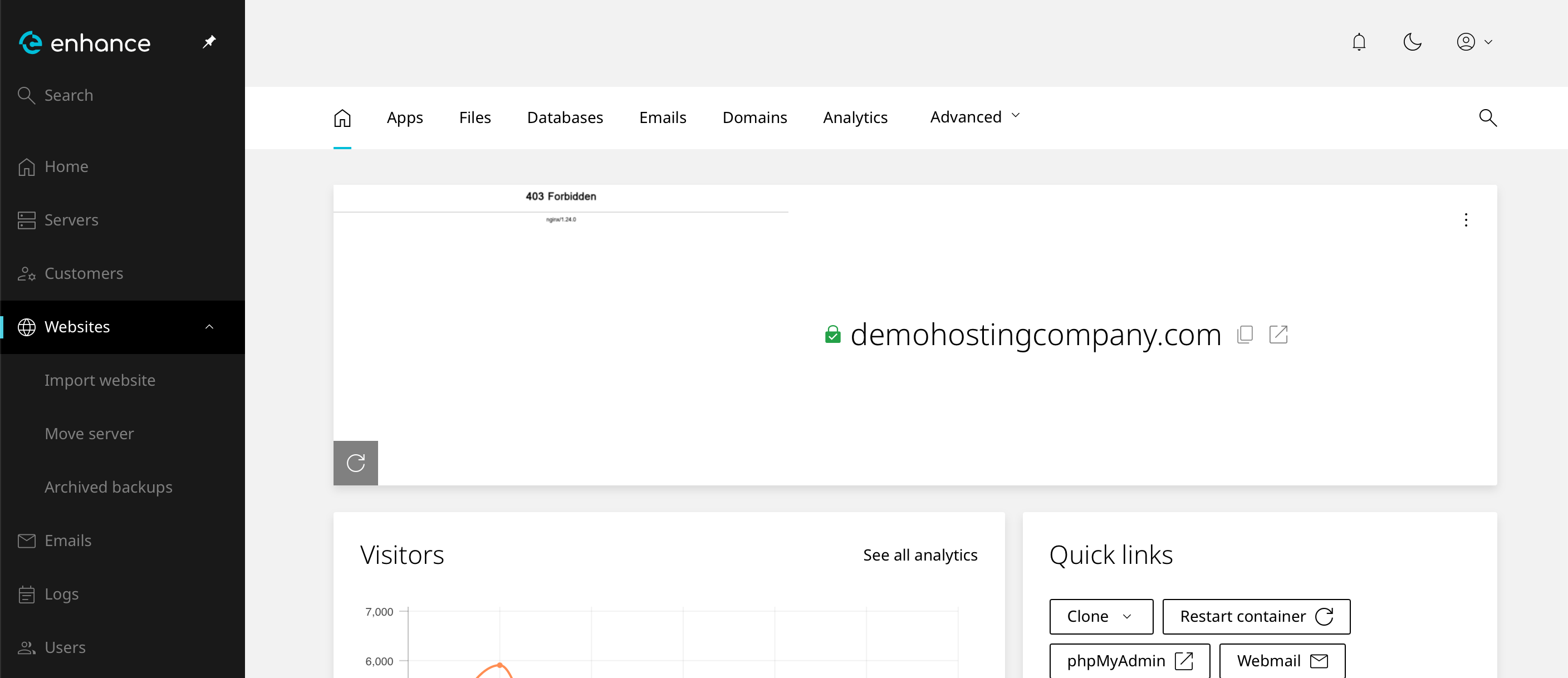
4. Select the Domain
Find the domain you want to remove in the list.
5. Remove the Domain
Choose the option to delete or remove the domain.
Warning: this cannot be undone. Check you have the right domain, since the list groups similar names together.
6. Verify the Removal
The domain should no longer appear in the list. Visiting it now returns an error, and mail to addresses on it will bounce.
Next: Understanding Addon, Parked and Subdomains in cPanel explains the differences between domain types.