How to Remove a Database in Enhance

This article will show you how to remove a database in Enhance.
Before you start: deleting a database destroys every table and row in it, and takes the site that uses it offline immediately. Export a copy first, even if you are sure it is unused.
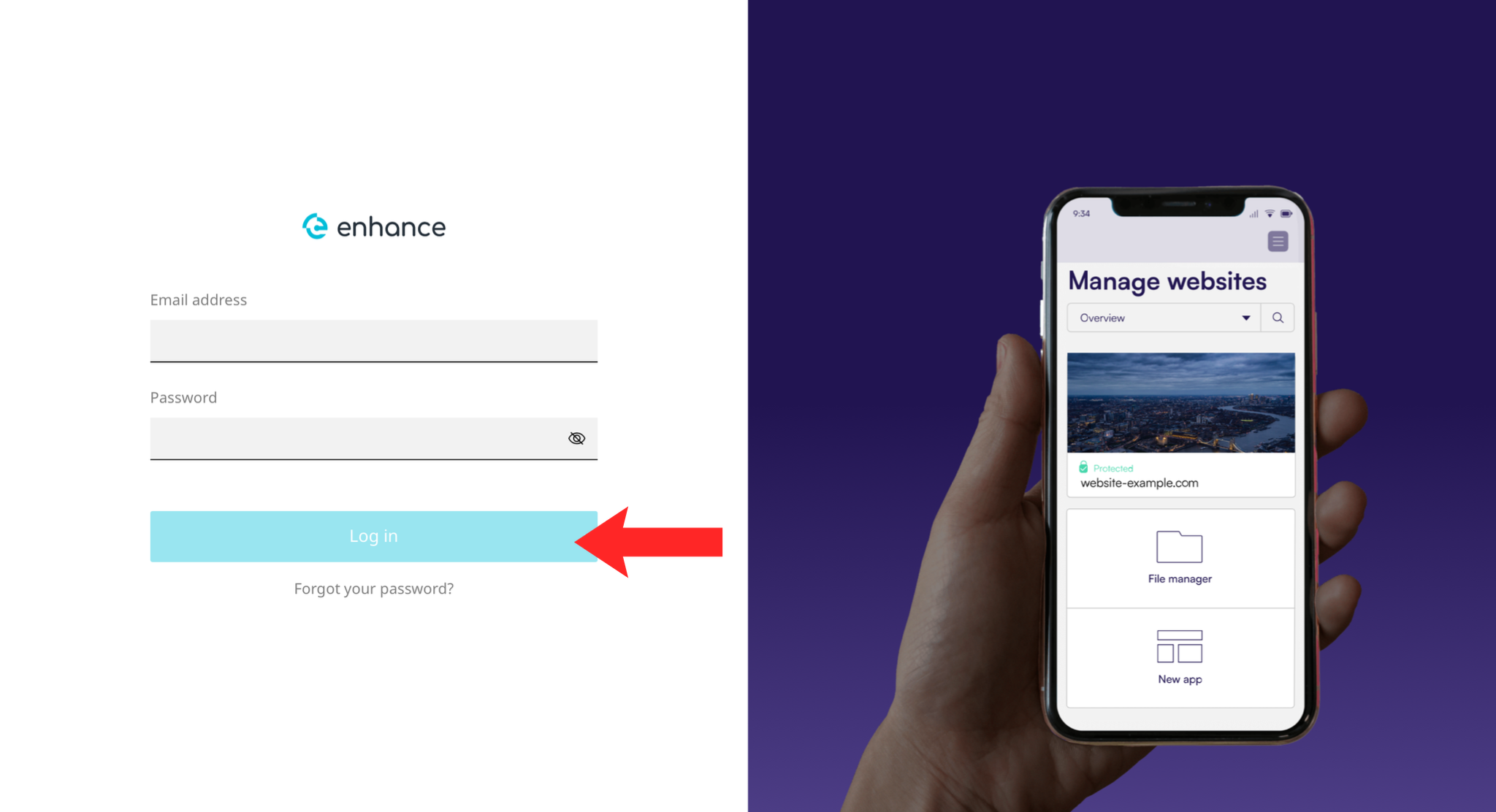
1. Log in to the Enhance Control Panel
Use your credentials to log in to your Enhance control panel.
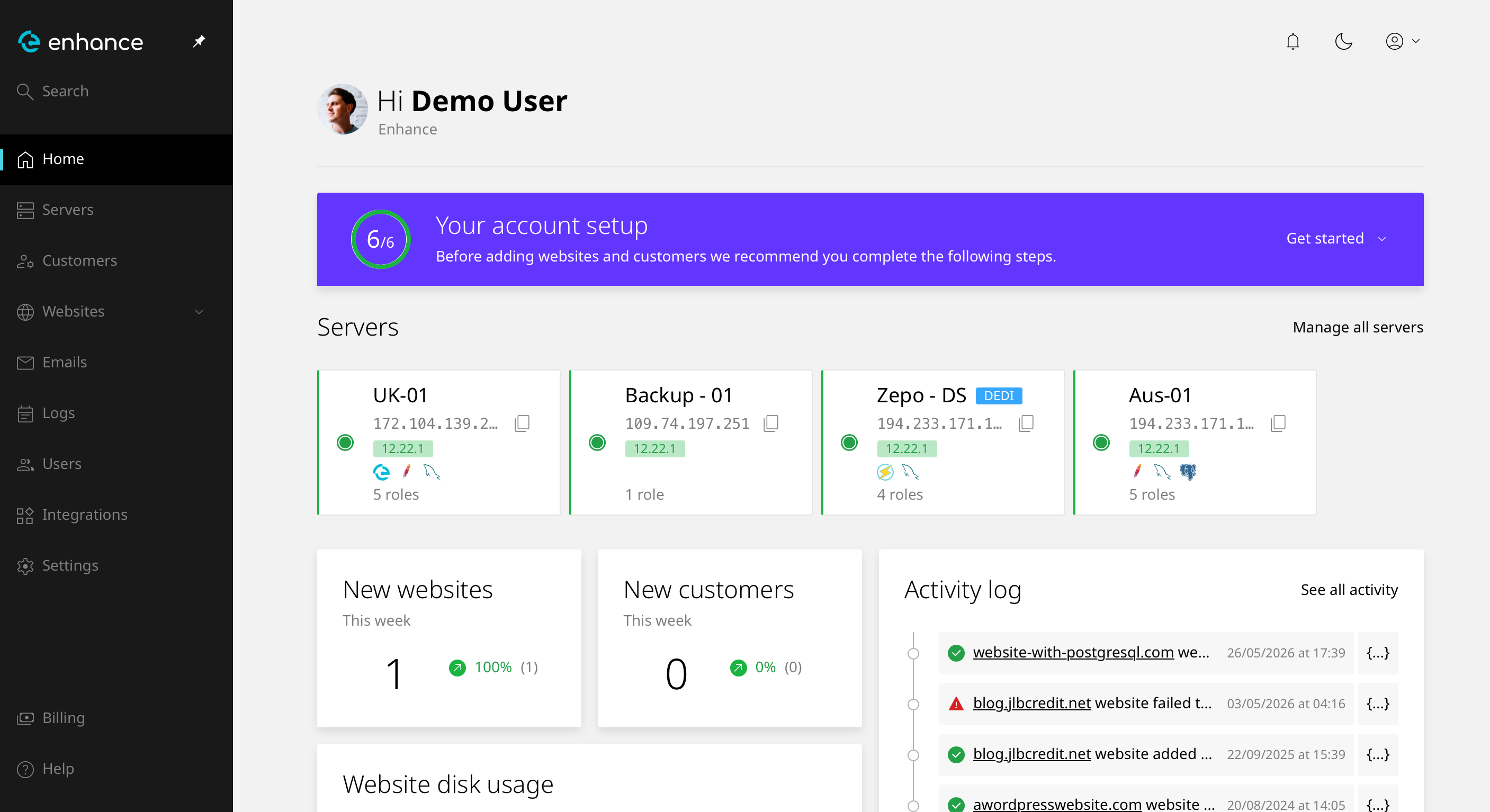
2. Navigate to Websites
Click Websites and select the site you want to work on.
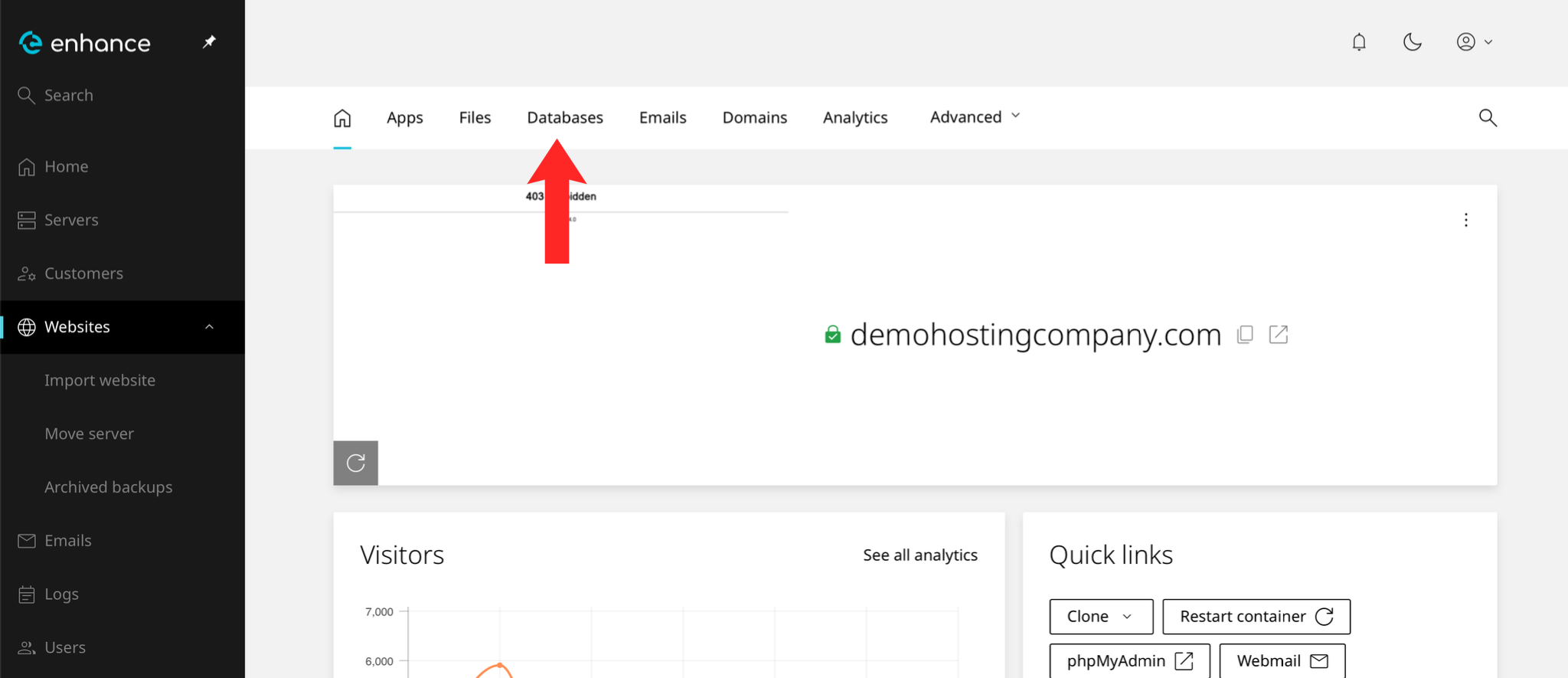
3. Open the Databases Tab
Open the Databases tab for the website.
4. Find the Database
Locate the database you want to remove. Note the name carefully: databases are usually prefixed, and similar names sit together.
5. Delete the Database
Choose the delete option.
Warning: this destroys the database and everything in it immediately. Any site using it stops working within seconds.
6. Confirm
Confirm the deletion. Remove the database user too if nothing else uses it.
Next: How to Create a Database in Enhance covers creating a replacement.