How to Create a Package in Enhance

This article will show you how to create a hosting package in Enhance.
Before you start: a package defines the limits applied to every website created with it, so changing one later affects sites already using it. Decide the disk, bandwidth and mailbox limits before you create it.
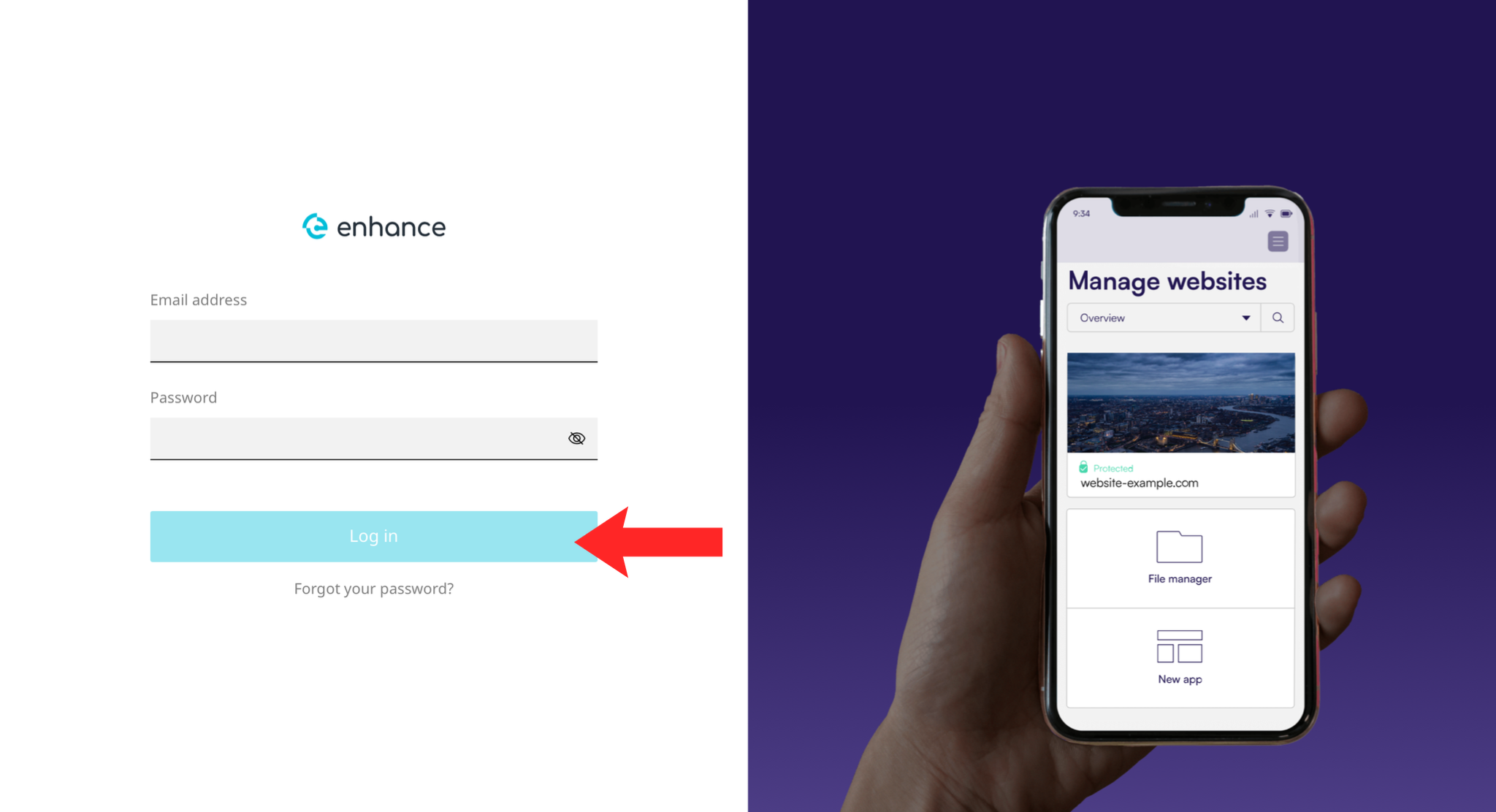
1. Log in as an Administrator
Packages are configured in the administration area, not the customer view.
2. Open the Packages Section
Find the packages or plans section of the admin area.
3. Create a New Package
Start a new package and give it a name customers will understand.
4. Set the Resource Limits
Set disk space, bandwidth, mailboxes, databases and any other limits the plan should carry.
5. Set the Features
Choose which features the package includes, such as SSL, backups and the applications available to it.
6. Save the Package
Save it. The package becomes available when creating new websites.
7. Verify the Package
The package should appear in the list and be selectable when creating a website.
Next: How to Add a Domain in Enhance covers creating a website with it.